On this page
A traveler reaches a station in the rain, opens a new phone and discovers that the device holding the only usable sign-in credential is gone. “No password to reset” sounds like a clean solution until the person cannot get into the account at all.
Passkeys can make routine authentication simpler and more resistant to phishing. But the account still needs a safe way to recover when a device is lost, replaced or unavailable. That recovery path is part of the authentication design, not an afterthought for the support team.
What the credential proves
WebAuthn lets a relying party register and authenticate public-key credentials scoped to a relying party. During sign-in, the authenticator uses the corresponding private key to answer a challenge; the server verifies the signature with its stored public key. The site does not receive a reusable password to replay. The W3C specification defines the protocol and its data flow. WebAuthn Level 3
The user-facing word “passkey” covers different credential-management experiences. Some passkeys synchronize through a platform or credential manager, while others are bound to a particular authenticator. Availability across a user’s devices depends on that provider and its recovery model. FIDO’s public material describes passkeys as discoverable credentials designed for easier sign-in, while implementation details vary by ecosystem. FIDO Alliance
That distinction matters at enrollment. If a user believes a credential automatically exists on every future device when it does not, the account’s apparent simplicity conceals a brittle single point of failure.
Recovery is another authentication channel
A recovery link delivered to email is still a way to take over the account. A phone number, support call or identity document check can also become an authentication channel, with its own risks, cost and accessibility tradeoffs. An attacker will often target whichever route is easiest, not the feature the product team considers its primary sign-in method.
NIST’s digital identity guidance treats authenticator binding, replacement and recovery as lifecycle concerns. A recovery workflow should be proportionate to the account’s consequences and should notify the account owner when credentials are added, removed or recovered. NIST SP 800-63B
For a low-risk reading list, a delayed email recovery may be acceptable. For a financial or administrative account, it may not be enough on its own. There is no universally correct fallback: teams must make the tradeoff visible, avoid weak security questions, and avoid promising that a passkey makes recovery unnecessary.
Design for the day a device disappears
A practical account design can reduce both lockout and takeover risk:
- Encourage users to register a second authenticator or a credential on another device when the product supports it.
- Explain whether credentials synchronize and what the platform provider’s recovery process controls.
- Provide an account page that lists registered authenticators and offers a clear way to revoke a lost device.
- Require a fresh, proportionate check before adding a new authenticator to a high-impact account.
- Notify users through an existing trusted channel after recovery or credential changes.
- Keep support staff from bypassing controls through an undocumented manual override.
These steps do not guarantee that no user will be locked out. They make the recovery assumptions testable and tell people what to do before the emergency.
A useful review is to compare recovery against the account’s other authentication paths. Crashtech’s explainers on OAuth callback security and identity proofing cover adjacent boundaries, but a passkey account still needs its own credential inventory and recovery tests.
Test the fallback, not only the demo
Teams often celebrate the passkey registration and sign-in screens because they are easy to demonstrate. Exercise the less comfortable cases too: a user loses a phone, changes credential providers, loses access to the old email, or tries to recover from a new browser. Verify what the account shows after each event, which credentials remain active, what a support agent can change, and whether the owner receives an alert.
Passkeys reduce dependence on shared secrets and can strengthen the common sign-in path. The remaining design work is deciding who can restore access, what evidence they need, and how quickly a user can revoke a lost credential. That is where the promise of passwordless authentication meets the reality of account ownership.

Frequently asked questions
Can a passkey be lost when a phone is lost?
It depends on how the credential is managed. Some passkeys synchronize through a credential provider to other devices; device-bound credentials may not. A service should not assume that every passkey is backed up or available on every platform, and users need a recovery route before they lose their last usable authenticator.
Does a passkey eliminate account recovery?
No. It changes the credential used during sign-in, but users can still lose devices, lose access to a credential provider or need to replace an authenticator. Recovery is a separate security process that can become the weaker way into an account if it relies on easily phished email or weak identity questions.
What should an account offer alongside passkeys?
Offer more than one independent sign-in option where appropriate, let users review and revoke registered credentials, and document a recovery route with proportionate identity checks and notifications. Test the recovery route as carefully as the happy-path passkey flow because attackers can target the fallback instead.
Sources & further reading
Keep reading
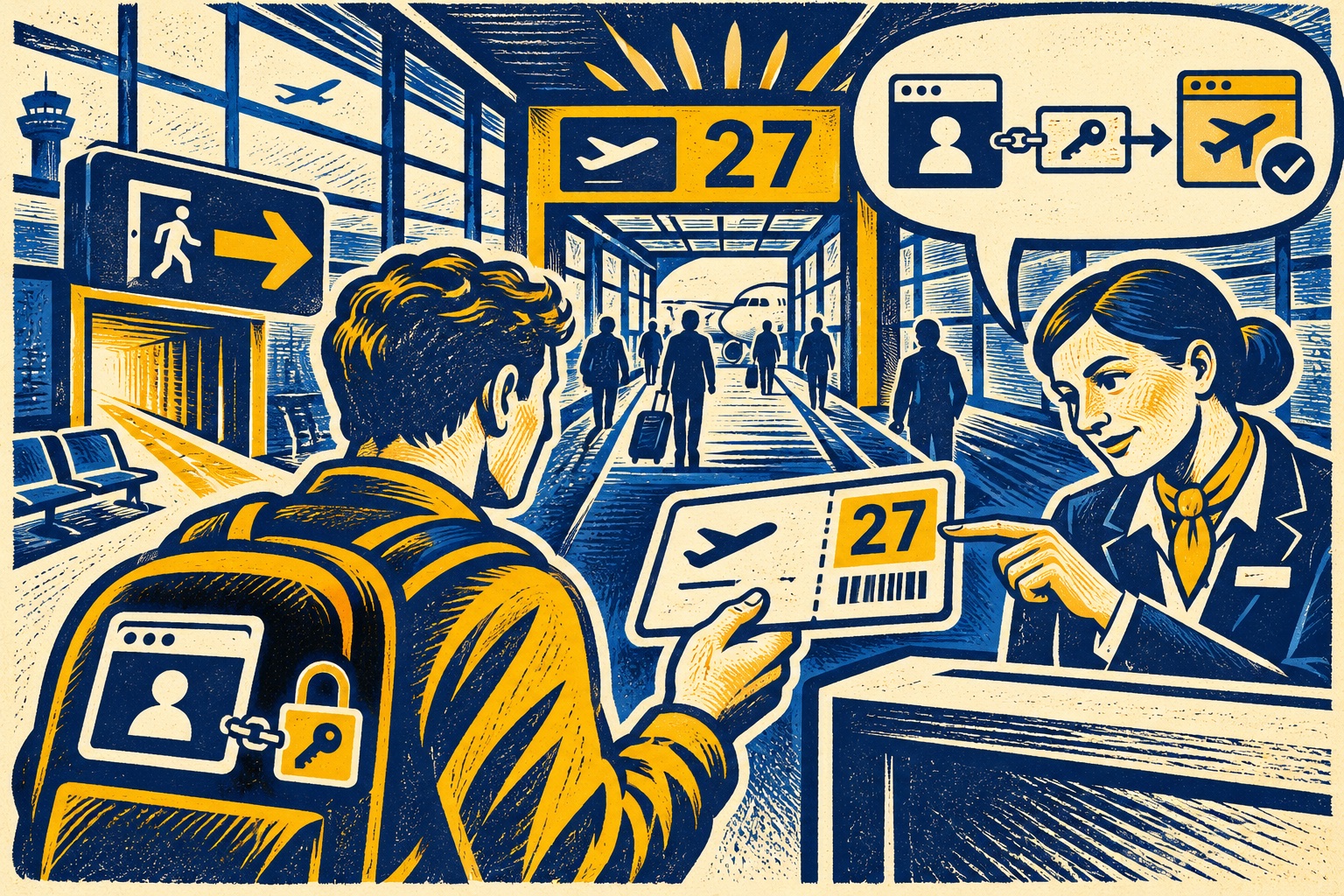
OAuth Redirects Need Exact Matching—and Codes Need a Verifier
OAuth security depends on matching registered redirect URIs and binding authorization codes to the client flow that started them.

AI-Found PHP Flaws Put Patch Coordination Ahead of the Discovery Story
OpenAI says partners coordinated PHP fixes with maintainers. Operators should inventory versions and follow official update guidance.
Backends for Frontends, and What Comes After: Value-Added Services and Domain Gateways
BFFs fix client sprawl, then duplicate authorization logic across themselves. The three-layer fix: edge, value-added services, and per-domain gateways.
/* Comments */
Comments are offline right now — we reconnect automatically, nothing is lost.