
Apple’s App Review Update Gives Creative Assets and Hidden Features Their Own Rules
Apple's Oct 16 App Review update adds rules for creative assets and hidden features. Use this checklist to align app builds, store pages and review access.
On this page
A mobile release can be accurate in the binary and still misrepresent itself on the App Store. Apple’s October 16 update names both sides of that gap: a new rule for promotional creative assets and a clearer rule against hidden, dormant or undocumented features. For product teams, the useful change is a more concrete review checklist spanning the app, its metadata and the way it behaves when a reviewer opens it.
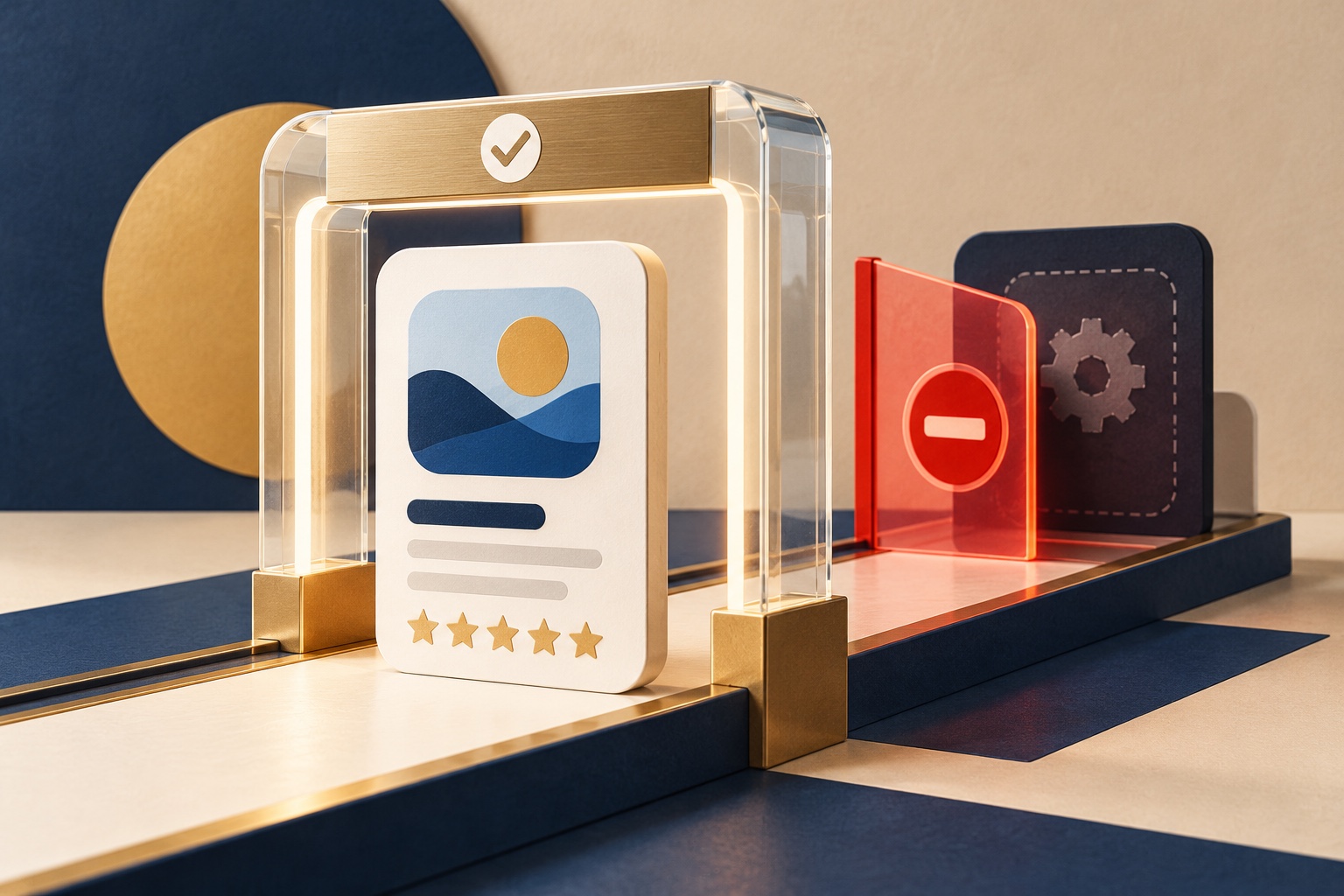
The revision is about what review can actually see
Apple lists four notable adjustments. Guideline 1.2 now spells out that more app content and app types fall under the user-generated-content requirements and warns that a developer may violate the Developer Code of Conduct by failing to add appropriate safeguards or remediate problems after notice. Guideline 2.3.14 covers creative assets. Guideline 2.5.19 clarifies the existing prohibition on hidden, dormant or undocumented features. Apple also reorganized language in 3.1.1(a) about permitted external purchase links. [1]
The update does not mean every app must change. It does make two review surfaces easier to overlook when teams divide ownership: marketing owns the product-page art, while engineering owns code paths that may be inaccessible in ordinary testing. Neither is outside the review contract simply because it is not the default screen after installation.
Promotional assets need to match the product
Apple’s new 2.3.14 text permits creative assets such as product-page headers and search-result images. It also sets boundaries: art must relate to the app’s content, functionality or overarching brand; follow metadata guidance; and remain appropriate for all audiences. Apple specifically prohibits misleading references to other apps, unverifiable product claims and specific or discounted prices in these assets. [2]
That gives a team a straightforward preflight. For each image or video, ask what a reasonable customer would infer. Does it show a capability that exists in the current version? Does it imply a partnership, award, ranking or result the team cannot substantiate? Does a headline or price need to be localized, dated or removed? Would the art still be appropriate under the 4+ metadata standard Apple already applies to app icons, screenshots and previews? The new asset guidance and templates can help teams prepare the format, but the review standard is about truth and audience fit, not visual polish. [3]
An asset can be aspirational in style without promising a fictional feature. Show the real app’s value clearly, and keep the evidence for every factual claim close at hand. If a creative requires an explanation like “that is planned for next quarter,” it is probably ahead of the version currently being reviewed.
Dormant code creates a separate review problem
The updated 2.5.19 guideline says apps must not include hidden, dormant or undocumented features. Apple notes exceptions for functionality that meets certain entitlements or applicable legal requirements, but otherwise says intended behavior should be described in review notes. [2]
This is relevant to feature flags, remote configuration, staged rollouts, experiments and test-only paths. Those mechanisms can be legitimate engineering tools; the risk is shipping behavior that materially changes after review without an honest explanation of what the reviewer can exercise. A feature gated by a server-side switch may be invisible in a clean test account. A debug menu may be undocumented. A partially implemented purchase path may appear inert until a production condition is met. Teams should inventory these paths before submission and make sure the reviewer can understand the intended app behavior without guessing.
The checklist is not “delete every feature flag.” It is to make the submitted build explainable. Disable unused experiments, document review-relevant gates, provide the right account or demo mode, and ensure backend services are live during review. Apple’s existing “Before You Submit” section asks for complete and accurate metadata, working services, access to account-based features and detailed explanations for non-obvious behavior. It also says that checklist does not replace the guidelines or guarantee approval. [2]
Turn the policy into a release check
Run one review with the same build and configuration you intend to submit. Compare each store asset with the available product behavior. Then test the reviewer journey from a fresh account: sign-in, onboarding, core feature, subscription or purchase information, and any user-generated content controls. If a screen depends on a flag, account role, geography or backend state, write down how the reviewer can reach it.
For apps with user posts, creator content or community features, revisit the moderation path too. Apple’s clarified 1.2 text is a reminder that safeguards and remediation matter after launch, not just in a launch-day screenshot. Assign an owner for reports, content review and appeals; verify reporting and blocking work in the shipped build; and keep a record of what changed when a known issue is raised. The guideline does not prescribe one moderation design for every service, so the controls should match the actual product and risk.
Related reading: privacy and data custody questions for AI in an app workflow and Apple’s iOS 27 Siri rollout for developers.
The useful distinction is disclosure, not guesswork
The October update gives reviewers clearer language for assets and concealed behavior. Developers can respond by making the product easier to assess: show what exists, tell review how to reach it, and remove claims that the build cannot support. That improves the quality of the submission package, but Apple retains the decision and says no checklist guarantees approval. The safest release process is one where the page, the binary and the reviewer’s first session all describe the same product.
Frequently asked questions
Did Apple ban promotional App Store art?
No. Apple introduced a rule for creative assets that allows them to promote an app, but requires them to relate to the app or its brand, suit all audiences, and avoid misleading app references, unverifiable claims and specific or discounted pricing.
Are hidden features always prohibited?
Apple's guideline says apps must not include hidden, dormant or undocumented features, with exceptions for certain regulatory or other entitlements and applicable legal requirements. Developers should disclose intended behavior accurately for review.
Does meeting the updated text guarantee approval?
No. Apple says its pre-submission checklist does not replace the guidelines or guarantee approval. Accurate metadata, working backend services, review access and appropriate safeguards still matter.
Sources & further reading
Keep reading

GitHub App Installation Tokens Grew to 520 Characters. Audit Every Handoff
GitHub's stateless App token rollout is complete. Find fixed-length assumptions in databases, proxies, logs and middleware before the Nov 30 test-header cutoff.

AWS S3 Is Now One Click Away in Vercel. Pick the Right Storage Product First
Vercel can now provision S3 buckets, Tables and Vectors. See how the storage options differ and what the Marketplace integration changes.

GitHub License Checks Can Block a Dependency PR. Here’s What They Actually Prove
GitHub’s license checks are generally available for Enterprise Cloud. See what the gate detects, who qualifies and where human review is needed.
/* Comments */
Comments are offline right now — we reconnect automatically, nothing is lost.