GitHub Secret Scanning Adds Cloudflare Access Tokens. What It Catches
GitHub now detects Cloudflare Access service tokens in repositories. Treat detection as a safety net, then rotate exposed credentials and review their scope.
On this page
A credential can outlive the moment it was pasted. It may remain in a commit, a fork, a build log or a cached clone after the developer deletes the visible line. GitHub’s new Cloudflare detector can help teams notice one such leak, but it does not perform the cleanup for them.
GitHub announced on November 12 that secret scanning detects Cloudflare Access service tokens, naming the token type cloudflare_access_service_token. The changelog explains that partner secrets found in public repositories are automatically reported to the issuer through its partnership program, while user secrets generate alerts in public or private repositories. Those response paths are distinct, and neither should be mistaken for proof that a token has been disabled. [[1] ]
Cloudflare documents Access service tokens as a client ID and client secret for automated systems or applications authenticating to Access-protected apps. That pairing is a credential: anyone who can use it may gain the access allowed by the associated policy. [[2] ]
Detection narrows the search, not the incident
A detector is most useful when a developer accidentally commits a recognizable token. It can reduce the time between exposure and awareness. But scanning coverage has limits: GitHub’s announcement names this specific token type, not every Cloudflare API token, account secret or custom credential. A clean scan is not a general certification that a repository contains no secrets.
Coverage and response also depend on repository visibility, enabled features, supported patterns and whether the token matches the detector. GitHub’s secret-scanning documentation describes how alerts and patterns work; security owners should check their plan and repository settings to understand what is active. [[3] ]
The right response starts at the issuer
When a real credential alert arrives, first verify it through the provider’s official dashboard or API rather than copying the secret into chat, tickets or incident notes. Disable or rotate the credential at its issuer. Then inspect the associated policy: what application could it reach, what source restrictions applied, and could it perform writes or only authenticate?
Next review access logs for use during the exposure window. Look for unexpected clients, locations, request volumes and protected resources. The absence of suspicious activity is useful evidence but does not prove nobody copied the credential. Follow the organization’s incident process and assess affected data or systems based on actual permissions.
Finally, remove the secret from the current source and prevent recurrence. Use an approved secret store or CI environment, issue narrowly scoped credentials, and avoid reusing one long-lived service token across unrelated jobs. A rotation calendar and an owner for each token help teams discover dormant credentials before an alert does.
Deleting a line is not erasing history
Removing a secret in a follow-up commit prevents new clones from receiving it in the current tree, but the earlier commit can remain reachable in Git history, forks, cached archives and developer clones. Revocation is the decisive containment step. History rewriting may reduce accidental rediscovery, but it is not a substitute for invalidating the secret and can disrupt collaborators. Use the repository’s documented process only after containment and coordination.
This distinction also matters for public reports. GitHub says partner secrets found in public repositories are reported to the issuer; a report is not the same as a confirmed compromise, and a detector match can require validation. Treat alerts promptly without publishing the credential or repeating its value in your response.
Use the detector as one layer
Enable secret scanning and push protection where available, but pair them with prevention: pre-commit scanning, least-privilege credentials, short lifetimes, access reviews and documented rotation. CI logs need the same care as source files; avoid shell tracing and error messages that echo environment values. Repositories should have a simple owner-facing playbook so the first response is consistent.
The new Cloudflare pattern is a practical improvement because Access service tokens are designed for machine access and can end up in code. Its value depends on what teams do after detection. A useful security workflow turns a match into prompt revocation, scoped review and a safer replacement—not a closed alert that leaves the credential alive.
This same containment principle appears in our review of leaked cloud keys and our guide to trusted software used during intrusions.

Frequently asked questions
Which Cloudflare secret does GitHub detect?
GitHub’s November 12 changelog names the Cloudflare Access service-token type `cloudflare_access_service_token`. It does not say that every Cloudflare credential format is covered by this detector.
Does a secret scanning alert revoke the token?
No. Detection creates an alert or partner report depending on the secret type and repository visibility. The credential owner still needs to revoke or rotate the exposed token and assess access logs.
What is a Cloudflare Access service token?
Cloudflare documents service tokens as a client ID and client secret used by automated systems or applications to authenticate to applications protected by Access. They should be stored and rotated as credentials.
Sources & further reading
Keep reading

Managed Security Across Tenants Needs More Than a Single Sign-In
Microsoft says granular delegated access for Sentinel and Defender XDR is generally available in its Defender portal. Customer-approved scope remains essential.

Singapore’s New API Warning Is a Reminder: Login Is Not Authorization
A joint PDPC and CSA advisory puts personal-data exposure through insecure APIs in focus. Here is the practical control teams should test first.
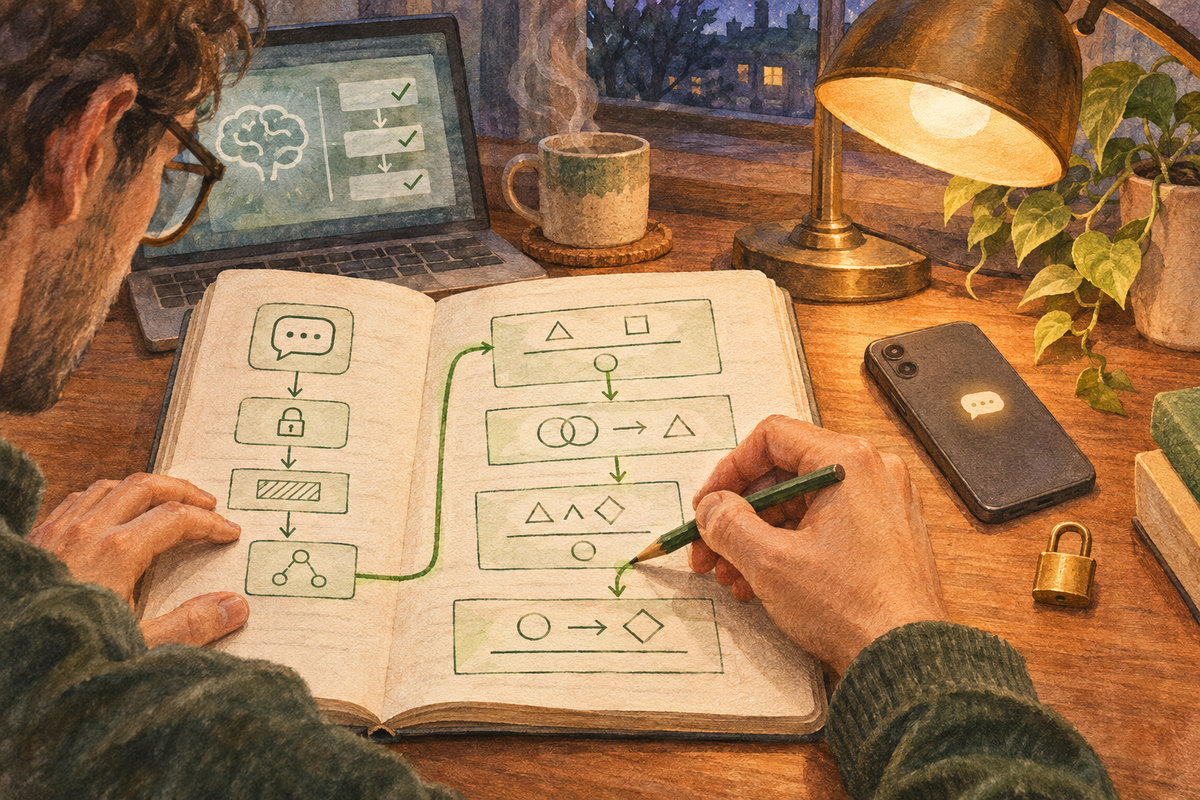
AI Proved Parts of Signal’s Code. Here Is What That Actually Guarantees
Google DeepMind used Lean-checked proofs on Signal’s libsignal code. The result is meaningful assurance with a carefully bounded scope, not a blanket guarantee.
/* Comments */
Comments are offline right now — we reconnect automatically, nothing is lost.