
GitHub Copilot’s QR Handoff Connects Desktop Sessions to a Phone—with Limits
GitHub adds a QR-based path for continuing cloud and Codespace sessions in GitHub Mobile. Teams should understand which sessions remain cloud-bound.
On this page
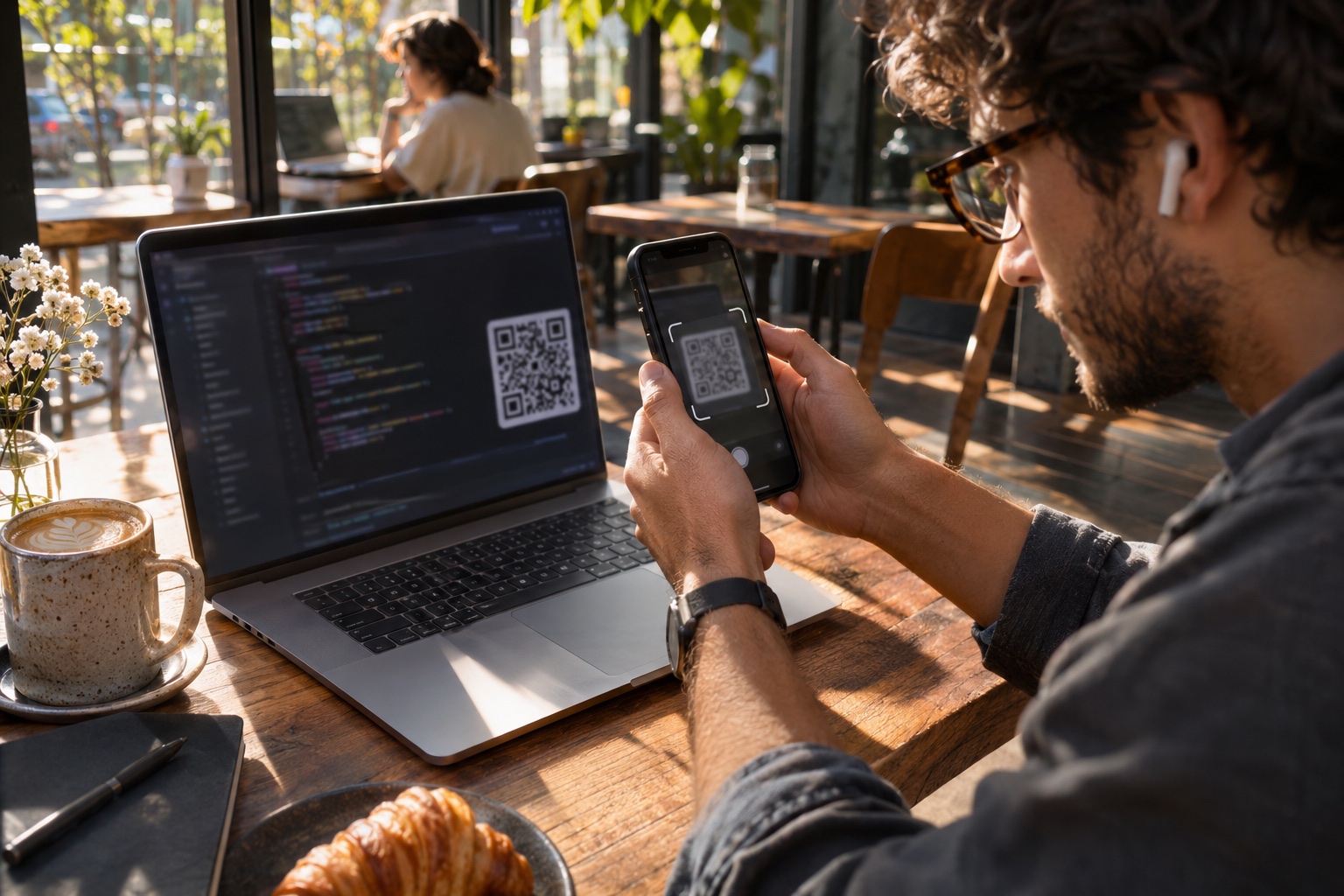
A developer stepping away from a laptop often has a half-finished cloud task that would benefit from one more review or instruction. GitHub says a new Open in menu can show a QR code that opens cloud and Codespace sessions in GitHub Mobile. This is a small interaction with a useful boundary: the handoff is for cloud-backed sessions, so teams should distinguish those from local work before building a process around it. [1]
What the handoff is for
The changelog describes a new GitHub Mobile option in the Open in menu. Choosing it displays a QR code so a user can continue cloud and Codespace sessions on a phone. The announcement groups this with other changes to the Copilot app, including access to GitHub Enterprise Server repositories and in-place reauthentication for MCP servers that require sign-in again. [1]
The key detail is the session type. Cloud and Codespace sessions run in remote environments or services, which makes a mobile continuation path plausible without transferring a developer’s entire laptop state. GitHub’s announcement does not claim that arbitrary local sessions, terminals or uncommitted local files are moved to the phone. If a task depends on local-only tools, data or credentials, the QR code should not be assumed to carry those dependencies. [1] [2]
Good use cases are narrow and reviewable
A phone can be useful for reading an agent’s progress, answering a clarifying question or inspecting a pull request while away from the desk. It is less suited to reviewing a large diff, running a complex test suite, handling sensitive production credentials or approving an action whose impact is difficult to assess on a small screen. Those are workflow recommendations based on the limits of mobile interaction, not restrictions stated by GitHub.
Teams can test the feature with a low-risk repository and a task that is safe to pause. Record which session types appear in the handoff menu, what controls are available in the app, whether the task’s workspace state persists, and how the user returns to desktop. Treat any generated code or agent action as work requiring the same review as a desktop session. Convenience does not change the approval boundary.
For organizations, write down which actions are appropriate from mobile. Read-only status checks and answering a low-risk question are different from merging code or authorizing a deployment. Existing branch protection, review requirements and access controls should remain the governing mechanism.
Mobile continuity is not the same as a mobile IDE
The announcement is about continuing sessions, not a full mobile coding environment. GitHub’s documentation describes coding agents and Codespaces as distinct parts of the development workflow; the session itself may rely on an environment that remains remote while the phone provides a companion interface. The precise capabilities depend on the current app and session type. [2] [3]
This distinction helps set expectations. A developer may be able to respond to an agent without having the same editor, terminal, local test data or peripheral tools at hand. If the task reaches a decision point that requires inspecting implementation details, the right action may still be to resume at the desktop rather than guess from a compressed mobile view.
The broader direction: work follows the session
Remote development tools increasingly treat a task as something that persists beyond one editor window. That can reduce interruptions, but it also makes session identity, workspace continuity and authorization more important. A QR handoff should make it clear which repository and task are being opened, how the user authenticates, and whether the session is shared or personal. GitHub’s announcement describes the entry point; teams should verify the actual security and state behavior in their own configuration before depending on it.
A practical rollout is simple: enable or update the mobile app, choose a non-sensitive cloud task, scan the QR code, confirm the repository and session, and test how the work returns to desktop. Then decide whether the feature is useful for read-and-respond tasks in your team. Keep code review, merge and deployment controls unchanged.
Related reading: our guide to AI coding agents and how teams handle asynchronous work.
Frequently asked questions
Can a developer continue any Copilot session on a phone?
GitHub describes the QR handoff for cloud and Codespace sessions. Its announcement does not say that local-only sessions transfer to the phone.
Does GitHub Mobile replace the desktop development environment?
No. The feature provides a way to continue eligible sessions on mobile; it does not establish that a phone offers the same editing, testing or terminal workflow as a desktop.
Sources & further reading
Keep reading

GitHub’s Bulk AI Scan Makes Fleet Triage Easier, but Preview Is Not Coverage
GitHub now lets organizations start AI Scans across up to 20 repositories at once. Teams still need to scope, review and track the resulting backlog.

A Copilot Model Retirement Is a Reminder to Inventory More Than Prompts
GitHub retired selected Copilot models on November 16. Teams should map model dependencies, test replacements and verify policy before workflows break.
JWT's Real Problem Was Never the Idea, It Was the Choices It Allows
JWT lets you choose 'none' as a signing algorithm. PASETO doesn't let you choose at all — versioned, fixed cipher suites instead of a menu of footguns.
/* Comments */
Comments are offline right now — we reconnect automatically, nothing is lost.