
GitHub’s Bulk AI Scan Makes Fleet Triage Easier, but Preview Is Not Coverage
GitHub now lets organizations start AI Scans across up to 20 repositories at once. Teams still need to scope, review and track the resulting backlog.
On this page
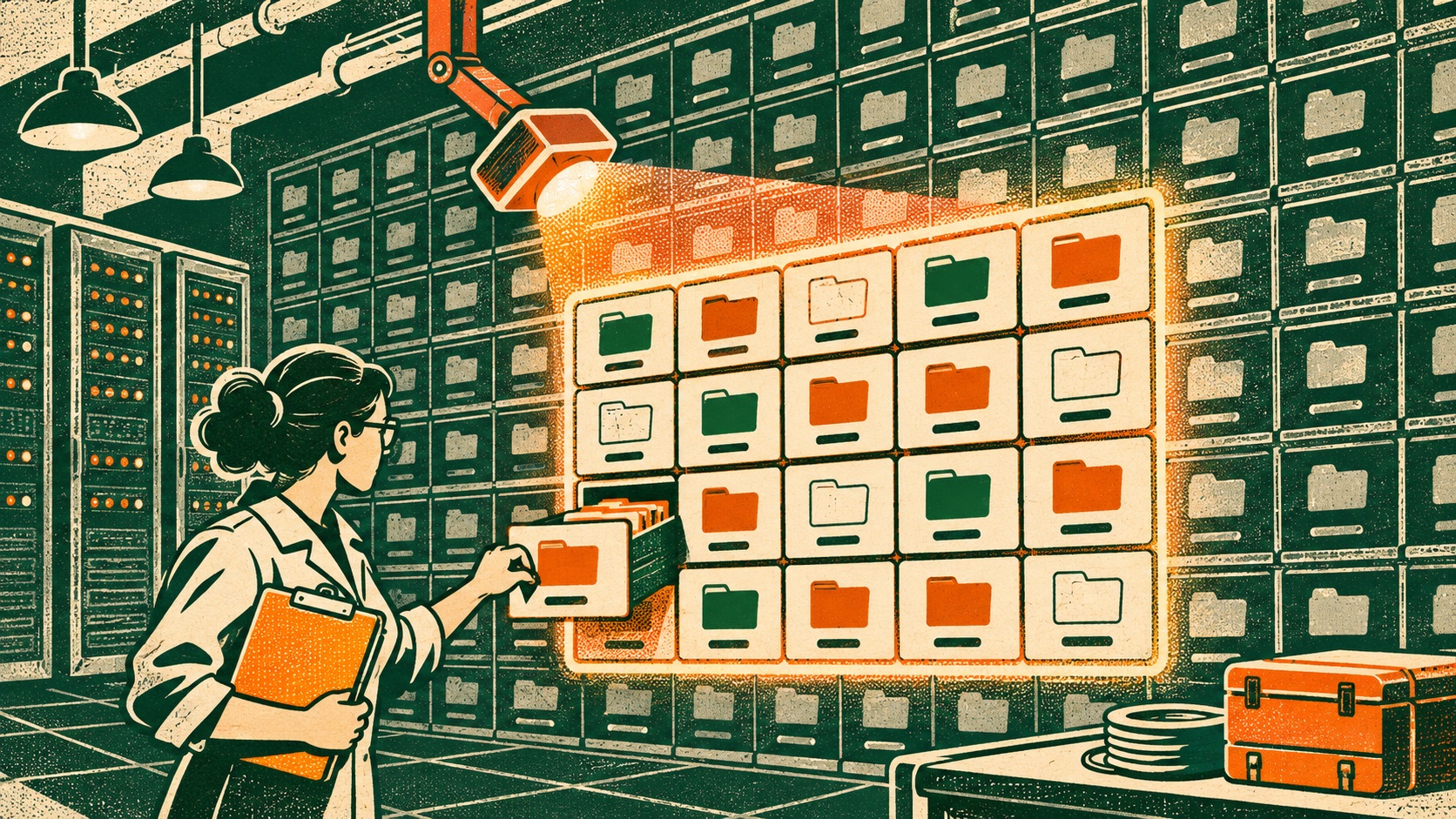
Security teams often know which repositories they want to inspect but lose time opening them one by one. GitHub’s new bulk-start action addresses that administrative bottleneck: select up to 20 repositories and initiate AI Scans from organization settings or the organization code-scanning alerts page. The useful question is what the scan does after the button is pressed—and how teams prevent a larger backlog from becoming a larger blind spot. [1]
What the new workflow changes
GitHub describes AI Scan for repositories as a code-scanning capability that looks for vulnerabilities on a repository’s default branch. Its stated scope includes languages CodeQL does not support and additional issues in languages CodeQL already analyzes. Findings appear in the existing code-scanning backlog alongside CodeQL alerts. The November 16 improvement allows an organization to start scans for up to 20 repositories in one operation. [1]
That is a change in orchestration, not evidence that a scan has covered every branch, commit or deployment. GitHub’s announcement specifically says default branch. Teams with release branches, long-lived maintenance branches or repositories whose default branch is not the production source should map those gaps before treating the scan result as a portfolio-wide status. [1] [2]
GitHub says bulk start is in public preview. The underlying AI Scan availability is described for GitHub.com and GitHub Enterprise Cloud with data residency, and a Copilot license is not required. Those availability terms can change; administrators should check current product documentation and tenant controls before designing a rollout. [1]
A bigger scan queue needs an owner
Bulk scanning makes initiation cheaper, but scan results still need triage. Before selecting 20 repositories, identify their owners, criticality, language mix and current alert workflow. Decide who will review new findings, how to distinguish duplicates from novel issues, and what severity or exploitability evidence is needed to prioritize fixes. Otherwise, the feature may accelerate the creation of an unattended backlog.
A low-risk rollout can start with a representative set of repositories: one actively maintained service, one older codebase and one project with languages not well covered by existing analysis. Record scan scope, branch and time. Compare the results with existing checks, inspect a sample manually, and note both useful findings and noisy patterns. Then expand in batches that match team capacity. This is a suggested evaluation method, not a GitHub-prescribed benchmark.
Because findings appear in the normal code-scanning backlog, teams should verify their existing alert ownership and status transitions before activation. An alert needs a path from discovery to reproduction, risk assessment, fix, verification and closure. Build a service-level expectation that reflects actual staffing; a security signal without an accountable owner is not a control.
How it fits beside CodeQL
GitHub says the AI scan is intended to broaden language coverage and find additional issues in languages CodeQL already analyzes. That makes it complementary in stated purpose, but it does not mean the systems produce equivalent evidence or that one finding should be accepted without inspection. Teams should review the rule or explanation, reproduce the behavior where feasible, and assess exploitability in the application context. [1] [2]
For languages already covered by static analysis, retain the existing configuration and tests while evaluating additional findings. For unsupported languages, document what remains outside the scan’s reach: generated code, runtime behavior, dependencies, infrastructure configuration and business-logic flaws may require other controls. No single repository scanner establishes that a service is secure.
Preview means measure before standardizing
Public preview is a signal to test product behavior carefully. Administrators should confirm which repositories are eligible, how the organization-level setting interacts with individual scans, what permissions are required, and whether results fit existing reporting and compliance workflows. Keep a record of opt-in decisions and the owners who approved each batch.
The strongest use case is reducing repetitive setup for a planned security campaign. The risky interpretation is to treat a successful launch as a completed audit. Measure time to first review, proportion of actionable findings, duplicate rate and time to remediation. Those are local operational outcomes; GitHub’s announcement does not promise them.
Related reading: our guide to API security boundaries and software supply-chain security practices.
Frequently asked questions
How many repositories can be scanned at once?
GitHub says organizations can start AI Scans for up to 20 repositories at a time through the new bulk-start workflow.
Is GitHub AI Scan generally available?
The bulk-start feature is in public preview. GitHub says AI Scan for repositories is available on GitHub.com and GitHub Enterprise Cloud with data residency.
Sources & further reading
Keep reading

GitHub Copilot’s QR Handoff Connects Desktop Sessions to a Phone—with Limits
GitHub adds a QR-based path for continuing cloud and Codespace sessions in GitHub Mobile. Teams should understand which sessions remain cloud-bound.

A Copilot Model Retirement Is a Reminder to Inventory More Than Prompts
GitHub retired selected Copilot models on November 16. Teams should map model dependencies, test replacements and verify policy before workflows break.
JWT's Real Problem Was Never the Idea, It Was the Choices It Allows
JWT lets you choose 'none' as a signing algorithm. PASETO doesn't let you choose at all — versioned, fixed cipher suites instead of a menu of footguns.
/* Comments */
Comments are offline right now — we reconnect automatically, nothing is lost.