GitHub Desktop Can Keep Multiple Accounts on One Host
GitHub Desktop 3.7 assigns an account to each repository. See how selection works, what happens with shared repositories and which identity stays separate.
On this page
Developers who maintain personal, client and employer repositories have long had to think about which GitHub identity a desktop client is using. GitHub Desktop 3.7.0 changes the model from “one account at a time per host” to a repository-level association. It removes routine sign-out and sign-in switching, while keeping the account choice visible where access overlaps. [1] [2]
One repository, one selected account on its host
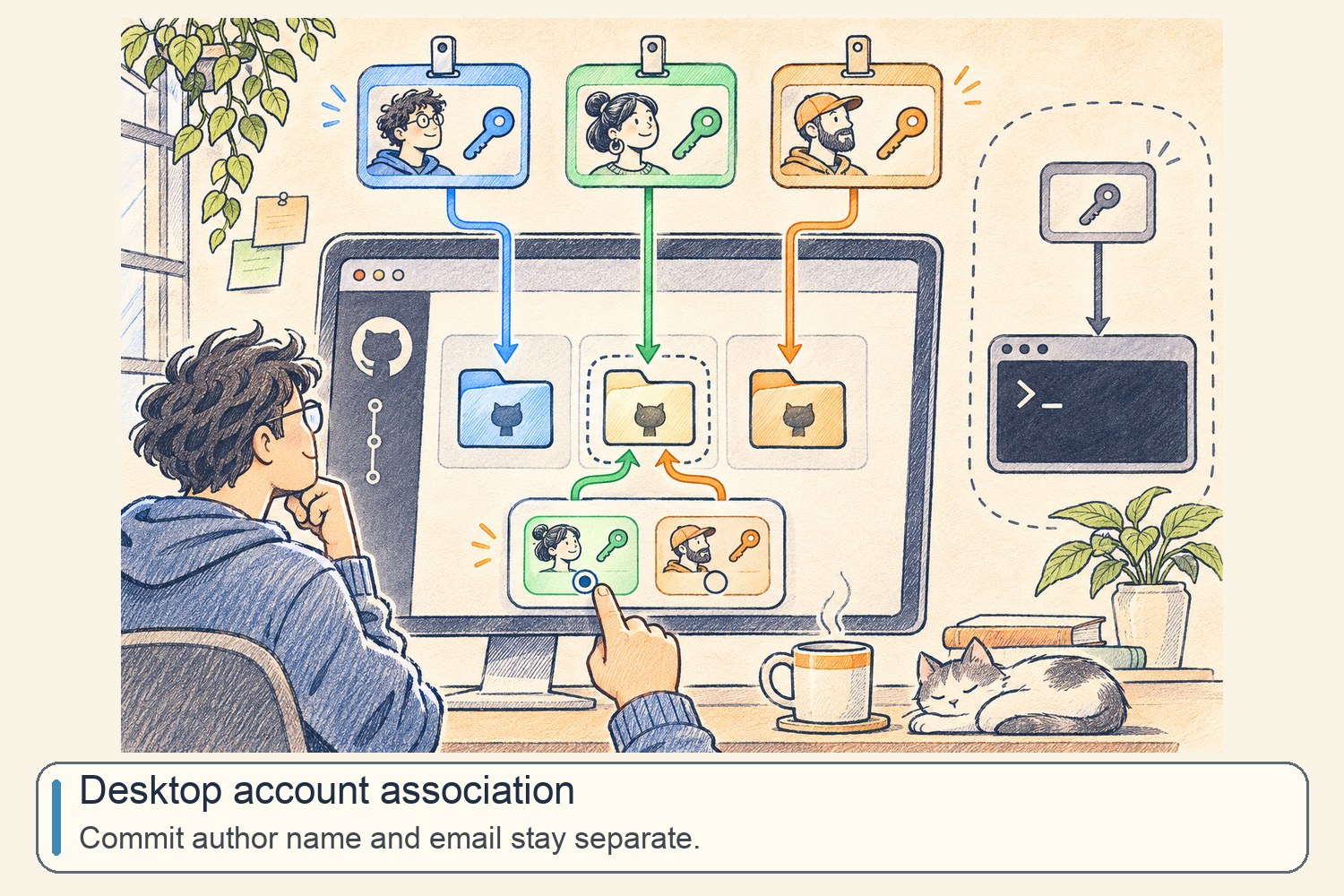
Desktop can hold multiple accounts on GitHub.com and multiple accounts across GitHub Enterprise Server or GHE.com hosts. The account assigned to a repository is used for GitHub API requests and for HTTPS authentication when Desktop pushes, pulls or fetches. The feature does not simply toggle a global identity whenever a repository is opened; the repository keeps its own association. [2]
When cloning from Desktop’s GitHub tab, the user chooses an account if more than one is signed in. When adding a local repository or cloning by URL, Desktop checks which signed-in accounts on that host can access it. If exactly one account can access it, Desktop assigns that account. If several can, it asks the user to choose. Public repositories are accessible to every signed-in account on the host, so those also prompt for an explicit choice. If none can access a private repository, cloning over HTTPS fails until the right account is added or selected. [2]
Existing repositories are automatically associated with the account that was already signed in on that host. People who used only one account see no change. The association can be changed in repository settings or from the repository list. [1] [2]
Authentication is not authorship
A subtle but useful boundary: the repository account controls access, not who Git says wrote a commit. GitHub’s documentation says the account association does not change the commit author name or email. Those values come from the repository’s local Git configuration, which can use a global default or a repository-specific override. Desktop can also warn if the configured email is not associated with the currently signed-in GitHub account. [2] [3]
This matters for mixed personal and work machines. Selecting the employer’s account for push access does not automatically assign the employer email to commits, and selecting a personal account does not guarantee that a personal email is configured. Review both settings before committing. The account that authenticates a network operation and the identity recorded in Git history are related operationally but remain separate pieces of configuration.
The same distinction applies to the terminal. This feature describes GitHub Desktop’s account selection for repositories managed by Desktop. Command-line Git, SSH keys, credential helpers and other clients continue to use their own configuration. If a repository is also used from a terminal, verify its HTTPS or SSH credentials there instead of assuming the Desktop picker changed them. GitHub’s separate short-lived Desktop token rollout and SSH post-quantum transition cover neighboring authentication concerns, but not the Desktop repository selector itself. [1] [2]
A safer setup for shared workstations
Add the accounts in Desktop’s Accounts settings, then inspect the repository list. For each local repository, verify the assigned account and host. If two accounts can reach the same public repository, choose the intended one deliberately. For private repositories, confirm the account has the expected organization membership and permissions before using fetch, push or publish. [2]
Then review Git author information repository by repository. Set a work name and email where company policy requires them, and a separate author identity for personal projects. If the repository is already shared by another local tool, document which client owns the credential choice so the team does not confuse Desktop’s association with a system-wide Git identity. [3]
The feature is available in GitHub Desktop 3.7.0 and applies to the supported GitHub hosts. It makes multi-account Desktop use less disruptive, while preserving an explicit decision for repositories that more than one account can access. [1]
Frequently asked questions
Does a GitHub Desktop repository account set the commit author?
No. The assigned account controls GitHub API requests and HTTPS authentication for pushes, pulls and fetches. Git commit author name and email come from local Git configuration.
What happens if two GitHub accounts can access the same repository?
GitHub Desktop asks you to choose an account when you add or clone the repository. Public repositories can be accessed by every signed-in account on that host, so they also require a choice.
Sources & further reading
Keep reading
CloudFront Functions Can Now Make Live Calls at the Edge
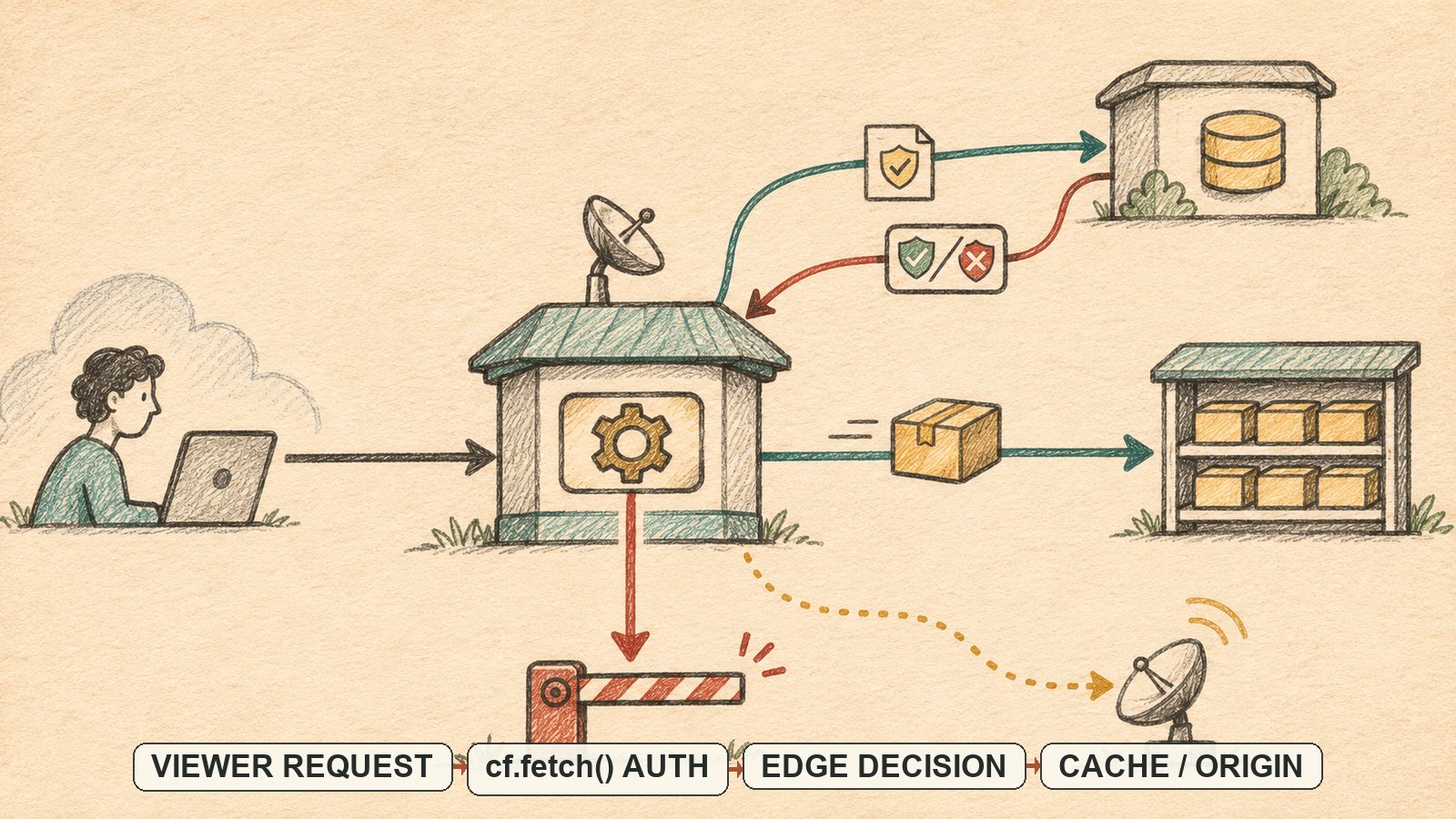
CloudFront Functions now support one network call per invocation, enabling live authorization and background beacons with strict limits.
Chrome DevTools Gives Coding Agents More Context, With Larger Trace Costs
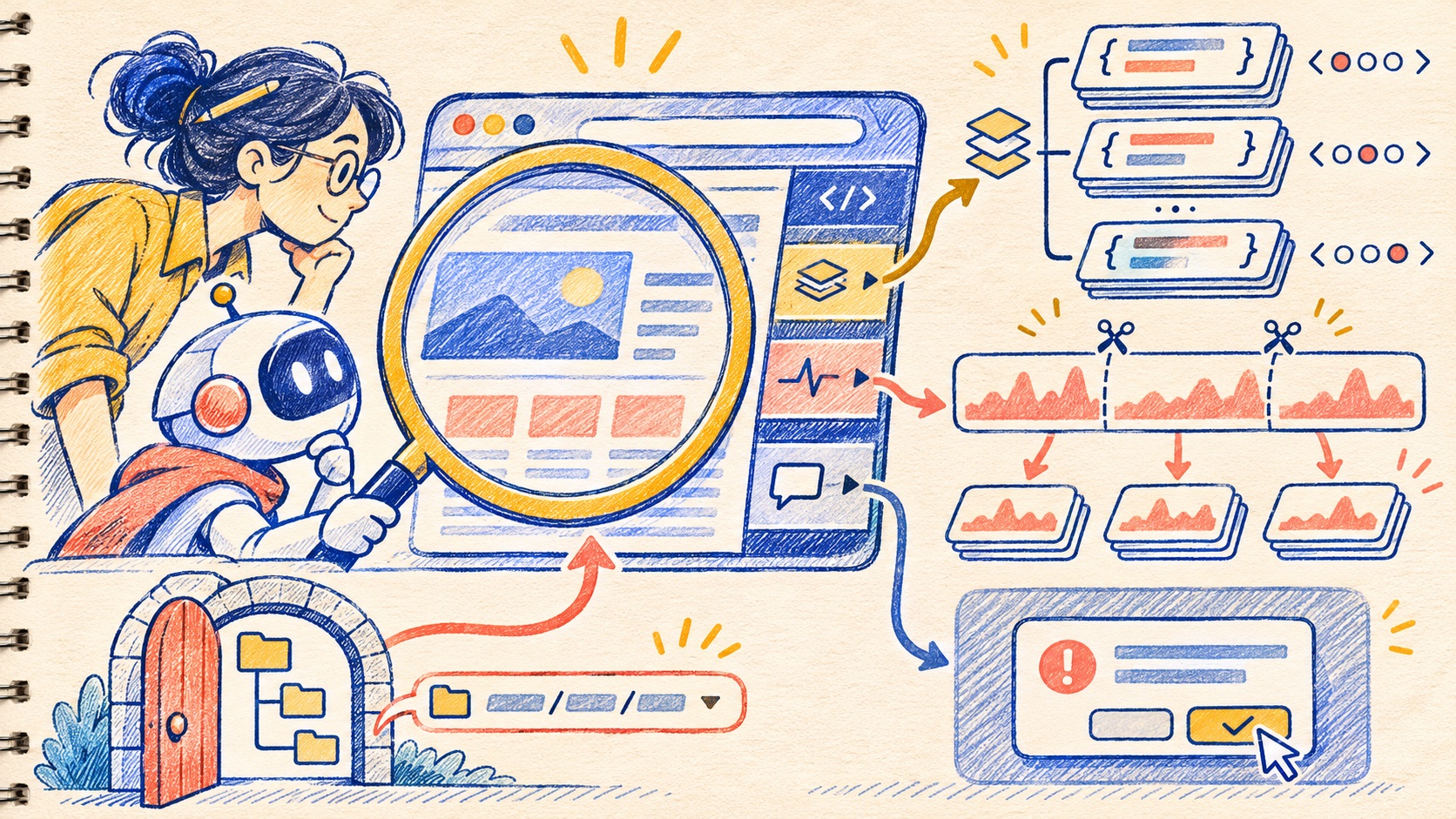
Chrome adds paginated CSS inspection and chunked traces for agents. Learn to use the extra browser evidence safely.
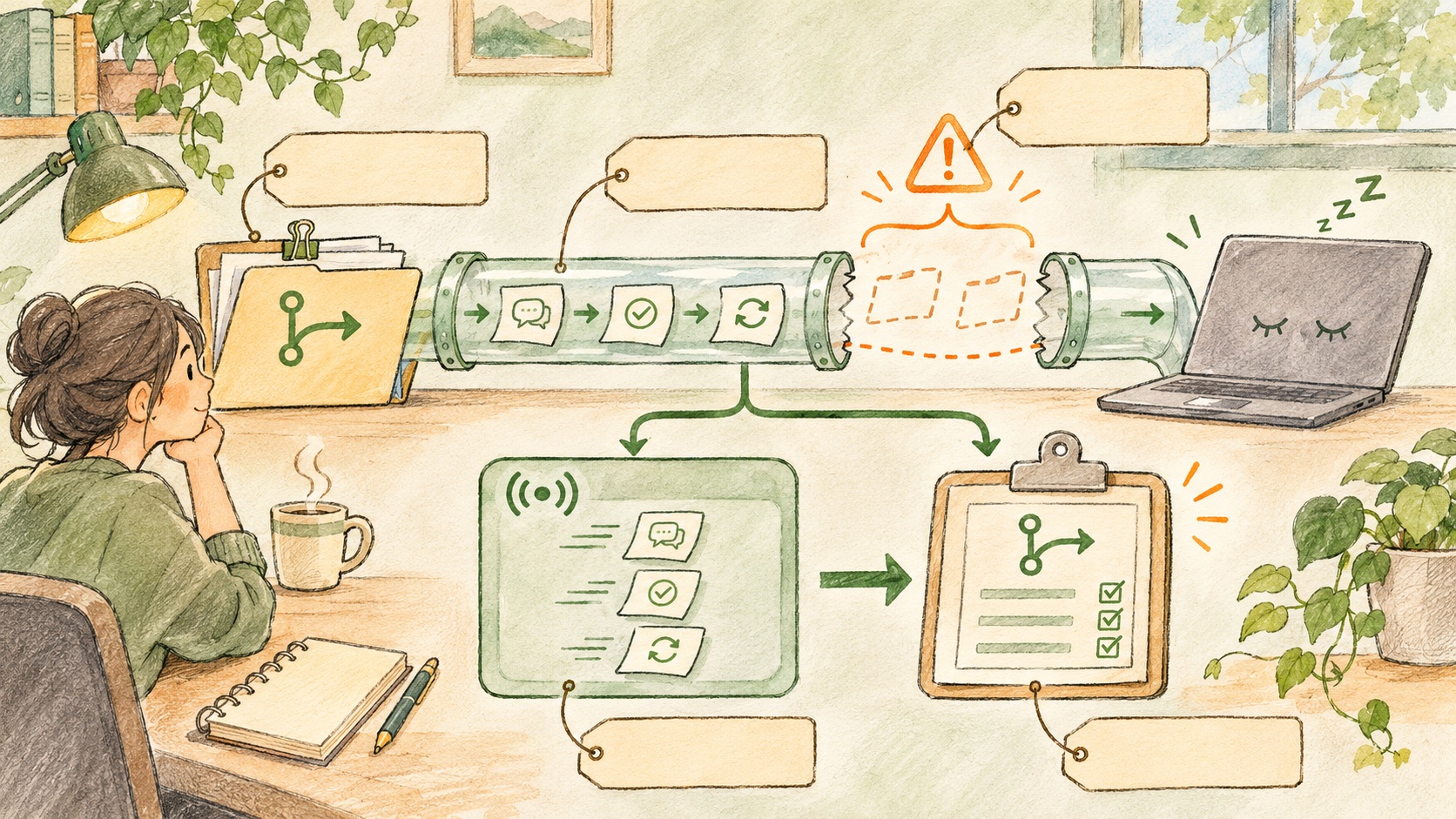
GitHub Event Streams Replace Polling for Pull Requests, With a Reconnect Caveat
GitHub Event Streams send pull request updates over SSE, but clients must reconcile missed, repeated, or out-of-order events.
/* Comments */
Comments are offline right now — we reconnect automatically, nothing is lost.