
Google Vids Adds a Small Free Window for AI Video Prototypes
Google says Vids users can generate up to three 15-second videos a month with Omni 1.2 Flash at no cost; account limits and access still vary.
On this page
Three short clips can be enough to answer a useful question: does this idea work on screen? Google’s November update to Vids brings its Omni 1.2 Flash video model into the editor and advertises up to three 15-second generations a month at no cost. The limit makes the feature accessible for a small prototype, while the exact access and allowances remain dependent on account type and settings.
A prototype allowance, not a production promise
Google says Vids users can make up to three videos of up to 15 seconds per month, and highlights use cases such as a product promo, turning a still image into a clip, or adding more natural narration. Those are vendor-described capabilities, not independent evaluations of output quality. The announcement also does not promise unlimited revisions; a small monthly allowance makes each attempt a constrained experiment. [1]
The model announcement describes Omni 1.2 Flash more broadly, including generation and editing capabilities. But a model’s existence does not mean every Vids account receives the same feature or usage ceiling. Google’s current help page breaks limits out by account and plan, warns that administrators control work and school access, and says some account options may not display when unavailable. Its documented limits can also differ from a short product announcement’s promotion. Check the account’s Vids availability screen before planning a recurring publishing workflow around a specific number. [2] [3]
Spend each generation on a question
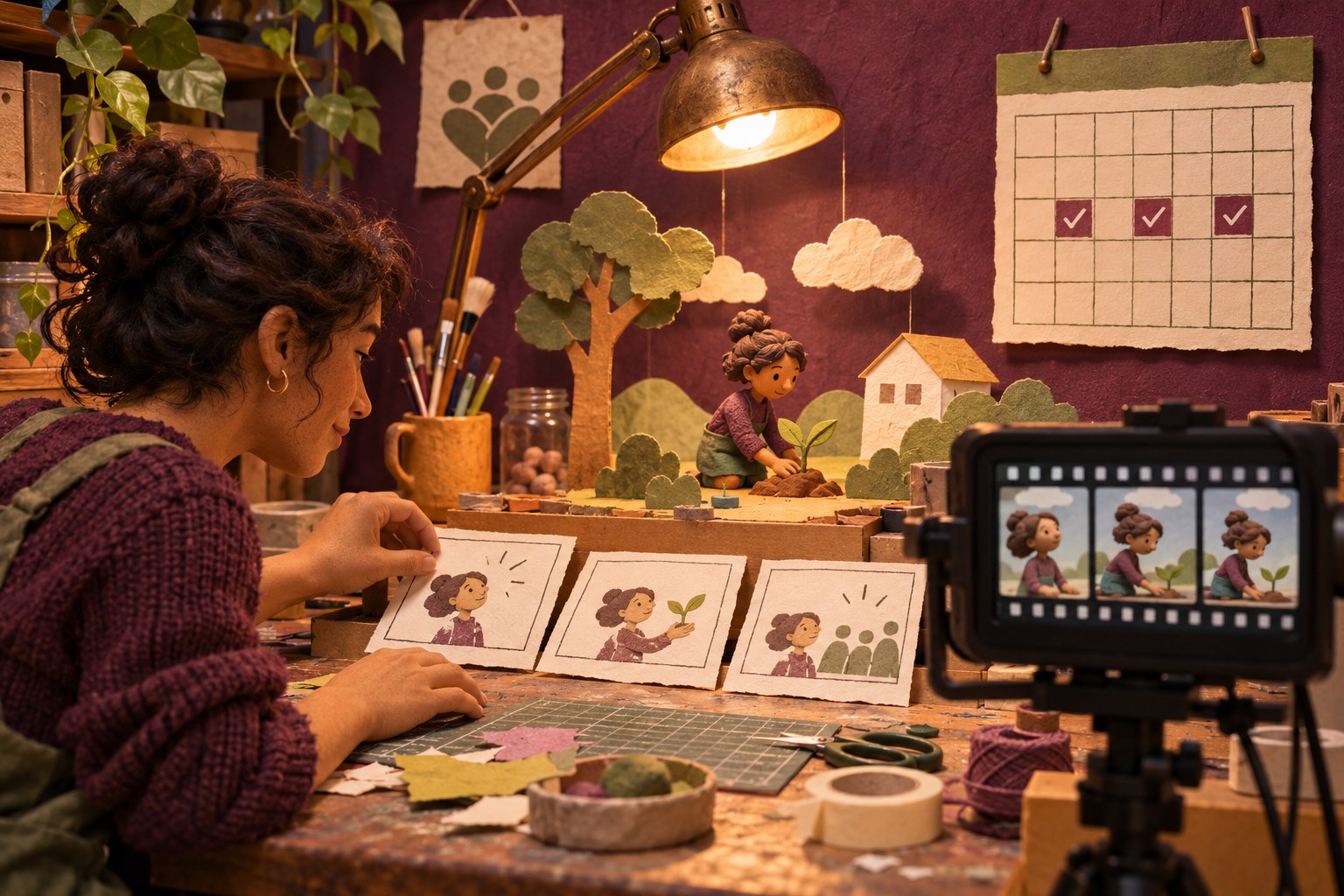
A short clip is most useful when it tests something specific: whether the opening image communicates the idea, whether a visual transition is clear, or whether a narration pace suits the audience. Teams can write a tiny brief first—audience, one message, intended channel, and what would count as a successful draft—then use the generated video to explore that one decision. This makes a limited allowance more valuable than spending it on broad prompts that try to produce a finished campaign in one go.
The workflow should still include human review. A generated person, place or product may look plausible while showing an inaccurate detail. A clip may also create rights, consent, accessibility or disclosure questions that the model cannot resolve. Before sharing externally, check the depicted facts, audio, captions, brand requirements and the permissions for source images. Treat the generated asset as editable production material, not as proof that the depicted event happened.
Google Vids supports a larger workflow than video generation: its help center describes account access, administrator controls and other creation features. That distinction matters for teams. An organization may allow the editor but turn off generative features, while a personal account may have different limits. A pilot or free allowance is useful for discovery, but budget owners should not confuse it with a stable service-level commitment. [3] [4]
A useful test for the feature
If you have access, choose one real communication problem and compare the generated clip with a storyboard or a simple manually edited version. Record the time saved, the number of revisions needed, and whether the result remains accurate and accessible after editing. A free generation is not free labor if fact-checking and repair take longer than a straightforward edit.
Google’s update lowers the barrier to trying a short video model inside a familiar editor. The product question is now less “can it make a clip?” and more “which tiny parts of video work become faster without making review harder?” For a broader look at synthetic media workflows, see our guide to video segmentation and analysis workflows. The monthly cap may be modest, but it encourages the right first step: test a bounded idea before building a process around a promise.
Frequently asked questions
How many free AI videos can Google Vids users create?
Google’s November announcement says anyone with a Google account or Workspace subscription can generate up to three 15-second videos per month in Vids at no cost.
Does every Google Vids account get the same video-generation limit?
No. Google’s availability table shows limits that vary by account type and plan, and work or school administrators can restrict access to Gemini features.
Can an AI-generated video be used as a finished advertisement without review?
No. Generated clips need a human review for factual accuracy, rights, accessibility, brand fit and any required disclosure before publication.
Sources & further reading
Keep reading

Google Cloud API Gateway Can Stream AI Responses, but the Timeout Is Your Problem
Google API Gateway adds SSE, WebSocket and gRPC streaming in preview; the gateway’s deadline and backend timeout still determine whether a stream survives.

GitHub Copilot Enters Xcode’s Built-In Coding Assistant
GitHub Copilot is now a public-preview provider in Xcode 27.3 beta. Here is what the native integration changes and what Apple developers should check first.
Gemini Omni 1.2 Makes Video Editing Conversational—and Raises a Consent Test
Google’s video model adds 15-second clips and conversational edits; its model card says speech-changing capability remains restricted.
/* Comments */
Comments are offline right now — we reconnect automatically, nothing is lost.