Managed Airflow’s Agentic Upgrade Check Is a Code Review, Not a Test Run
Google's read-only Managed Airflow Agent inspects DAGs and support files for version changes, but static analysis cannot certify runtime compatibility.
On this page
A managed workflow upgrade can fail even when every DAG file parses on a developer laptop. Provider versions change, configuration defaults move, and an imported helper may sit in a folder the analyst forgot was part of the runtime. Google’s new Managed Airflow Agentic upgrade check, announced November 26, is intended to help teams surface some of those compatibility questions before they commit to an environment update. The key boundary is its method: it inspects code and configuration; it does not run the DAGs. [1] [2]
That makes the tool closer to an assistant-supported code review than a staging deployment. It can reduce the search space for engineers who must compare an existing environment with a target Airflow image. It cannot demonstrate that a workflow produces the right rows, reaches its external service, respects its schedule or recovers correctly after a task retry. Google’s own documentation calls for testing the DAGs to confirm runtime compatibility. [2]
What the check reads
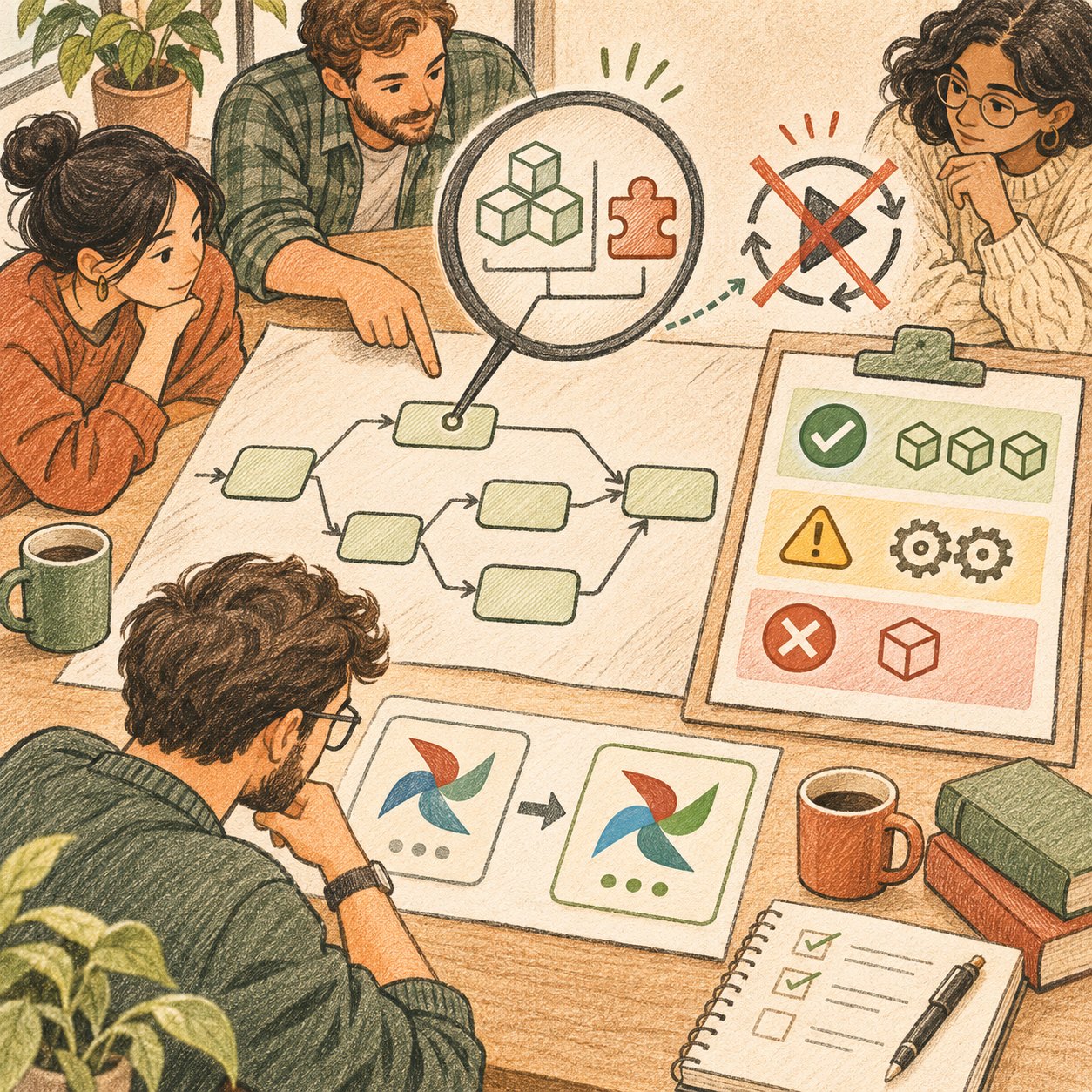
The upgrade panel lets an operator select a target Managed Airflow image and ask the agent to assess the environment’s DAG compatibility. Google says the static analysis covers DAG source code, supporting files in the environment bucket’s /dags, /plugins, and /data directories, custom PyPI packages and Airflow configuration overrides. The report assigns a compatibility assessment and lists findings with file names and suggested fixes. It also reports imports, plugins or packages it could not read, leaving those items explicitly unverified. [2]
The “could not read” section is important. A useful review does not turn unknown dependencies into implied safety. If an external package or mounted dependency is missing from the report’s evidence, the responsible team should trace it manually and include it in its test plan. Likewise, a suggested fix is a proposed code change, not a change the service has already applied.
Google describes this particular upgrade check as read-only: it does not alter the environment or DAG files, execute DAGs, run shell commands or Airflow CLI commands, or put the environment into an updating state. Selecting the check also does not start the upgrade. The feature announcement and detailed documentation are the strongest sources for its behavior; the availability described is product-specific and may still depend on the operator’s account permissions and environment generation. [1] [2] [3]
What static inspection cannot see
A DAG is not only Python source. At runtime it interacts with a scheduler, providers, remote systems, credentials, files, queues and data. Static inspection can identify certain imports and patterns, but it cannot prove that a task will authenticate with a changed identity provider, that a remote API still accepts the request, that a partition exists on a given day, or that retry and timeout choices remain correct for the workload.
Apache Airflow’s upgrade guidance has long treated upgrades as compatibility work involving release notes, provider packages, plugins, DAGs and validation. Google’s agent check makes some of that inventory easier to perform inside the managed product, but it does not replace the upstream version’s migration notes or an isolated test environment. [4]
Before acting on a favorable report, check at least:
- The exact source and target Airflow versions, including the managed image and bundled provider versions.
- All unresolved modules and files in the report, especially internal packages loaded at runtime.
- Configuration options whose defaults or accepted values changed between target versions.
- A representative DAG run against test data, covering success, task retry, timeout, backfill and failure notifications where those paths matter.
- Connections and secrets through the approved test identity, without copying production credentials into a sandbox.
- The maintenance window, snapshot or recovery plan, and whether running tasks will be stopped during the environment update.
Google’s broader managed-airflow upgrade instructions also note that releases roll out to regions over several days, downgrades are not available, and running tasks can be terminated as the environment upgrades. Those facts make a report a planning input, not a substitute for a rollback strategy. [2]
Use it as the first gate in a staged process
A practical sequence is to inventory the current image and all DAG dependencies, run the agent check against the intended target, then review each finding with the owner of the relevant pipeline. Make the smallest needed code change on a branch and run unit or DAG validation locally. Next, deploy the change to a staging environment with representative connections and data. Observe complete scheduled runs and failure paths before planning the managed-environment upgrade.
For teams without a realistic staging environment, the report may still expose stale imports and configuration assumptions, but it cannot reduce the missing runtime evidence. Make that limitation visible in the change review rather than treating the word “compatible” as an assurance level.
For a wider view of workflow reliability, our guide to orchestrating data pipelines with retries and idempotency covers another part of the upgrade problem: code compatibility is only useful when the pipeline’s recovery semantics remain correct.
The useful promise here is modest and practical. A managed service can inspect a known slice of the environment and explain likely compatibility work before an operator clicks Upgrade. That saves engineers from starting with a blank checklist. It does not take responsibility for the workflow. The team still needs to establish what the code does when real data, permissions and failures arrive.
Frequently asked questions
Does the Managed Airflow Agent run my DAGs?
No. Google's documentation says the agentic upgrade check statically inspects DAG source and supporting files. It does not run DAGs, shell commands, the Airflow CLI, or an environment upgrade.
What does the upgrade check inspect?
Google says it reviews DAG source, readable support files in the environment bucket's dags, plugins, and data folders, custom PyPI packages, and Airflow configuration overrides. It identifies modules or files it could not inspect.
Can a compatible report guarantee an Airflow upgrade will work?
No. Static inspection cannot establish runtime behavior. Google explicitly recommends testing DAGs after reviewing the report and before upgrading the managed environment.
Sources & further reading
Keep reading
BigQuery Cross-Cloud Connections Change Where Queries Run
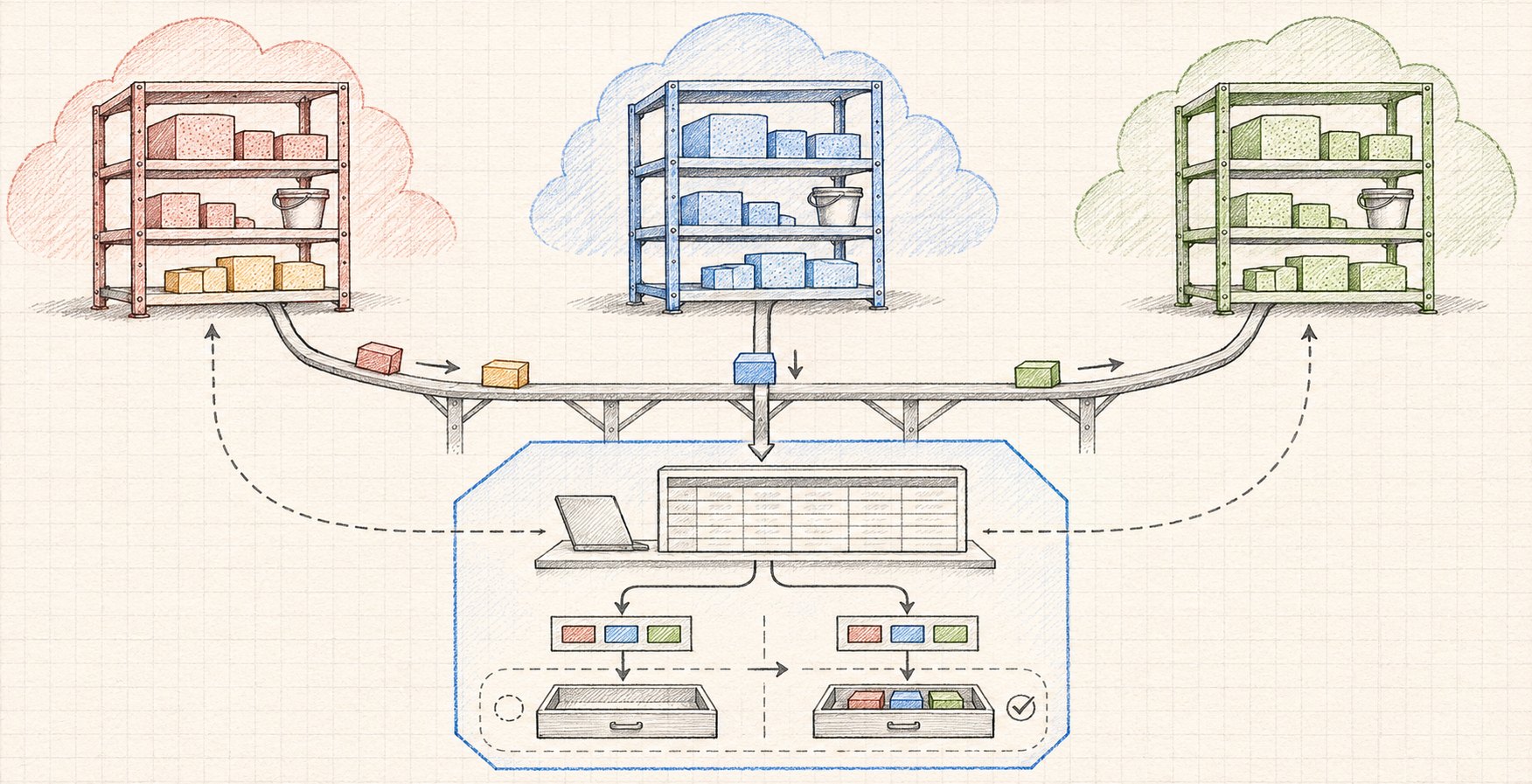
BigQuery's GA cross-cloud connections expose AWS, Azure, and Data 360 data in standard regions, with caching and governance trade-offs to plan.
How Agoda Built a Financial Single Source of Truth: FINUDP, Apache Spark, and GoFresh Auditing
How Agoda unified competing financial data pipelines into a single source of truth: Apache Spark, FINUDP architecture, and GoFresh data validation.
When Databases Do the Wrong Job: How Datadog Built a CDC Replication Platform on Kafka
How Datadog overcame 7-second database latency by building a Change Data Capture (CDC) platform using PostgreSQL WAL, Debezium, Kafka, and search engines.
/* Comments */
Comments are offline right now — we reconnect automatically, nothing is lost.