
topic: cloud-infrastructure
author: Crashtech Editorial
published: Nov 21, 2026 · read: 5 min
---
CloudWatch Account Retention Policies Can Override a Log Group's Longer Setting
CloudWatch Logs now supports account-wide retention rules, but the longest matching policy can replace a group-level setting. Preview scope before enforcing it.
On this page
A central retention rule sounds like a safe way to stop new log groups from keeping data forever. It can also shorten a carefully chosen retention period if the rule matches an audit or security group. AWS’s account-level feature has a useful safety control—a dry run—but teams need to understand precedence before treating the policy as a universal guardrail.
One policy can cover old and new log groups
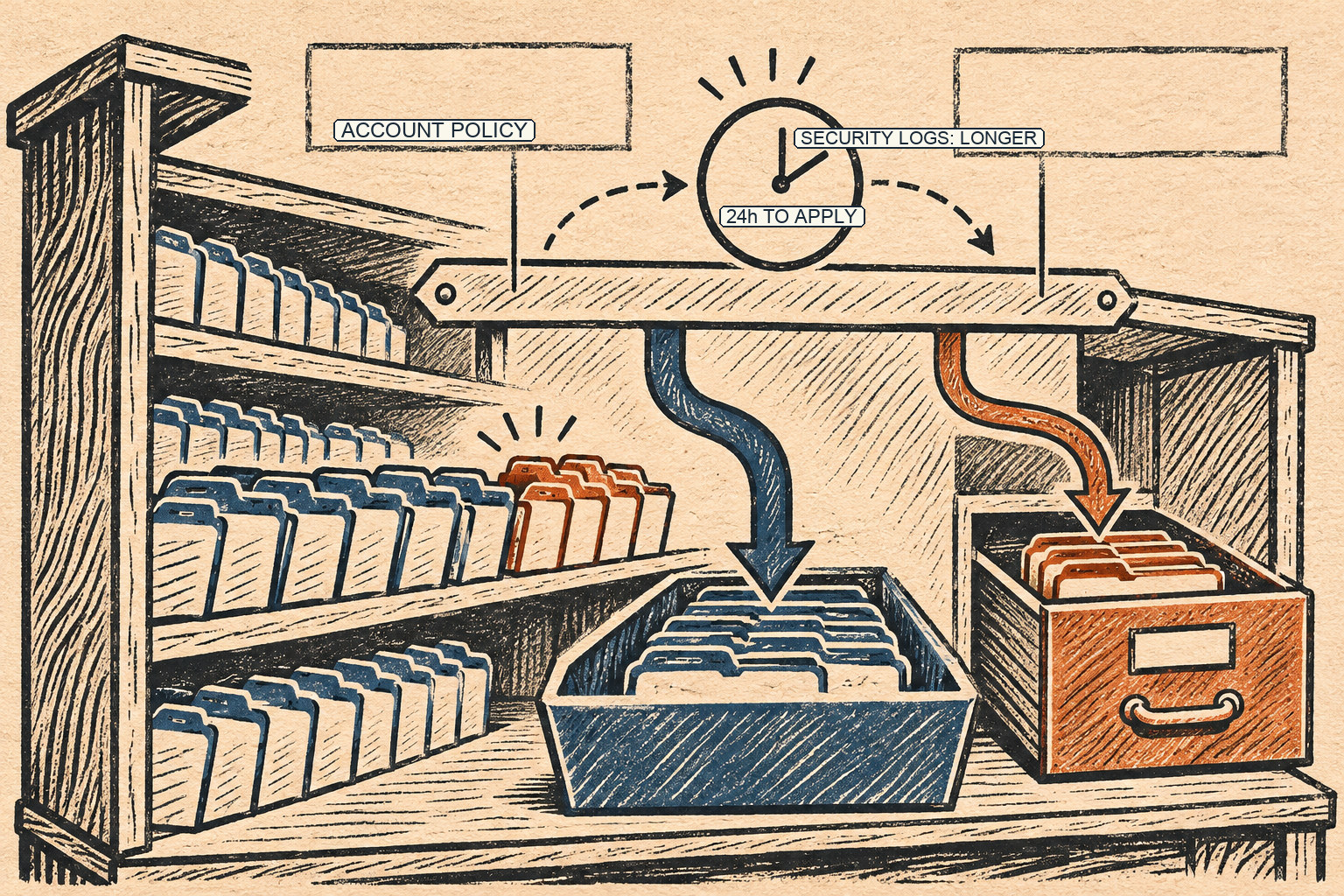
AWS announced account-level CloudWatch Logs retention policies on November 9. A policy can target every log group or a subset whose names start with a prefix. It can be retroactive for groups that already exist or apply only to groups created afterward. AWS allows up to 20 account retention policies per Region, and matching policies can overlap.
When more than one policy applies, the longest retention period wins. That makes a baseline-plus-exception design possible: a shorter account-wide rule, with a longer policy for a security prefix. NEVER_EXPIRE is treated as the longest. The details are in the AWS feature announcement and the CloudWatch Logs guide.
But “longest matching account policy” is not the same thing as “keep the longer of the account policy and each log group’s current setting.” AWS explicitly warns that an account-level policy replaces a log group’s own retention value. A group configured for ten years can be assigned 90 days by a matching account rule even if no other account-level policy specifies a longer period. If the events age past that shorter period, they can be marked for deletion.
That distinction matters during a centralized rollout. An account may have years of hand-configured group settings, while a new global policy is intended only to prevent accidental indefinite retention on future groups. Choosing retroactive scope can reach much further than that intent. The mechanics are less visible than the dashboards in a typical logs, metrics, and traces overview, but retention is part of the same observability contract: data must remain available for the period the team expects. For a look at high-volume log storage and query tradeoffs, see Nubank’s trillion-log observability platform.
The dry run is the important control
Before creating or updating a rule, use the API’s dryRun option. AWS says the preview reports how many groups would receive longer, shorter, or unchanged retention, plus the 20 in-scope groups with the most stored data. The dry run requires the same IAM permissions as the operation being previewed. It does not create or update the policy.
Treat the preview as a review artifact, not as a formality. Compare shortened groups with the organization’s incident-response, audit, legal, and privacy requirements. Check prefixes for accidental matches: /app can match names a team did not intend if naming is inconsistent. Confirm whether each policy is RETROACTIVE or NEW_ONLY. Record the exact names of groups that need longer retention, and make sure the intended longer policy will overlap before applying the shorter baseline.
A policy change is not instantaneous. AWS says a new or updated policy takes effect after 24 hours; during that window, the previous effective period remains in use. That is useful for scheduling and coordination, but it also means a successful API response does not prove that the new retention rule has taken effect yet. Record when the 24-hour window ends and verify the resulting policy and group state afterward.
Deletion is not a reversible policy edit
Removing a policy stops it from applying, after which matched groups use their own setting unless another account policy applies. It does not restore events CloudWatch has already deleted. The user guide also says event deletion can lag after the retention age is reached; the events are marked for deletion and may be physically removed later. A later policy adjustment cannot serve as a reliable recovery mechanism.
That makes this a data-governance change, not just cost tuning. A shorter period can reduce stored data and help meet minimization goals. It can also remove evidence needed for a security investigation or compliance obligation. A longer period can improve investigation continuity while increasing storage cost and retaining sensitive records longer than necessary. The right value depends on the data’s purpose and obligations, not a universal best-practice number.
A safer rollout sequence
- Inventory account and Region scope. Policies apply within an account and Region; list the existing account-level rules and the log groups they could match.
- Start with
NEW_ONLYif the goal is a forward-looking default. Use a retroactive policy only when the preview shows that existing groups should change too. - Run dry runs for every proposed rule. Keep the returned count of shorter groups and inspect high-volume groups individually.
- Create explicit longer-retention exceptions first. Then dry-run the baseline again and confirm those exceptions win for every intended prefix.
- Coordinate the activation window. The new policy takes effect after 24 hours. Tell incident responders and record the old and new effective periods.
- Verify after activation. Check policy listings, representative group settings, and the expected scope. Do not treat a successful API response as proof of the final state.
- Keep separate backups for records that must outlive CloudWatch. If a policy mistake would be unacceptable, use an independently governed archive and test its retrieval path.
Account-level retention is useful because it makes a standard easier to apply across many changing log groups. Its safety depends on reviewing scope and precedence before the rule reaches existing data. Dry-run output, explicit exceptions, and a measured rollout are the difference between a central policy that enforces intent and one that silently changes it.
Frequently asked questions
Does a CloudWatch account-level policy preserve a log group's longer retention value?
Not necessarily. AWS says an account-level retention policy replaces the log group's own retention period. If the matching account policy is shorter, older events can be marked for deletion; use a dry run to find groups whose retention would shrink.
How quickly do account-level retention policy changes take effect?
AWS says a new or updated account-level retention policy takes effect 24 hours after creation or update. The old policy remains active during that window, so record the transition time and verify the current effective setting.
Sources & further reading
Keep reading
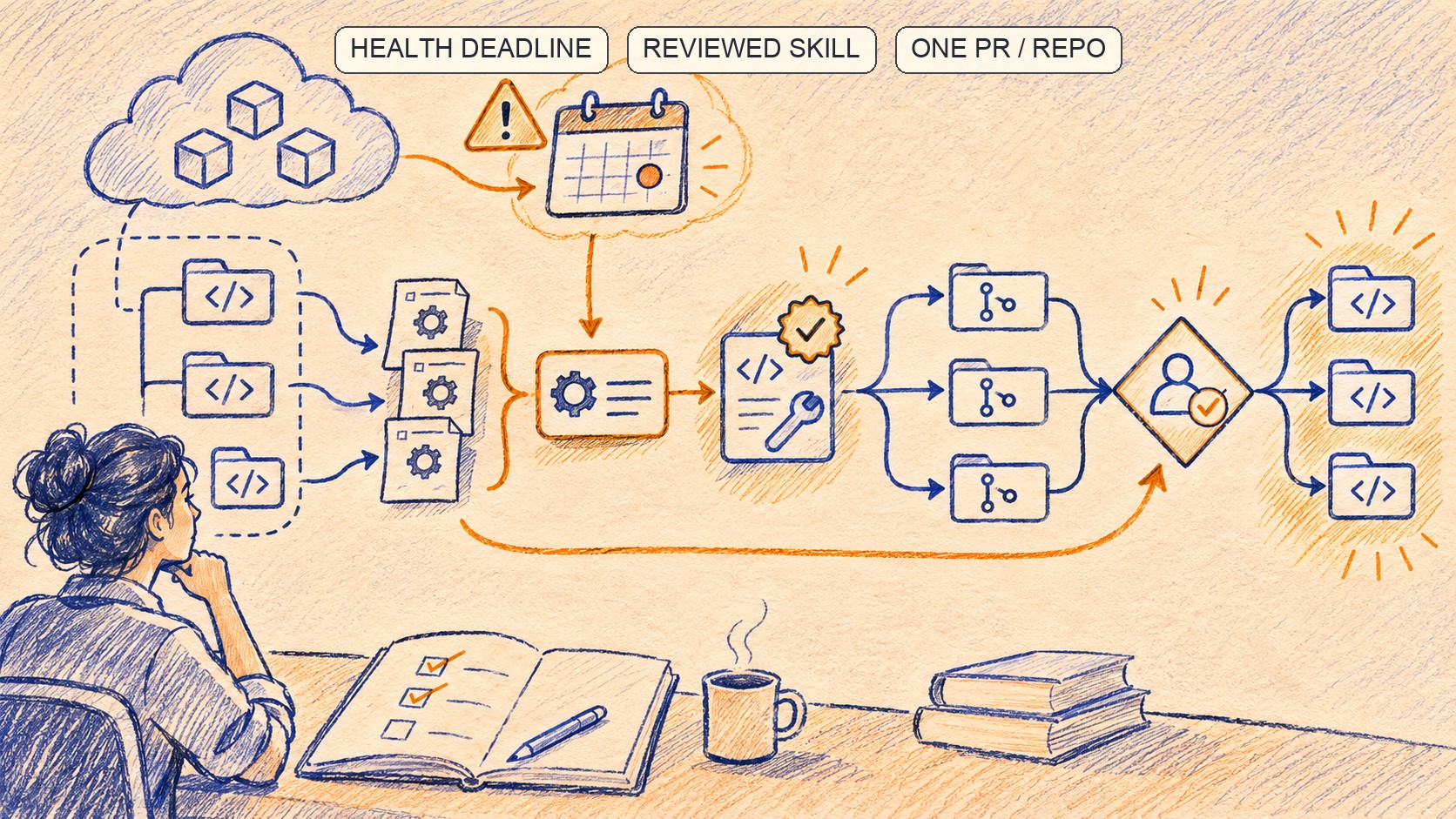
AWS Transform Turns Health Deadlines Into Reviewed Repository Pull Requests
AWS Transform links lifecycle events to affected repositories and groups remediation. Review and validation still belong to the team.

S3's Rust Transfer Manager Puts Fairness and Memory First
AWS's Rust S3 Transfer Manager reaches general availability with fair scheduling, pooled memory, backpressure and transfer diagnostics.

The Microsoft 365 Outage Was a Gateway Capacity Collapse
Microsoft's preliminary review traces the November 12–13 outage from a latent gateway defect to cascading server failures and delayed mail.
/* Comments */
Comments are offline right now — we reconnect automatically, nothing is lost.