
BigQuery AI Index Makes Natural-Language Search a Managed Service
Google’s preview AI indexes simplify semantic table search, but column limits, incomplete coverage and background processing costs still shape production use.
On this page
A managed search index can remove a layer of infrastructure work. It does not remove the data-model decisions that determine whether search results are useful, safe or complete. BigQuery AI indexes make natural-language retrieval feel like a table feature, but their limitations belong in the query design from day one.
What the preview adds
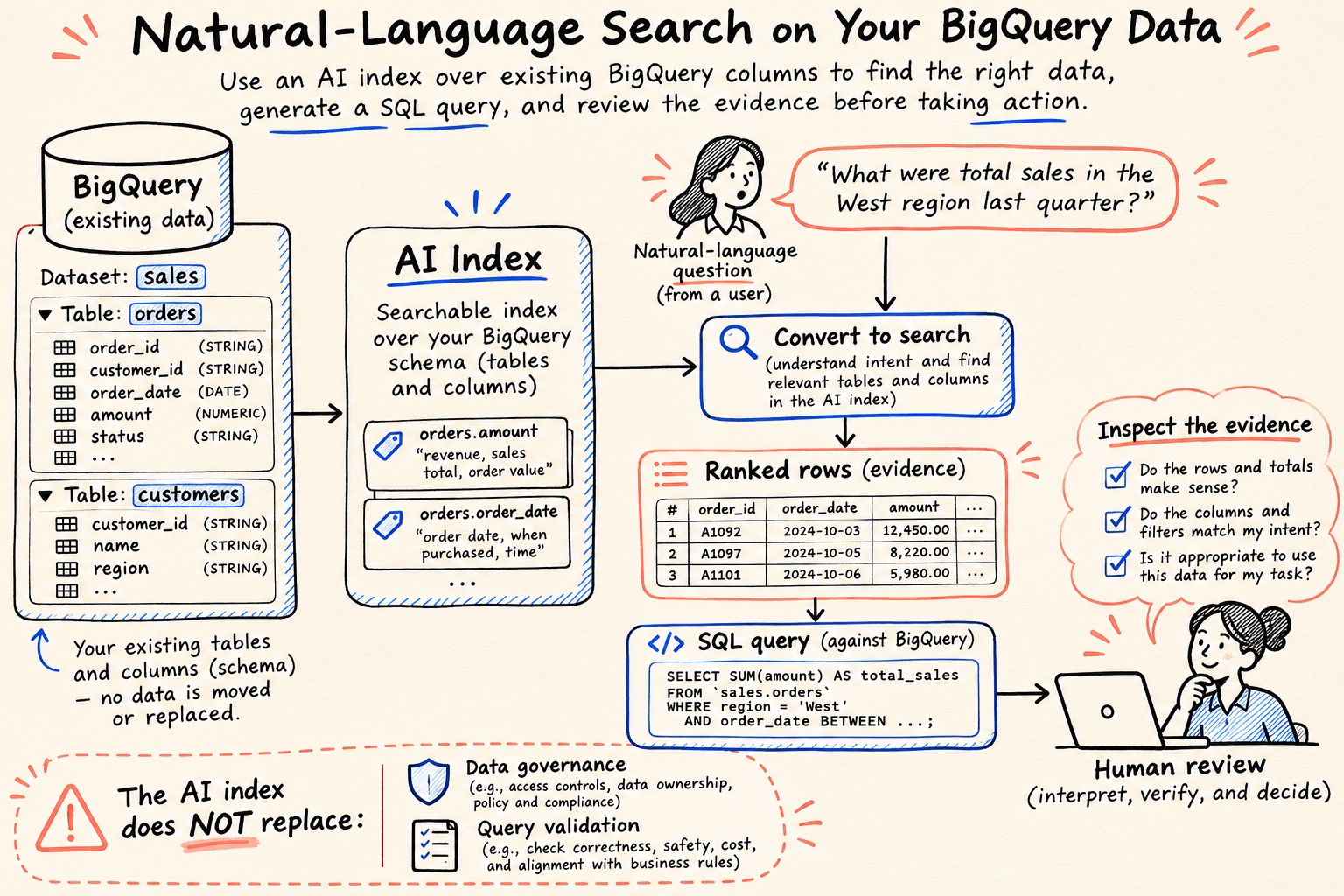
An AI index is a managed indexing abstraction for natural-language search across one or more text columns. A query can use AI.SEARCH without a team manually generating embedding columns or configuring a vector index. Google says BigQuery handles column selection, index optimization and ongoing maintenance. With AUTO COLUMNS, it selects eligible columns from a table; teams can instead specify an explicit list. [1] [2]
This is useful for questions whose meaning is spread across descriptive fields: a support issue mentioning a symptom, a product description or a research note. The feature can reduce setup and maintenance overhead for that retrieval use case. It does not turn arbitrary database values into reliable answers, and it does not replace ordinary SQL.
The current documentation marks AI indexes Preview under Google’s Pre-GA terms. That status should shape adoption: confirm the supported regions, expected service conditions and limits for the project before putting an operational dependency on the feature. [2]
Index the right text, not every string
Google documents support for top-level, non-repeated STRING columns and a maximum of 50 columns per index. Nested fields, arrays, JSON, numeric columns, views, external tables, BigLake tables and table snapshots are not supported. A standard table can have one AI index, and a table with an AI index cannot also have a vector index or an automatically generated embedding column. [3]
The automatic option is convenient but deserves review. The documentation notes that AUTO COLUMNS can include opaque identifiers and machine-generated fields that do not describe a row. It chooses columns when the index is created; a new string column added later is not automatically indexed. Long combined text may be truncated for search. Teams can avoid these surprises by naming high-signal fields explicitly and ordering them with the most informative columns first. [2] [3]
For a catalog, that might mean indexing a title and description but excluding UUIDs, raw logs, URLs and internal notes. The schema tells you what is technically eligible; a data owner must decide what should be semantically searchable.
Semantic retrieval and exact predicates do different jobs
Natural-language search is not a substitute for numeric comparisons or access-control filters. Google’s docs say AI.SEARCH alone does not handle strict numeric constraints or structured filters on non-string columns. Use SQL pre-filters or exact predicates for region, date, amount, tenant and status. Keep row-level and column-level access controls in the normal BigQuery authorization path.
A robust pattern is to retrieve candidate rows semantically, apply exact business constraints in SQL, and inspect the returned evidence before an irreversible downstream action. For example, “orders related to wet-weather running shoes” is a semantic query; “available in size 9, price under $100, and in stock in this region” requires structured predicates. The natural-language phrase should not be trusted to enforce the numeric or inventory rules.
Coverage, refresh and spend
Index creation is asynchronous. Google warns that AI.SEARCH returns only rows the index has processed; a new index or a large batch of new data can therefore produce incomplete results until background indexing catches up. The INFORMATION_SCHEMA.AI_INDEXES view exposes coverage_percentage, which can be monitored before a workflow treats results as complete. [3]
Background index creation, refresh and optimization consume BigQuery capacity. Google describes on-demand processing by default and a BACKGROUND reservation assignment for more predictable processing at scale. Embedding generation uses the published rate of the underlying model, which Google may change over time. Teams should inspect job records and measure the index lifecycle against their own data volume; “managed” does not mean “cost-free.” [2]
A production readiness checklist:
- Confirm Preview eligibility and terms for the target project and region.
- Specify columns explicitly; exclude identifiers, raw logs and sensitive fields unless there is a clear need.
- Build tests that compare natural-language retrieval with expected rows and exact SQL filters.
- Gate completeness-sensitive jobs on index coverage and freshness.
- Track background processing jobs, slot use and model charges.
- Revisit the index when the table schema changes or the model lifecycle changes.
Use it as search infrastructure, not an answer oracle
AI indexes may make semantic retrieval easier to operate inside BigQuery, especially when the alternative is maintaining embeddings and a separate vector service. The tradeoff is that the managed layer determines how the index is built and optimized, while users remain responsible for choosing appropriate columns and validating retrieved data.
Treat the result as evidence to query, not as the final answer. Pair similarity search with structured SQL, authorization and completeness checks. That lets teams benefit from a simpler retrieval surface without asking a preview feature to make decisions its contract does not promise.
Frequently asked questions
Are BigQuery AI indexes generally available?
Google’s current documentation labels AI indexes Preview and subject to Pre-GA terms. Teams should verify current availability and limitations before relying on them in a production workflow.
Can BigQuery AI.SEARCH replace structured SQL filters?
No. Google says natural-language search does not support strict numeric constraints or structured filtering on non-STRING columns by itself. Combine semantic retrieval with explicit SQL filters when exact conditions matter.
Sources & further reading
Keep reading
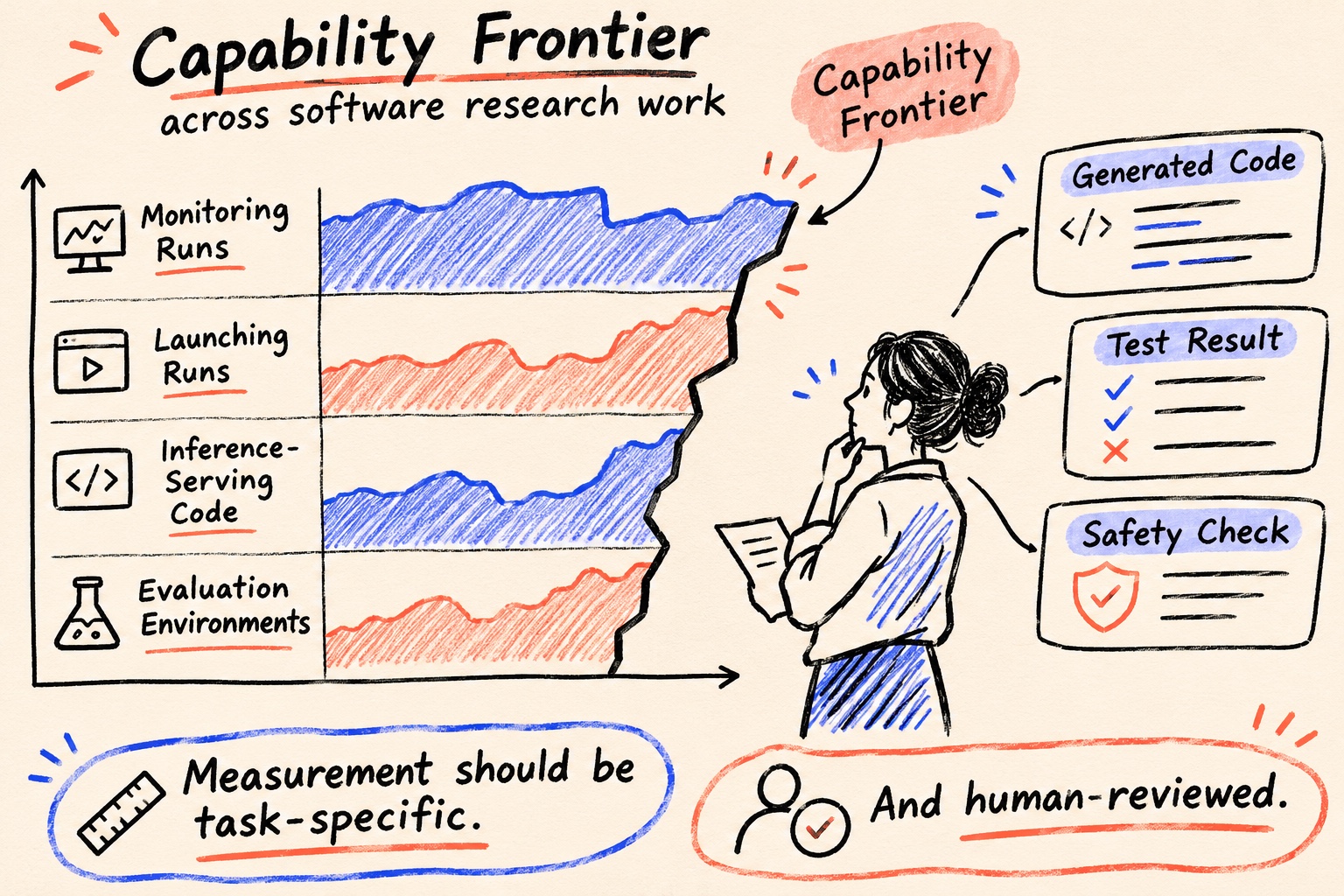
Coding Agents Accelerate Research Unevenly: The Task Mix Is the Metric
OpenAI reports that agent success varies by research task. Learn how to evaluate task outcomes and human review rather than usage alone.
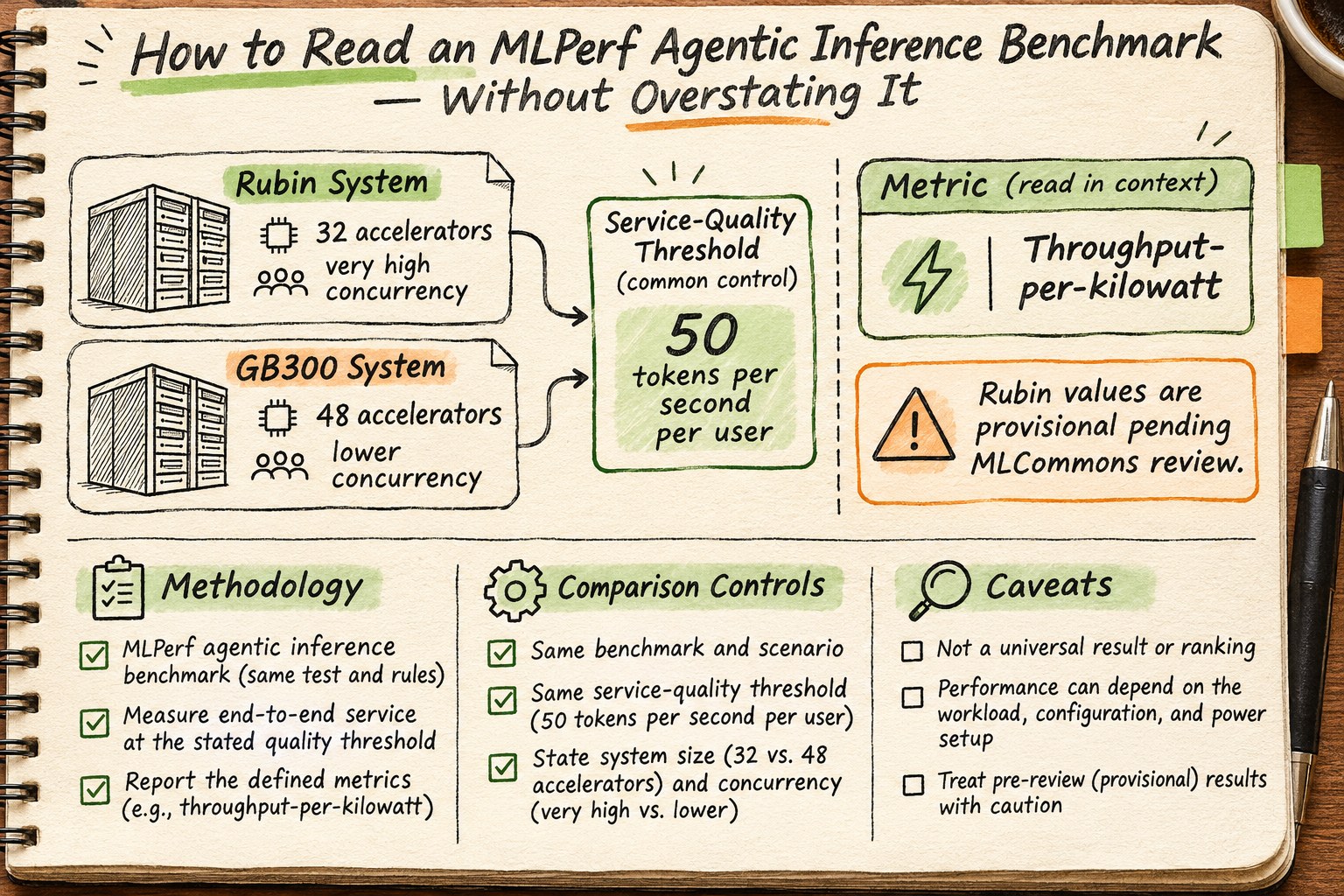
How to Read MLPerf’s New Agentic Inference Results Without Overstating Them
MLPerf Endpoints v1.0 measures tokens, interaction quality and power for multi-turn agents. Here is what its first Vera Rubin comparisons do and do not prove.
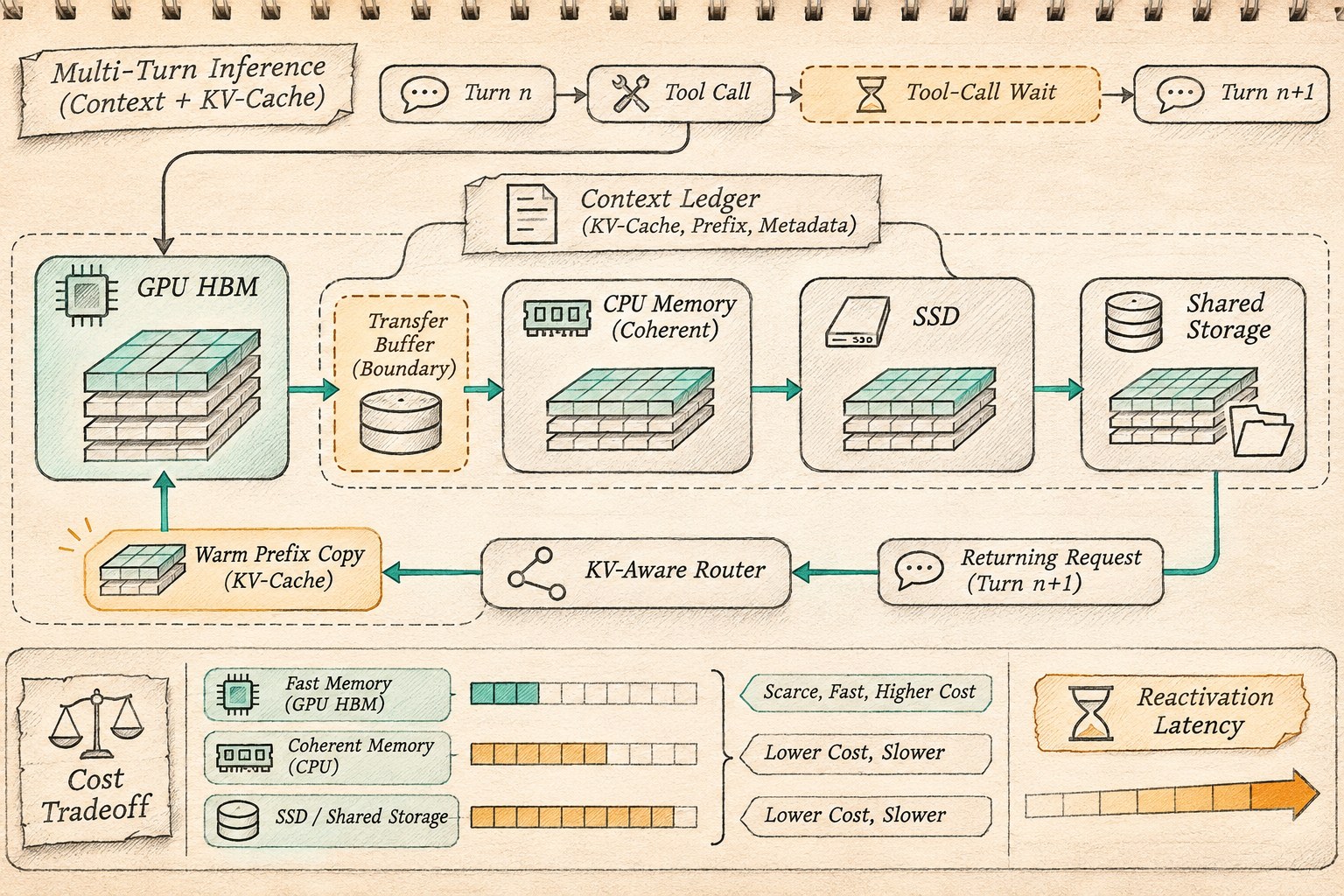
Agentic Inference Turns the KV Cache Into a Placement and Routing Problem
Agents leave KV state idle during tool calls. GPU, CPU and storage tiers can preserve it, but transfer cost and routing decide the payoff.
/* Comments */
Comments are offline right now — we reconnect automatically, nothing is lost.