Cloudflare Workers and Pages Now Expire Old Test Deployments
Cloudflare retains only recent Worker versions and Pages deployments. Learn what the 30-day, top-100 rule means for preview URLs and rollback plans.
On this page
A preview URL can feel like a permanent artifact when it has been pasted into a ticket, a test plan or a handoff document. Cloudflare’s new retention policy changes that assumption. Old Worker versions and Pages deployments are removed after the retention window unless they are among the 100 most recent; production remains protected, but aging test links may not. [1] [2] [3]
Two retention floors, one important exception
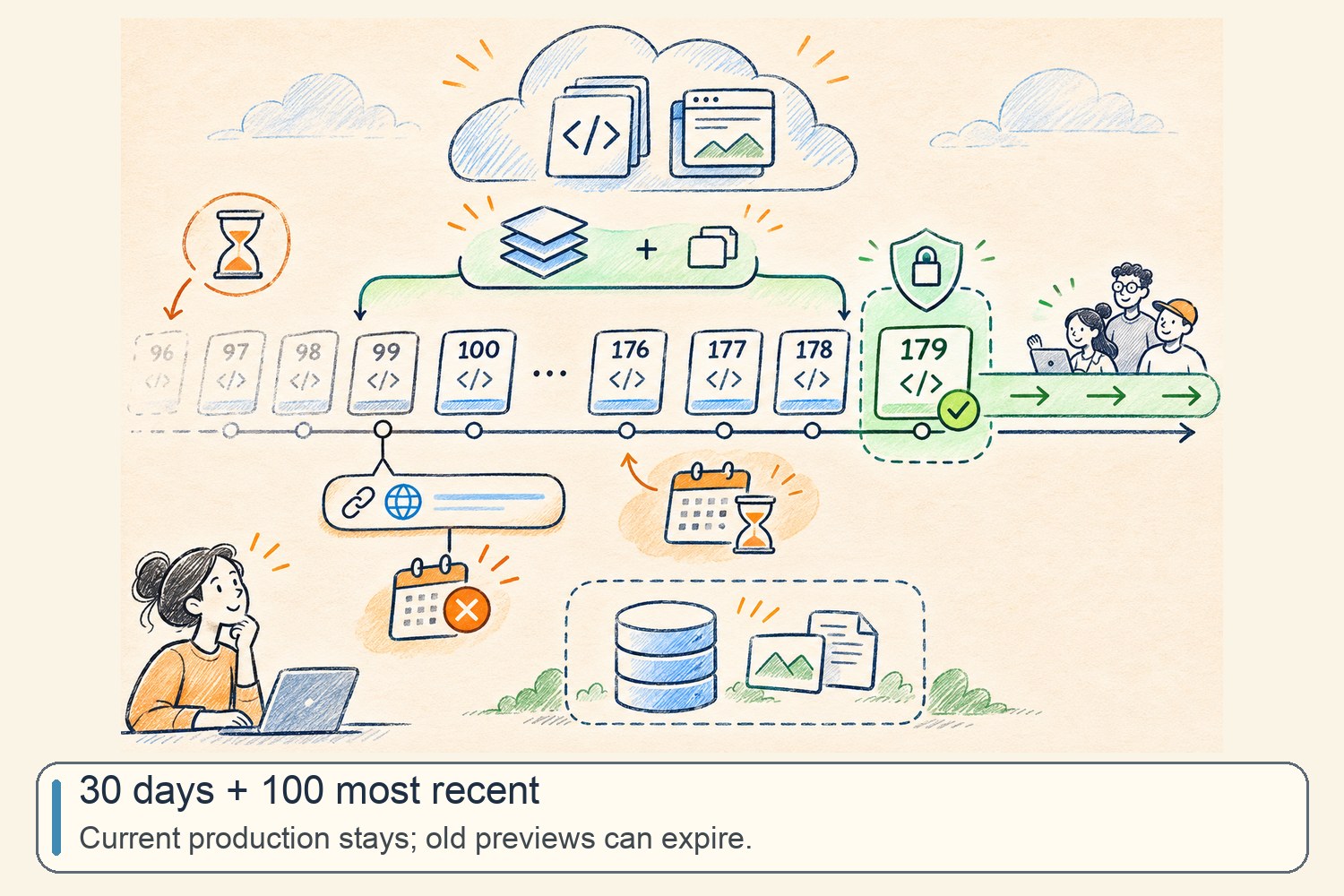
For Workers, changing code, settings or secrets creates a version. Cloudflare retains versions for 30 days, with the 100 most recent versions always kept. Any version still serving traffic—including a version with a percentage in a gradual deployment—is also retained regardless of age. Once a version is deleted, its Version URL and aliases stop working; aliases do not prevent deletion. Cloudflare keeps deployment history, but it marks a deployment’s missing version as deleted. [2]
Pages has a similar but separate rule. Deployments are retained for 30 days, and the 100 most recent deployments are kept. The current production deployment is retained even if it is older than 30 days. When a deployment is deleted, its unique preview URL no longer works and the deployment cannot be used for rollback. Both production and preview deployments count toward the recent-100 total. [3]
This is not “everything vanishes on day 31.” The age rule and recent-item cap work together, and active production is an exception. The practical effect is that long-lived test URLs are conditional. A busy project may reach the 100-item cap before a month passes; a quieter one may keep older entries until they age out. [2] [3]
A preview URL is not a release archive
Teams often use preview URLs as convenient proof that a branch looked right, as a QA handoff, or as a link in an approval record. Those links can stop resolving when the deployment is removed. Put screenshots, test evidence and the source commit in durable records, and rerun the preview from source when a later reviewer needs to inspect it. For Workers, Cloudflare points to Workers Previews for URLs intended to keep working, rather than relying on a particular version’s URL. [1] [2]
The current production deployment remains available, but rollback history is bounded. Workers only allows rollback to the 100 most recently published versions, and a deleted version cannot be restored from deployment history alone. Pages likewise cannot roll back to a deleted deployment. Teams with release windows longer than the retention period should keep source commits and build inputs reproducible, and make sure an older build can still be produced if a rollback is required. [3] [4]
Code history does not rewind connected data
A Worker version contains its bundled code, static assets, bindings and compatibility settings. It does not capture changes to connected storage such as KV, R2, Durable Objects or D1. Rolling back code does not roll back those resources. A new version that changed a data shape may fail against state written by the current version, even if the older code is still available. [2] [4]
Treat a rollback as a coordinated release operation. Check whether the old code remains compatible with the current data, which assets are still available during the change, and whether any migration needs a forward fix. The existing canary and progressive delivery patterns are useful for limiting exposure, while side-by-side database upgrades show why application and data rollback plans need to be considered together.
Update the team’s deployment hygiene
Review automated cleanup, long-lived preview links, test runbooks and release records. Keep a durable pointer to each source commit and preserve the evidence that mattered, rather than treating the platform’s temporary preview URL as an archive. For Workers, use preview workflows for test links that need continuity; for Pages, recreate a preview deployment from the branch when an old deployment is gone. Confirm rollback expectations against the current limits before an incident. [2] [3] [4]
Cloudflare’s policy puts a clear boundary around platform history. Current production remains protected; temporary versions and previews do not live forever. Reproducible source and an explicit data-compatibility plan are what make a release recoverable after that history ages out.
Frequently asked questions
Is a Cloudflare production deployment deleted after 30 days?
No. The current production deployment is always retained. Workers also retain versions serving any share of traffic, while Pages keeps its current production deployment.
Can I roll back to a Worker version after it is deleted?
No. A deleted version cannot be deployed or used for rollback. Cloudflare keeps the 100 most recent Worker versions, with older versions generally retained for 30 days unless still deployed.
Sources & further reading
Keep reading
Cloudflare Spend Limits Are Availability Controls, Not Bill Caps
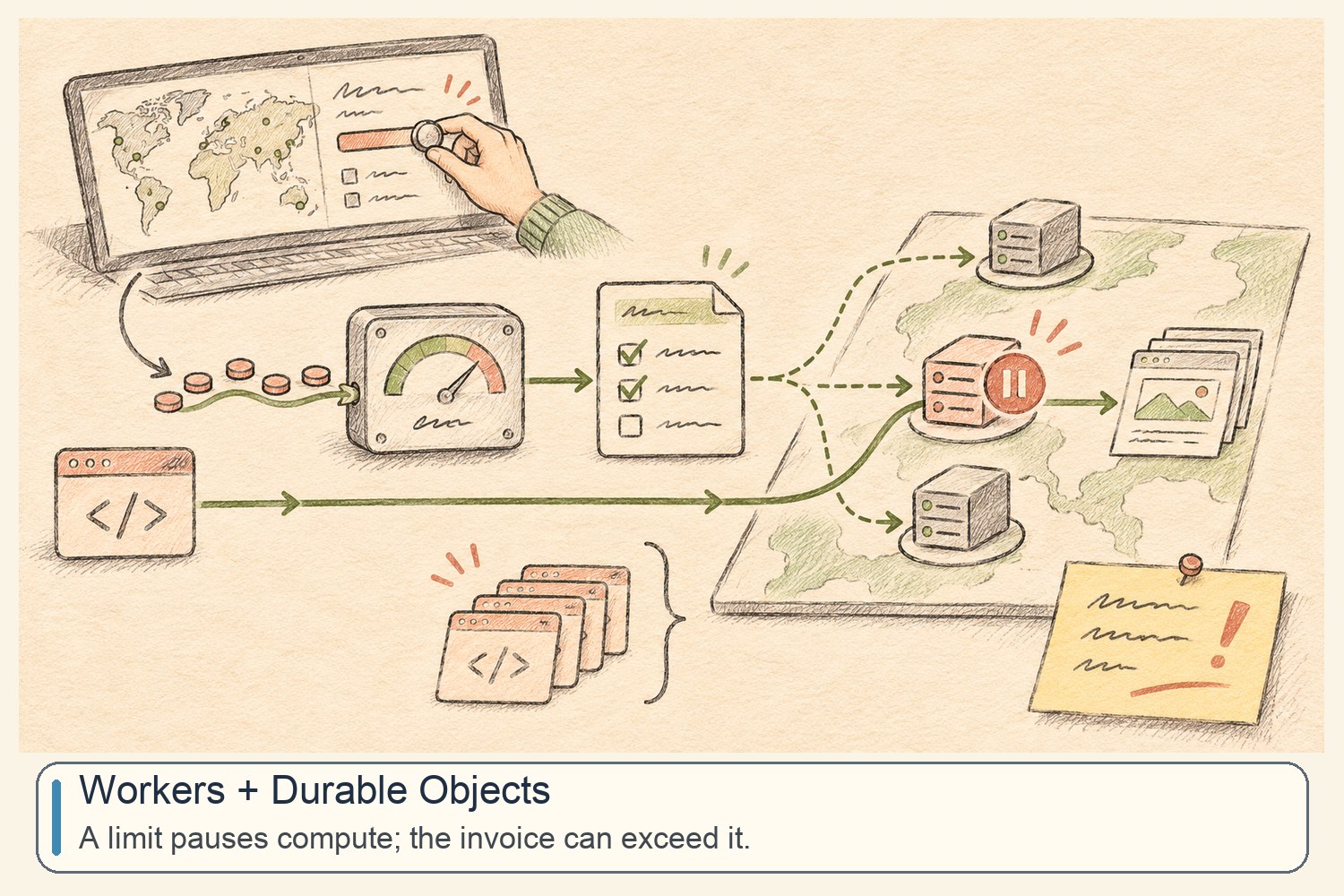
Cloudflare can pause supported Workers and Durable Objects operations at product-level limits. Learn the scope, billing gaps and service tradeoffs.
How Cloudflare Cut Serverless Cold Starts by 10x: Consistent Hash Sharding for V8 Isolates
How Cloudflare cut serverless cold starts 10x using consistent hash rings to route requests to warm V8 isolates across 300 data centers.
Inside Netflix Live Origin: Surviving 65 Million Concurrent Streams with Real-Time Validation
How Netflix built Live Origin: real-time quality validation, dual-pipeline redundancy, and low-latency packaging for 65 million concurrent live viewers.
/* Comments */
Comments are offline right now — we reconnect automatically, nothing is lost.