
On this page
Developers frequently treat Docker containers like lightweight virtual machines. They run docker run -it ubuntu bash, see a private filesystem, run ps aux to find process ID 1, and assume a virtualized guest operating system is running.
In reality, there is no such physical object as a “container” inside the Linux kernel.
A container is simply a standard Linux host process wrapped by three independent kernel primitives that restrict what it can see (Namespaces), what it can use (Control Groups / cgroups), and what it can access on disk (OverlayFS).
Understanding these three primitives demystifies container performance, security boundaries, and debugging.
The Three Kernel Pillars of Containerization
+-----------------------------------------------------------------------+
|                    The Anatomy of a Linux Container                   |
+-----------------------------------------------------------------------+
|                                                                       |
|  [ Standard Linux Host Process ]                                      |
|        |                                                              |
|        +---> 1. Linux Namespaces (What the process can SEE)           |
|        |     - PID: Own isolated process tree (starts at PID 1)       |
|        |     - NET: Dedicated virtual network interfaces & ports   |
|        |     - MNT: Private mount points and filesystem roots         |
|        |     - IPC, UTS, USER: Inter-process & hostname isolation |
|        |                                                              |
|        +---> 2. Control Groups / cgroups (What the process can USE)   |
|        |     - CPU quotas (e.g. limit to 2 cores via CFS scheduler)   |
|        |     - Memory caps (Trigger OOM-kill if limit exceeded)       |
|        |     - Disk I/O & network packet bandwidth limits           |
|        |                                                              |
|        +---> 3. OverlayFS (What the process can ACCESS ON DISK)       |
|              - LowerDir: Read-only immutable container image layers   |
|              - UpperDir: Ephemeral read-write layer for new mutations |
|              - MergedDir: Unified virtual root visible to process     |
+-----------------------------------------------------------------------+
The Docker Architecture: From CLI to Kernel
When you type docker run -d -p 80:80 nginx, the request travels through a multi-layered daemon hierarchy:
+-----------------------------------------------------------------------+
|                    The Docker / Container Runtime Flow                |
+-----------------------------------------------------------------------+
|                                                                       |
|  [ User CLI: `docker` ]                                               |
|        | (Sends REST JSON command over unix socket: /var/run/docker.sock)
|        v                                                              |
|  [ Docker Daemon: `dockerd` ]                                         |
|        | (Manages image downloads, network bridges, volume mounts)    |
|        v (gRPC Call)                                                  |
|  [ Container Runtime Engine: `containerd` ]                           |
|        | (High-level supervisor managing container lifecycle)         |
|        v                                                              |
|  [ Low-Level OCI Runtime: `runc` ]                                    |
|        | (Issues `clone()`, `unshare()`, and `setns()` kernel syscalls)|
|        v                                                              |
|  [ Container Process Spawns -> `runc` exits! ]                        |
|        | (Container process runs directly on the shared host kernel)  |
|        v                                                              |
|  [ `containerd-shim` ] (Stays alive to hold open stdin/stdout & exit)|
+-----------------------------------------------------------------------+
1. Linux Namespaces (The Optical Illusion)
Namespaces partition system resources so that a process believes it has its own dedicated operating system:
- PID Namespace: Inside the container, your web server sees itself as
PID 1. On the host system, runningps -efreveals that the web server is actually running asPID 94182. - NET Namespace: Gives the container its own virtual loopback (
lo), privateeth0interface, IP address (172.17.0.2), and routing table. - MNT Namespace: Isolates filesystem mount points, ensuring the container cannot see the host’s
/etcor/rootdirectories.
2. Control Groups (cgroups v2)
Without cgroups, a single runaway container process could allocate 100% of host RAM and crash neighboring containers.
cgroups enforce hard resource constraints:
- Memory Limits: If a container exceeds its memory limit (e.g.,
--memory=512m), the Linux kernel out-of-memory killer (OOM-killer) immediately sends aSIGKILLto that specific container process without impacting host stability. - CPU Quotas: Configures the Completely Fair Scheduler (CFS) to throttle CPU cycles if the process exceeds its quota.
3. OverlayFS: Layered Copy-on-Write Storage
Docker images consist of stacked, read-only layers. If an image is 1 GB and you launch 100 containers from it, does it consume 100 GB of disk space?
No. It consumes barely 1 GB:
- LowerDir: All 100 containers share the identical read-only image layers stored on the host.
- UpperDir: Each container gets a tiny, isolated read-write directory.
- Copy-on-Write (CoW): When a container modifies an existing configuration file, OverlayFS copies the file from the lower layer into the container’s upper layer and applies the change. The base image remains completely untouched.
The Security Reality: Containers Are Not Virtual Machines
Because all containers share the single underlying Linux host kernel, containers provide weaker isolation than virtual machines:
- If an attacker exploits a Linux kernel vulnerability (such as a privilege escalation bug in kernel memory management), they escape the container and achieve root access across the entire physical host.
- For untrusted multi-tenant workloads (running arbitrary customer build scripts), modern cloud platforms wrap containers inside microVMs (such as AWS Firecracker) to enforce separate hardware kernels.
Key Engineering Takeaways
- Containers are just processes: A container is not a virtualization boundary; it is a normal host process constrained by namespaces and cgroups.
- runc exits immediately: runc creates the namespaces and starts the process, then terminates. The container process runs directly on the Linux kernel with zero hypervisor overhead.
- Understand cgroups OOM behavior: When a container crashes unexpectedly with exit code 137, inspect kernel logs (
dmesg). It is almost always a cgroup OOM-kill.
Keep reading
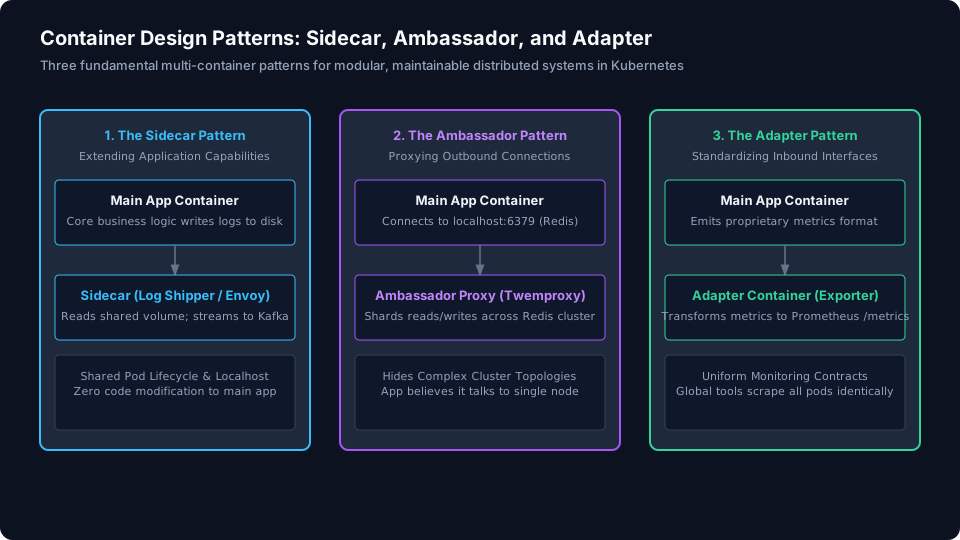
Container Design Patterns for Distributed Systems: Sidecar, Ambassador, and Adapter
Master the three essential multi-container design patterns in Kubernetes: Sidecar, Ambassador, and Adapter architectures for modular cloud systems.
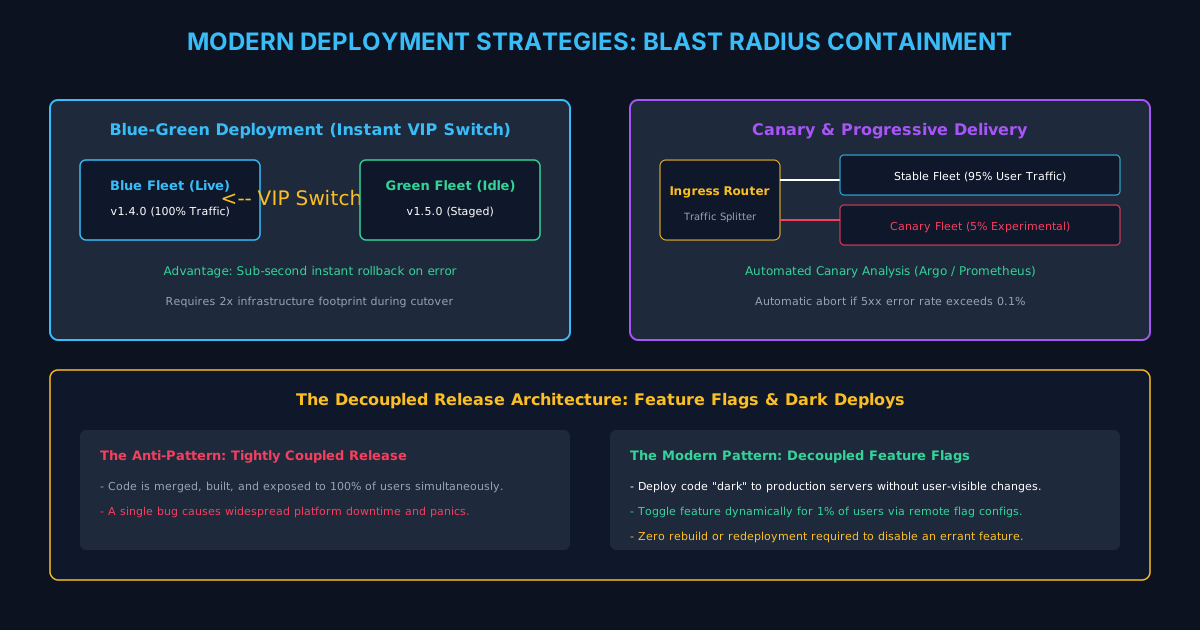
Modern Deployment Strategies: Blue-Green, Canary, and Progressive Delivery
Compare Big-Bang, Rolling, Blue-Green, Canary, and Progressive Delivery. Learn how modern platforms decouple deployment from release to eliminate downtime.
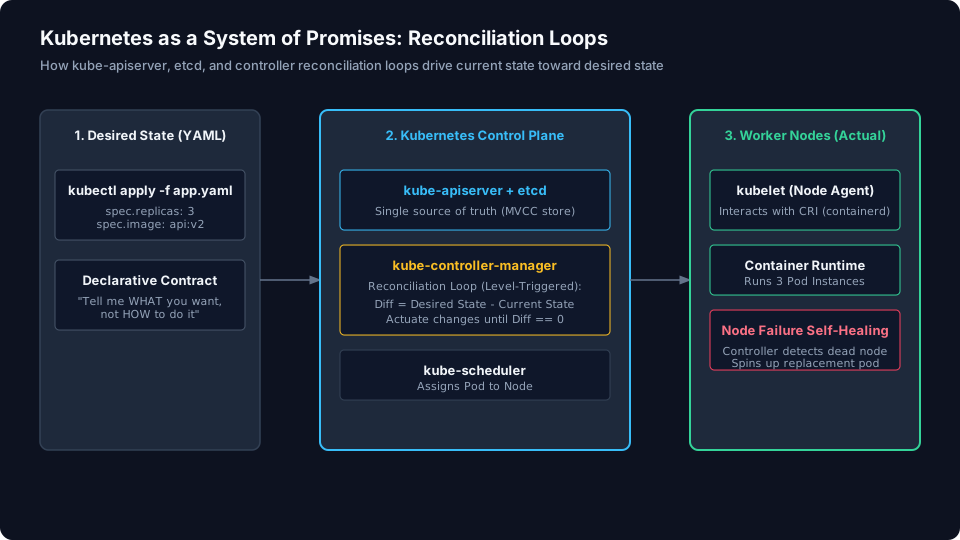
Kubernetes as a System of Promises: Reconciliation Loops and Desired State
Understand Kubernetes control plane architecture: declarative desired state, etcd, kube-apiserver, and controller reconciliation loops.
/* Comments */
Comments are offline right now — we reconnect automatically, nothing is lost.