
One Piece of Work, Many Views: The Engineering Behind Flocci Workspaces
Flocci Workspaces connects a collaborative canvas to canonical Work Apps objects, preserving content while giving teams different ways to work with it.
On this page
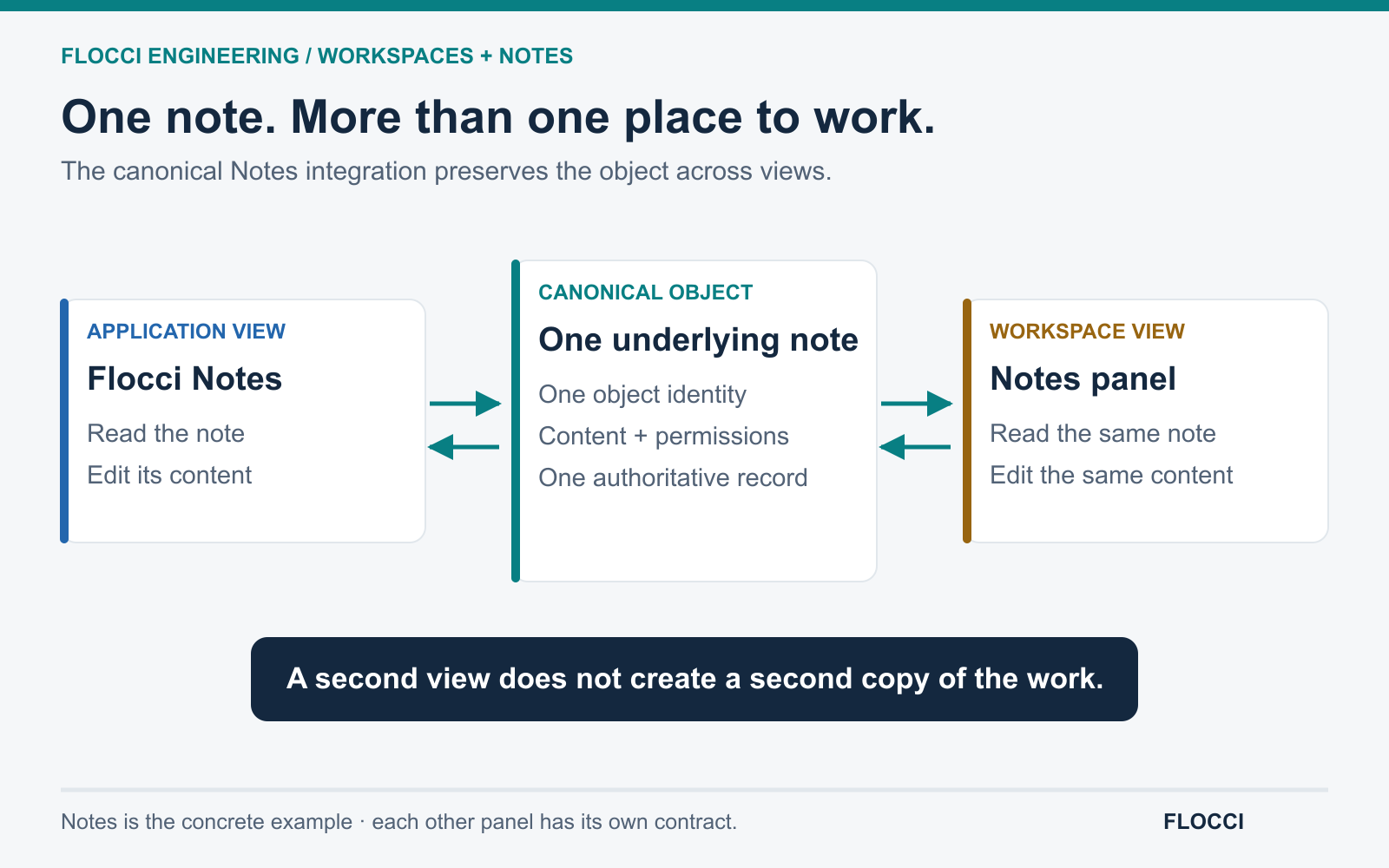
Notes is the concrete example · each other panel has its own contract. · Open the full-size diagram
The copy is often where the confusion begins
A team writes a note during a working session. Someone copies it into a document. Another person pastes it into a project. The discussion continues, but the copies stop agreeing.
Which version should the next person update? Which title is current? Where did the checklist item disappear?
Flocci Workspaces’ canonical Notes integration addresses a concrete part of this problem. A canvas note can be a view of the Notes application’s object, while its position and size remain presentation state owned by Workspaces.
That separation is the heart of the story.
Content and arrangement are different kinds of data
The words in a note belong to the note. Its position on one person’s canvas belongs to that working surface.
Treating both as one record creates unnecessary coupling. Moving a sticky note could change data another application never needed. Mirroring the content into a separate store creates a different problem: both applications can begin editing independent copies.
The reviewed integration keeps canonical note fields with Notes and keeps geometry in Workspaces. Its adapter maps content and checklist shapes between the dedicated application and the panel, while preserving fields the panel does not explicitly edit.
The user sees a flexible interface. Underneath, the object keeps an identifiable home.
Essentials together, depth nearby
Flocci Workspaces brings planning and collaboration into a composable surface. Its product direction is to put useful essentials into panels while keeping deeper capabilities in the dedicated Work Apps.
That is an information-architecture decision as much as an engineering one. A panel does not need to reproduce an entire application to be useful. It needs to support the work that benefits from being beside the other panels.
When deeper editing is needed, object-level navigation preserves the context. Opening a relevant meeting or project is more useful than dropping the user at an unrelated application home screen and making them search again.
Live updates need a shared understanding of access
Connected surfaces also need to know when canonical work changes. The reviewed architecture includes a realtime bridge between Work Apps and Workspaces, allowing relevant changes to prompt updates across surfaces.
Realtime delivery alone is insufficient. The user must still be entitled to the object in the relevant context. Organization membership, explicit workspace access and object permissions remain distinct responsibilities.
The newer membership-lifecycle implementation reinforces those boundaries, but that source work should not be mistaken for deployment-wide verification. Integration depth and access behavior must be checked in the relevant release.
Fewer translation steps for the user
The compelling customer opportunity is reduced translation work: less copying, fewer lost object references and fewer occasions where a person has to reconstruct context between applications.
This article does not claim a measured reduction in tabs or time saved. The mechanism itself is concrete enough to explain: preserve the object, vary the view and make the connection useful at the moment the user needs it.
That principle can guide a connected product family far beyond notes.
Explore Workspaces, Notes and Projects. Read how the wider Flocci foundation connects specialized products.
Frequently asked questions
How do Flocci Notes and Workspaces share content?
The reviewed Workspaces integration reads and writes canonical Notes content through a federation path. Workspaces owns canvas presentation such as position and size separately. The goal is for the canvas and the dedicated Notes app to offer different views of the same note rather than independently edited content copies.
What is the purpose of a Workspaces panel?
A panel brings useful everyday interactions into a combined working surface, while the dedicated application provides greater depth. Flocci's product direction includes object-level navigation, so opening a dedicated application should preserve the relevant work context. Available panel features depend on the specific integration and release.
Sources & further reading
Keep reading
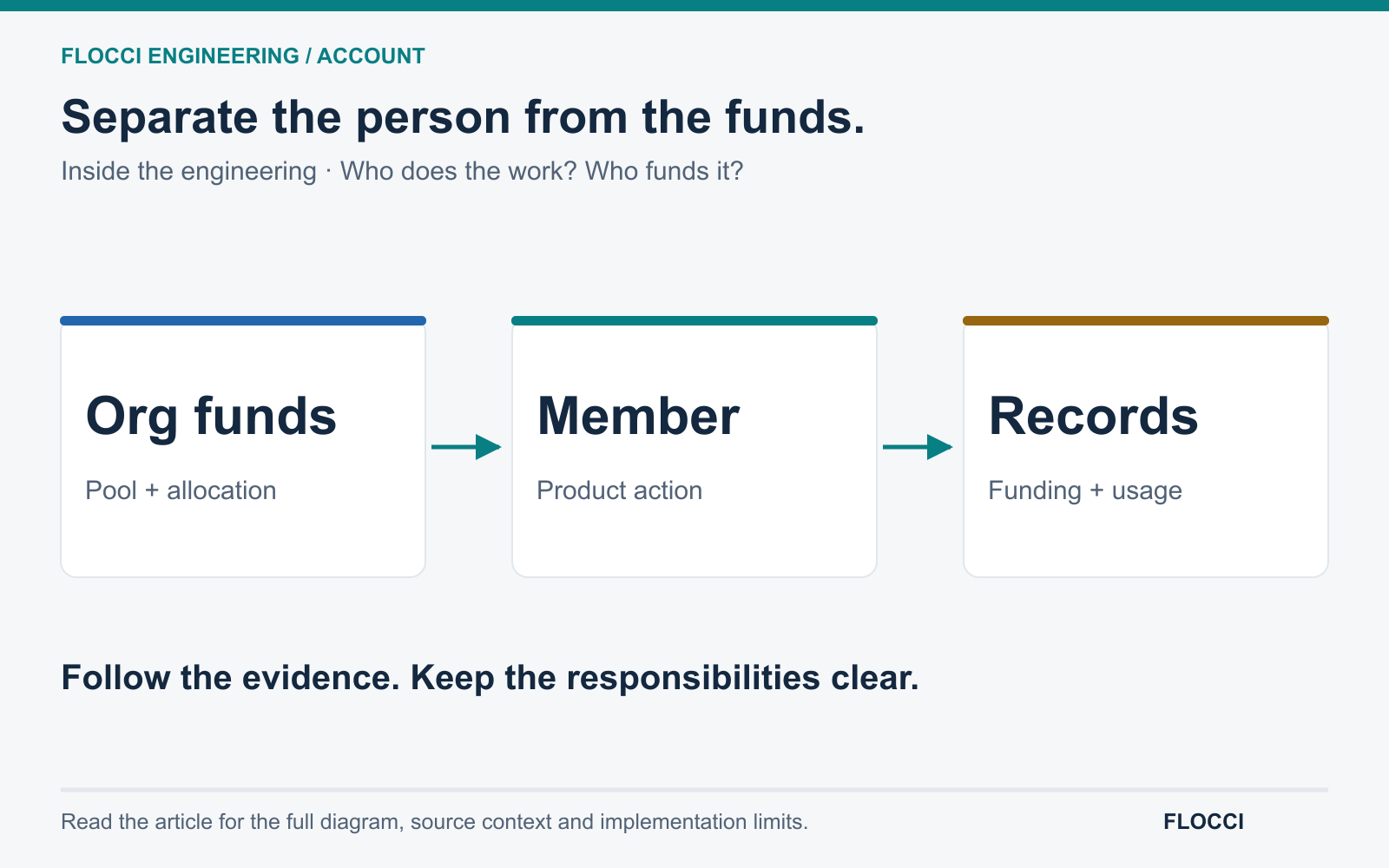
Freedom to Use AI, Control Over Its Cost: Inside Flocci Account
How Flocci Account and shared payment capabilities connect personal credits, organization funding, allocations and accountable spending across products.
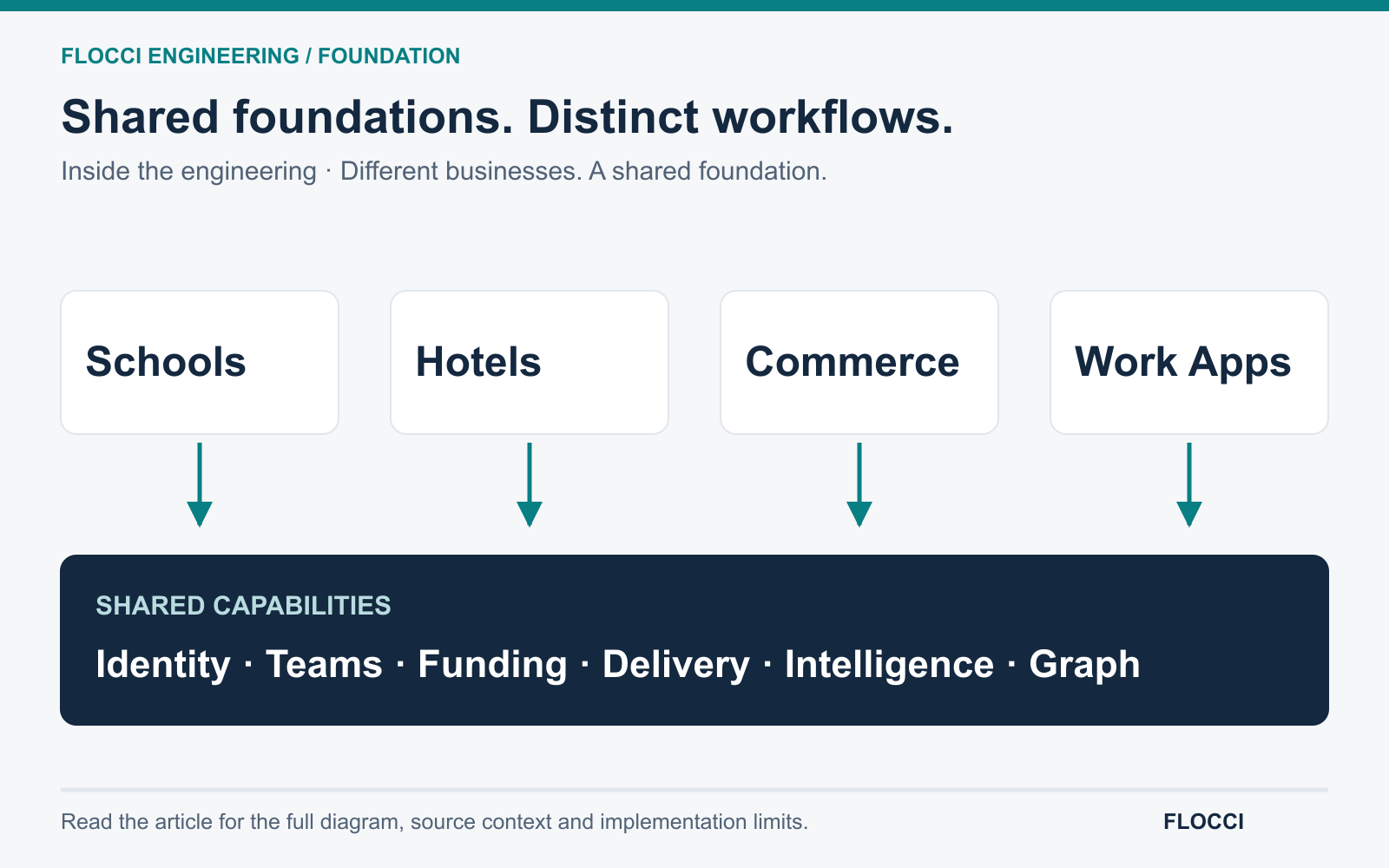
Inside Flocci: The Shared Foundation Beneath Very Different Businesses
How Flocci connects specialized business products through reusable identity, spending, delivery and intelligence while preserving distinct workflows.
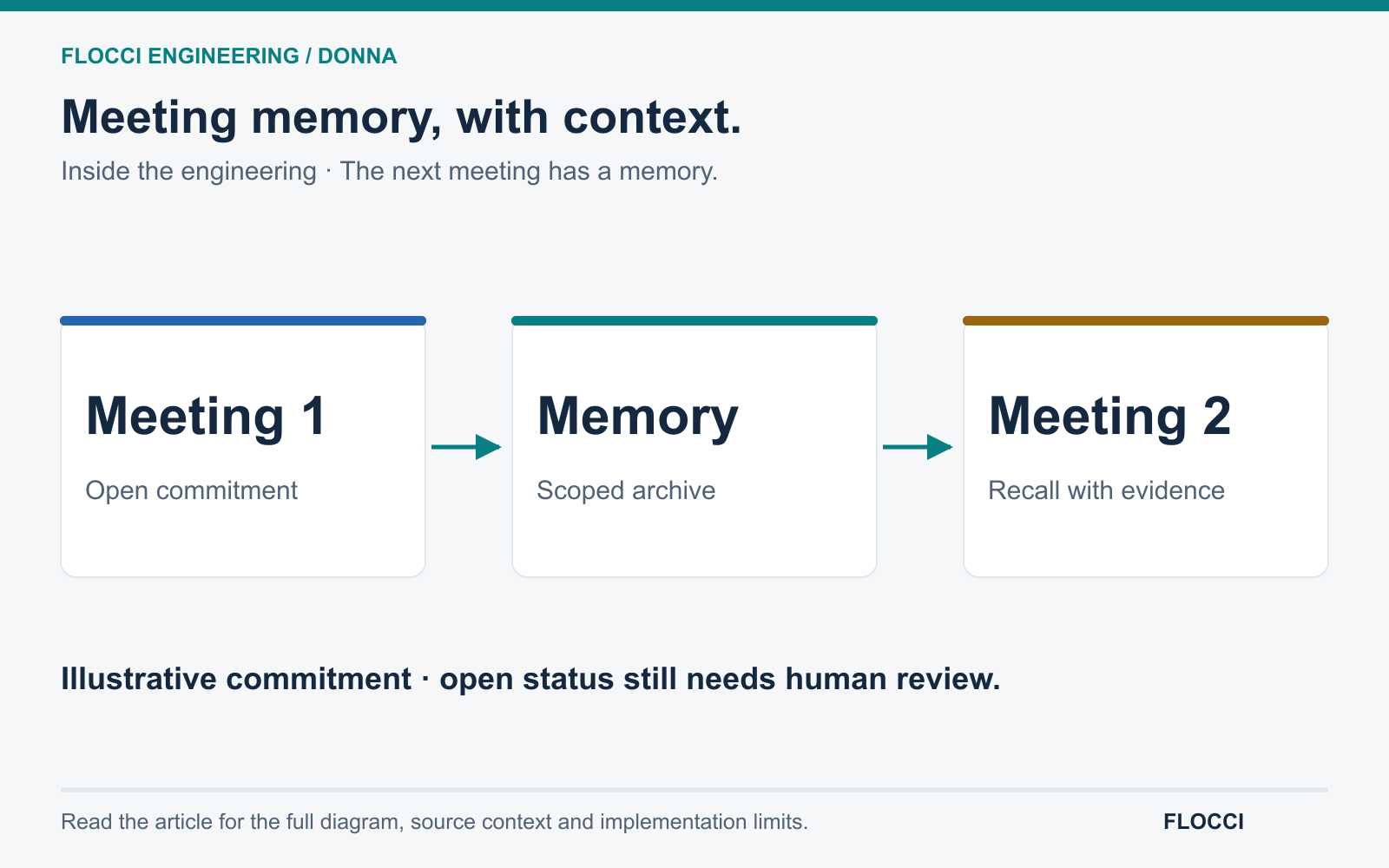
The Meeting Ends. The Commitments Stay: Inside Flocci Donna's Memory
Donna brings unresolved commitments and earlier questions into later meeting analysis, giving recurring conversations a memory with context and evidence.
/* Comments */
Comments are offline right now — we reconnect automatically, nothing is lost.