
GitHub Now Scans Workflow Logs for Secrets—With Preview-Stage Blind Spots
GitHub’s enterprise preview finds supported provider secrets in completed Actions logs, but it skips masked values and sends no alert notifications.
On this page
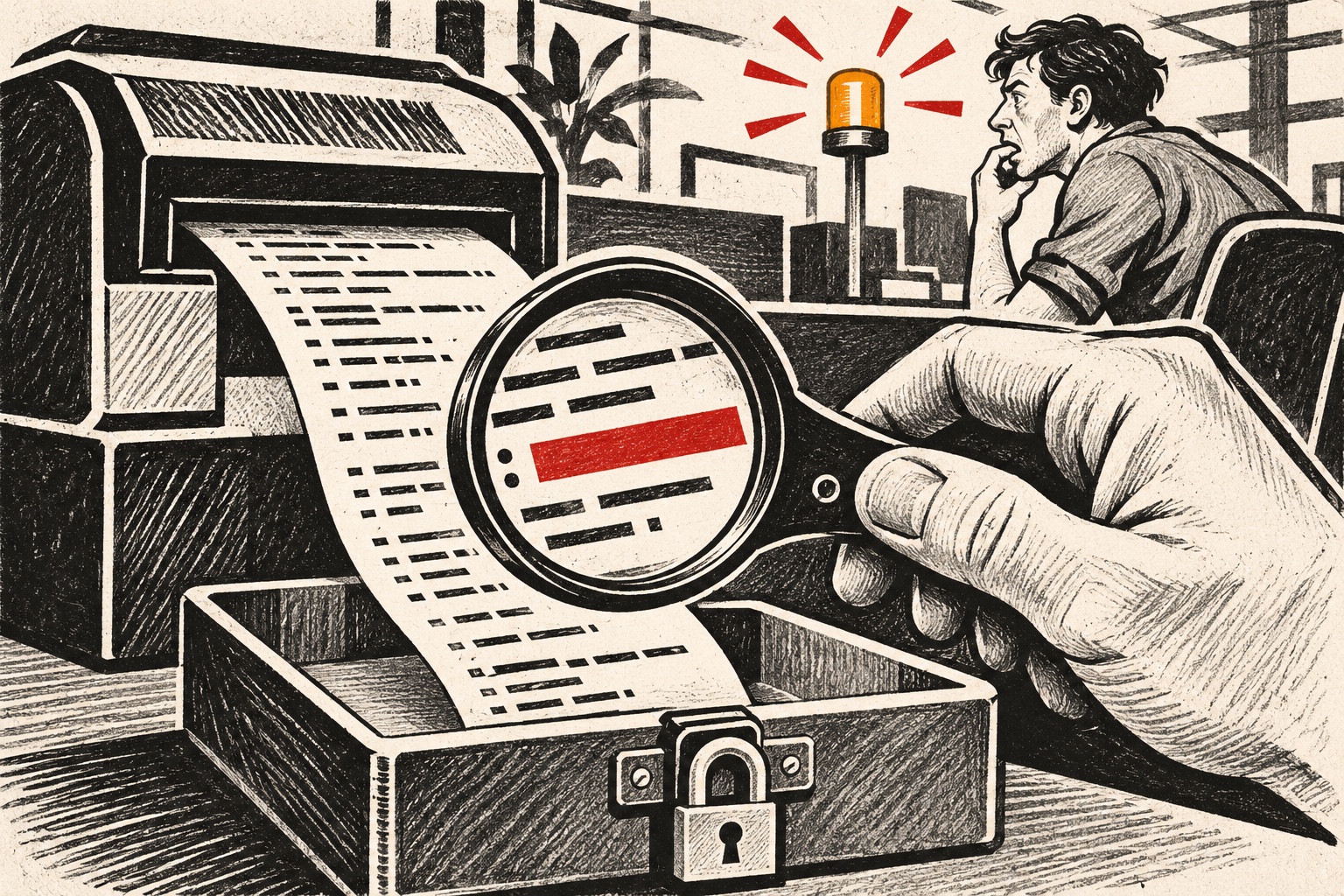
CI logs are a second repository for practical purposes: they can contain command output, environment details and credentials accidentally echoed by scripts. GitHub’s November 9 public preview extends secret scanning to completed Actions workflow logs. Findings appear in the same repository alert list as other secret-scanning alerts and link back to the workflow log; supported secret types can receive validity checks. This is a useful new detection surface, but the preview has gaps that make it unsafe to treat as a complete log-safety control. [1]
The feature is enterprise-scoped. GitHub says it is available to organizations on GitHub Enterprise Cloud with Secret Protection or GitHub Advanced Security, including data-residency deployments on GHE.com. An enterprise owner must enable the policy, and the default is disabled. Only workflow runs completed after enablement are scanned; the existing archive is not backfilled. During preview, alerts do not generate notifications, so teams must check the alert list directly. [1]
The limits are specific. The scanner recognizes provider patterns; it does not detect generic patterns, custom patterns or AI-detected secrets in logs. It also does not detect values that Actions has masked. That is good news when masking works as intended, but a masking rule can hide the very string a log scanner would otherwise detect. A secret can still leak through transformations, partial values, alternate encodings or outputs that do not match a provider pattern. [2]
Detection complements prevention
Treat the preview as one layer in a secrets program. Keep credentials in dedicated secret stores, scope each token to the smallest permissions and lifetime needed, and avoid printing environment variables or command arguments. Mask values before they can reach logs, but do not assume masking repairs an unsafe workflow. Pin third-party actions to reviewed immutable references, restrict the GITHUB_TOKEN permissions, and separate untrusted pull-request execution from jobs that can access deployment secrets. Secret scanning is a backstop for leaks that evade those controls.
When an alert appears, prioritize the credential itself. Revoke or rotate it through its provider, inspect workflow history and downstream audit logs, and determine what the token could reach. Deleting a log is not remediation: GitHub says the alert remains available even after the corresponding log is deleted. That persistence helps incident response, but it does not limit damage from a live token. [1] [3]
A useful rollout sequence is to enable the preview for a small set of repositories, confirm owners can see alerts, and assign an explicit human to review them until notifications exist. Then test a disposable supported-pattern value in a controlled workflow and verify the expected alert path without exposing a real credential. Do not test with production secrets. Since historical logs are not scanned, inventory older workflow artifacts separately if retention and exposure matter.
For a related look at CI execution boundaries, see our guides to GitHub Actions runner design and the LiteLLM supply-chain compromise.
The feature also changes the meaning of log retention. Teams should document who can read Actions logs, how long artifacts remain available and whether logs are copied into external observability systems. A secret printed once may travel into multiple stores; fixing the GitHub alert alone cannot find those copies.
Who can enable workflow-log scanning? Enterprise owners can enable it for GitHub Enterprise Cloud organizations with the specified Secret Protection or Advanced Security entitlement; the feature is disabled by default.
Are old workflow logs scanned? No. Only runs completing after enablement are scanned, and there is no backfill in the preview.
Will the preview notify us? No notifications are generated for these alerts during preview. Teams must review the repository’s secret-scanning alert list directly.
Frequently asked questions
Does GitHub scan old Actions logs after enablement?
No. The public preview scans workflow runs that complete after the feature is enabled; existing logs are not backfilled. Review older retained artifacts separately if they may contain credentials.
Does the preview detect every secret in logs?
No. It detects supported provider patterns and excludes generic and custom patterns, AI-detected secrets, and values masked by Actions. Continue preventing log output and rotate any exposed credential.
Sources & further reading
Keep reading

OAuth Redirects Need Exact Matching—and Codes Need a Verifier
OAuth security depends on matching registered redirect URIs and binding authorization codes to the client flow that started them.

Passkeys Remove Password Resets. They Do Not Remove Recovery
Passkeys improve sign-in, but device loss, synced credentials and account recovery still need a deliberate, phishing-resistant plan.

AI-Found PHP Flaws Put Patch Coordination Ahead of the Discovery Story
OpenAI says partners coordinated PHP fixes with maintainers. Operators should inventory versions and follow official update guidance.
/* Comments */
Comments are offline right now — we reconnect automatically, nothing is lost.