
GitHub’s Xcode 27 Actions Runner Is GA and Apple-Silicon Only
The new xcode-27 labels bring macOS 27 and Xcode 27 to GitHub Actions, but only on arm64. Audit native dependencies before moving an iOS build.
On this page
A new Xcode label can look like a one-line CI change. GitHub’s Xcode 27 runner is more than that: it selects a macOS 27 image and an Apple-silicon architecture. Projects that depend on Intel-only binaries or scripts with architecture assumptions may fail even if their Swift source is unchanged. The safe migration starts with the build environment, not the YAML edit.
What GitHub made available
GitHub announced general availability of its Xcode 27 runner image on October 15. The changelog lists xcode-27 and xcode-27-xlarge as the workflow labels and says the image runs on Apple Silicon arm64 runners only, not Intel. GitHub’s runner-images repository lists Xcode 27 as an arm64 image and identifies the underlying operating system as macOS 27. [1] [2]
The dedicated label is useful because it selects an image organized around the Xcode toolchain version rather than a generic macOS version. GitHub says each Xcode image supports one major Xcode version, which makes the workflow’s toolchain choice more explicit. The installed software manifest records exact Xcode versions and SDKs, and can change when the image is refreshed. [3]
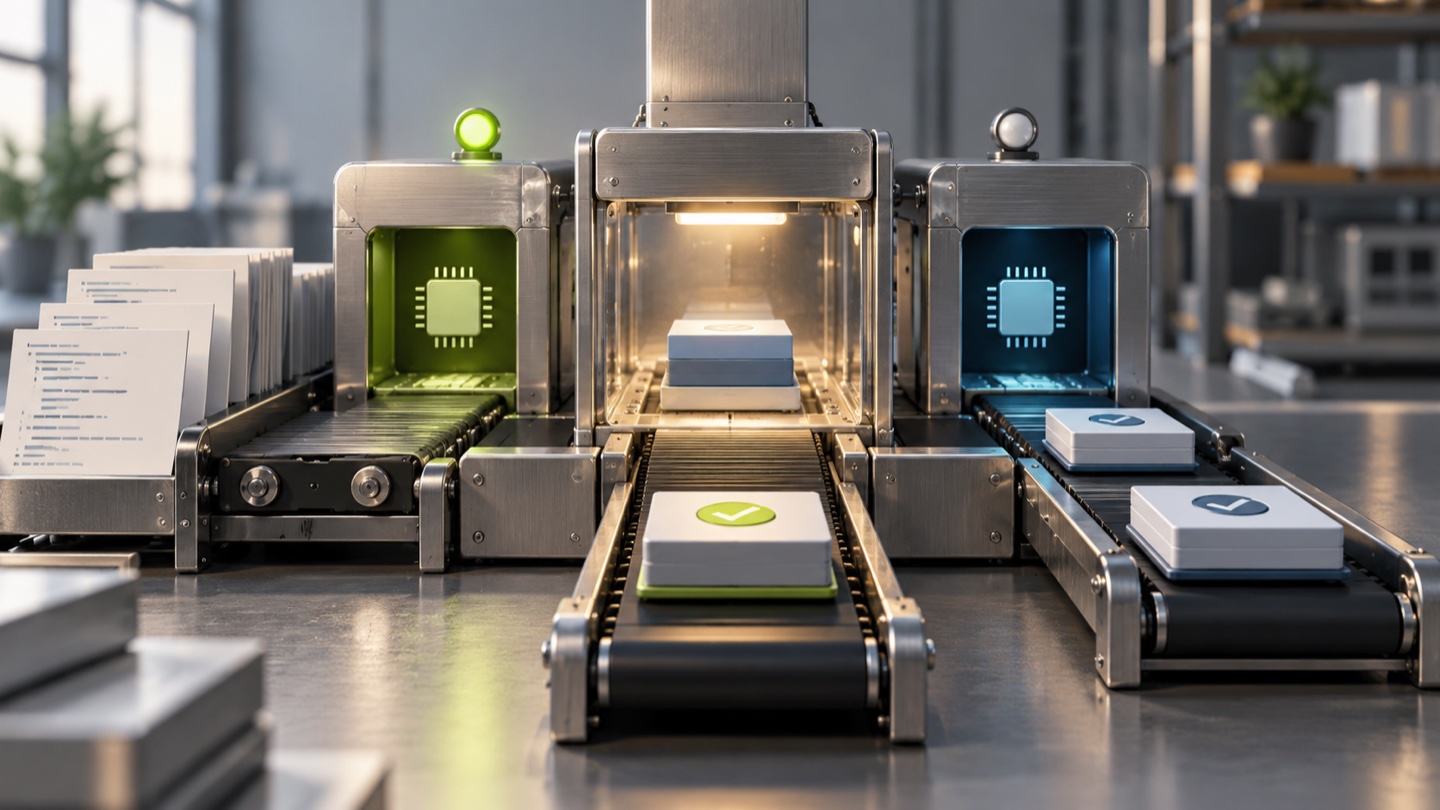
Why the architecture is part of the change
A CI runner executes more than the compiler. It also loads package-manager dependencies, native extensions, binary frameworks, build plugins and signing tools. If any one of these components assumes Intel or ships only an x86_64 binary, an arm64 runner can expose the mismatch. Rosetta may help with some tools on some environments, but it should not be treated as a compatibility promise for a hosted workflow.
Apple’s system-requirements page says Xcode 27 runs on Apple silicon and supports macOS Tahoe 26.6 or later. The release notes describe its toolchain and SDKs, including Swift 6.4. A project may still build for older deployment targets; the CI host’s OS and Xcode SDK do not automatically set the app’s minimum supported OS. Keep those settings distinct in the migration plan. [4] [5]
The runner’s macOS 27 environment can also reveal changes in system tools and defaults that are independent of Xcode. For example, a build script that shells out to a system utility or assumes a path may behave differently after an OS-image update. Pinning a dedicated image label gives more explicit intent, but it does not freeze every patch-level component inside that image.
A low-risk migration plan
- Record the current build contract. Save the workflow label, Xcode version, SDKs, simulator destinations, signing configuration and dependency versions used for release builds.
- Inventory architecture-sensitive dependencies. Inspect vendored frameworks, native package plugins, code-generation tools and any downloaded binaries. Confirm arm64 support from the maintainer or package metadata.
- Create a parallel CI job. Run the same commit against the existing runner and
xcode-27. Compare compile results, test failures, archive contents and signing output. Do not change the release lane until the comparison is understood. - Make simulator targets explicit. Choose the required simulator runtime and device instead of relying on the runner’s default. Confirm the needed runtime is installed in the current image manifest. [3]
- Validate signing and distribution. Exercise archive export, provisioning profiles, notarization or upload steps as applicable. Build success alone does not prove the release artifact is usable.
- Switch gradually and keep a rollback path. Move a development branch or low-risk app first. Retain the previous image label until the new lane has completed real release work.
This sequence also gives a clear place to find failure causes. If the old image passes while Xcode 27 fails at a native binary load, the issue is likely architecture support or packaging. If compilation succeeds but archive export fails, focus on signing and toolchain changes. If simulator tests fail before app code runs, verify the available runtime and device destination.
General availability is not a compatibility guarantee
The word “GA” describes the image’s product status. It does not mean every project will build unchanged on it. The arm64-only constraint is the most visible limitation, but Xcode, SDK, macOS and preinstalled software versions all influence the result. GitHub’s image manifest is the best operational reference for what is installed at a given point in time; Apple’s documentation explains which Xcode and OS combinations are supported.
For teams maintaining both Intel and Apple-silicon workflows, use a build matrix where it answers a real compatibility question. Otherwise, standardize on the architecture your shipping product and supported dependencies target, and make that decision explicit in CI. The runner-images repository provides current labels and manifests, while Apple’s Xcode requirements should guide host compatibility.
The upgrade is useful when a team wants a current Xcode toolchain and can validate its native dependencies on Apple silicon. Treat the label as a deliberate environment change, compare it against a known-good build, and let a real signed release—not a green compile alone—close the migration.
Frequently asked questions
Which GitHub Actions labels select the Xcode 27 runner?
GitHub lists `xcode-27` and `xcode-27-xlarge` as the labels for the Xcode 27 hosted image. The image is available on Apple Silicon arm64 runners and is not supported on Intel runners.
Does the Xcode 27 runner use the macOS 27 image?
GitHub’s runner-image documentation identifies Xcode 27 as a macOS 27 runner image. The exact installed Xcode and SDK revisions can change with image updates, so teams should inspect the image’s current software manifest when a build depends on a specific point release.
What should teams test before migrating an iOS workflow to xcode-27?
Check native libraries, binary frameworks, build scripts and simulator assumptions for arm64 compatibility, then test signing, archive creation and release steps on the new image. Keep a known-good runner label available while comparing results.
Sources & further reading
Keep reading

Apple Opens App Subscriptions to Teams. Developers Should Model Seats Before Enabling Them
Apple adds multiseat app purchases for organizations and plans group buying. App makers need clear seat, billing and entitlement rules.

The LiteLLM 1.107.0 Attack Ran at Python Startup. Check Environments, Not Just Imports
The compromised LiteLLM release used Python startup hooks, so affected environments could execute code without importing it. Here is a response sequence.

GitHub Can Now Import All Branch Rules at Once. Review Before You Activate Them
GitHub’s bulk importer turns repository branch protection into rulesets. Use its preview and Evaluate mode to catch changes before enforcement.
/* Comments */
Comments are offline right now — we reconnect automatically, nothing is lost.