Google’s Workspace CLI Is GA, but Its Agent Commands Can Change
Google’s gwscli is generally available for Workspace automation, with dynamic command discovery, OAuth, human checks, and an explicit compatibility warning.
On this page

A general-purpose terminal tool can give an AI agent a much broader route into a company’s work than a single-purpose connector. Google’s Workspace command-line interface, gwscli, reached general availability on November 24. Google describes it as a unified terminal client built primarily for agents in automated environments, while also supporting interactive developer use. The practical consequence is that teams should review its command and identity boundaries as part of the automation design, not treat GA as an invitation to hand an agent an unrestricted account. [1]
The CLI discovers commands, parameters and output schemas dynamically at runtime. Google explicitly warns that these interfaces can change without backward compatibility. That makes gwscli a poor fit for scripts that silently assume a fixed command signature or JSON shape. Teams should pin the binary in controlled environments, inspect --help and command schemas during upgrades, and fail closed when a required field changes. [2]
A CLI with agent-specific behavior
The command surface spans services such as Calendar, Chat, Docs and Gmail. Depending on the service and authentication, commands can search and read records, create or edit documents, send messages, update calendar events, and move email into Trash or Spam. Google’s guide distinguishes read-only and write commands; a “read-only” bundle is available for narrower sign-in. These are not equivalent capabilities, so the authorization decision should match the workflow’s actual job. [2]
Authentication uses OAuth 2.0. Developers may sign in interactively with a Google Account, configure their own OAuth client, or supply an existing access token. For Workspace organization data, Google says actions follow administrator access and security policies. Interactive setup requires a browser-capable local session; Google advises completing credential setup and sign-in yourself rather than asking the agent to handle that interactive step. [2]
Some actions have additional gates. For example, Chat write commands require a Workspace account and a configured Chat app; they are not supported for personal Google Accounts. The CLI also includes human-in-the-loop verification for sensitive actions, while Workspace administrators can configure user-review rules for external agents. A confirmation prompt is a useful control, but only if the deployment’s policy actually requires it for the action that matters. [2]
Treat upgrades as interface changes
A safe rollout can be small: use read-only credentials first, test representative commands against a noncritical account, record the resolved command and output shape, and compare that contract when upgrading. For workflows that write data, separate the agent’s user identity from a human operator’s high-privilege account where possible. Keep destructive actions behind an explicit approval path and log the requested operation, target and result.
The command line also does not bypass API quotas or access controls. Google says CLI requests count against the owning Cloud project’s Workspace usage tier and quotas. It charges no separate tool fee, but quota and policy remain the limits that production automation must model. [2]
This release is useful because it gives agent builders one terminal-shaped way to reach several Workspace services. Its dynamic interface and broad action set also make version control, least privilege and review policy part of the integration contract. For a deeper look at how an agent delegates work without inheriting unnecessary authority, see our guide to agent tool gateways and the MCP protocol’s boundaries.
Frequently asked questions
Does general availability make gwscli commands a stable scripting API?
No. Google says commands and output schemas are discovered dynamically and may change without backward compatibility, so pin and validate the CLI before relying on fixed signatures.
Can an agent send Google Chat messages through gwscli?
Yes, but Chat writes require a Google Workspace account and a configured Chat app; sensitive commands can also require human confirmation under the configured review policy.
Sources & further reading
Keep reading
Kubernetes 1.37.3 Narrows `kubectl proxy` and Kubelet ID Ranges
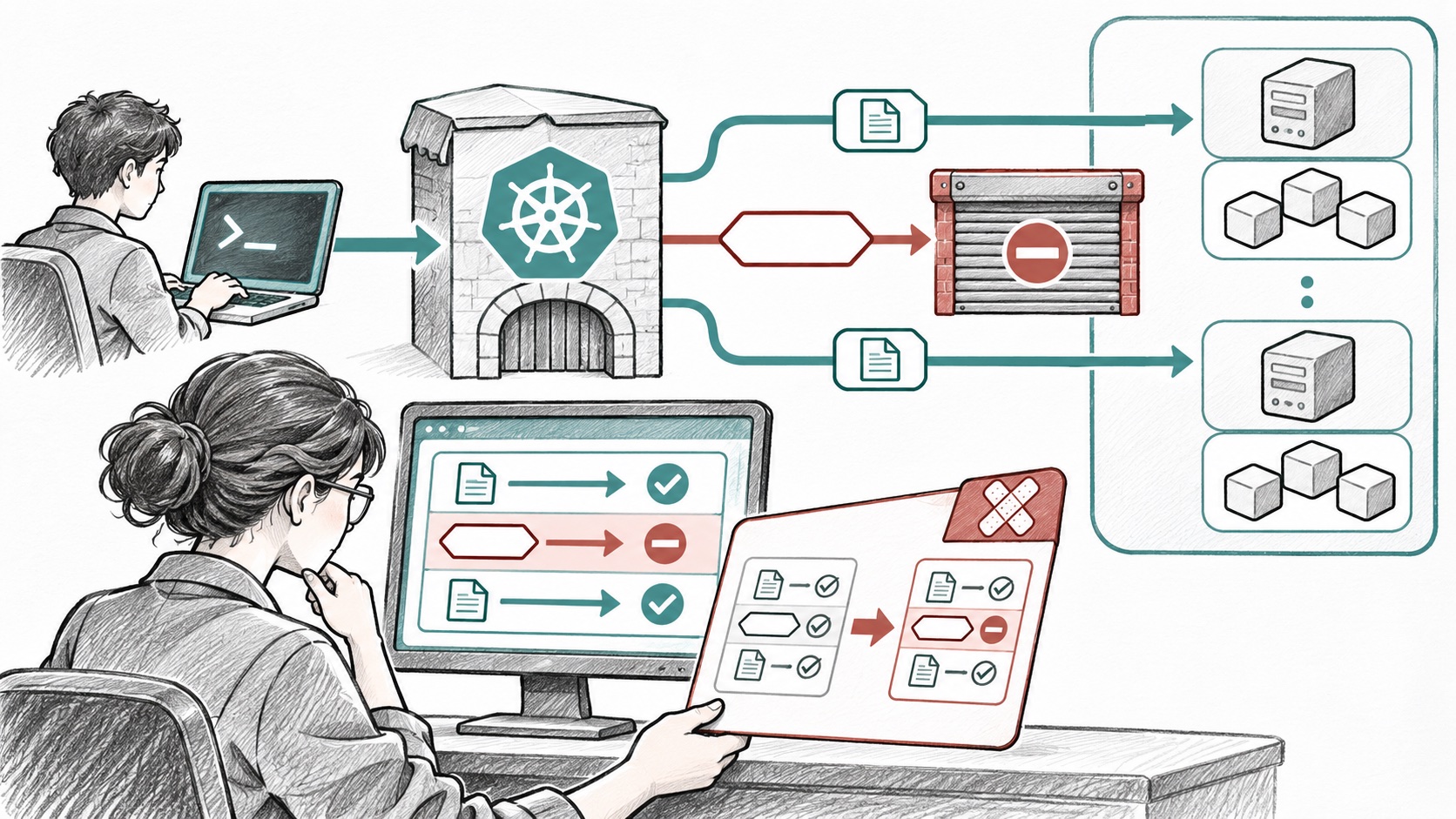
The 1.37.3 patch adds a node run path to kubectl proxy’s default filter and rejects overflowing kubelet subordinate ID ranges at startup.
OpenShell 0.1.10 Needs a Routing Check Before Kubernetes Upgrades
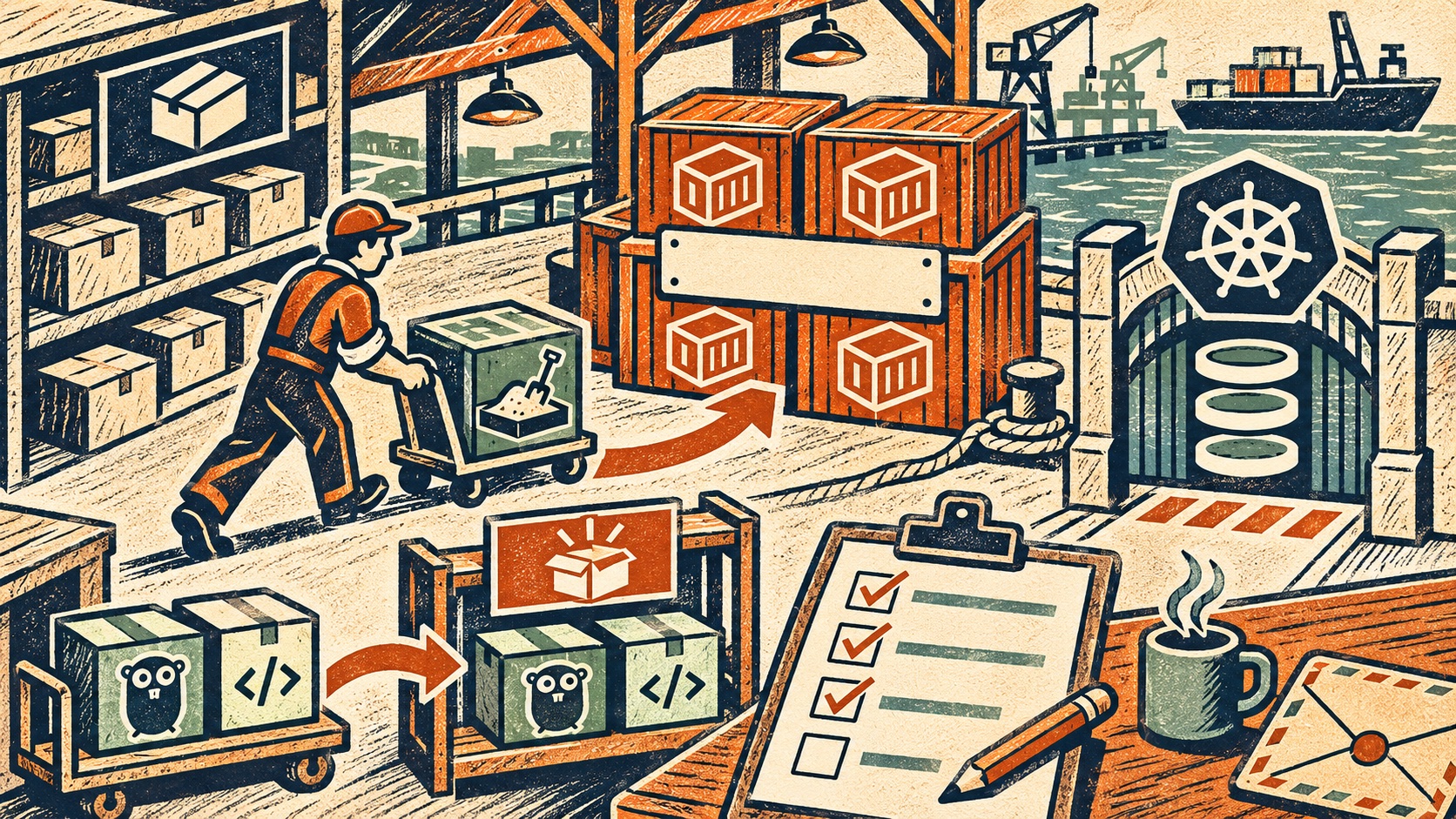
OpenShell 0.1.10 changes registries and disables gateway-mediated Kubernetes service routing by default, so Helm users should audit forwarding before upgrading.

Vercel Workflow 5.8 Gets Faster by Replaying Safe Steps
Workflow SDK 5.8 adds speculative execution and lower orchestration overhead, but the speedup depends on idempotent steps and careful handling of side effects.
/* Comments */
Comments are offline right now — we reconnect automatically, nothing is lost.