
Image Generation Is Becoming an Editing Workflow, Not a One-Shot Prompt
OpenAI Images 2.6 adds complexity controls, local edits, SVG export and GIF generation. Speed and consistency figures remain vendor claims.
On this page
A designer changes the background of a product image, then discovers that the model also changed the label, lighting and object shape. That is the costly part of generative design: each new instruction can disturb details that were already approved. OpenAI’s Images 2.6 release addresses that problem with controls for editing, complexity and output format. The story is less about a single image being “better” and more about whether creators can steer a sequence of revisions without restarting from scratch. [1] [2]
More control over the next edit
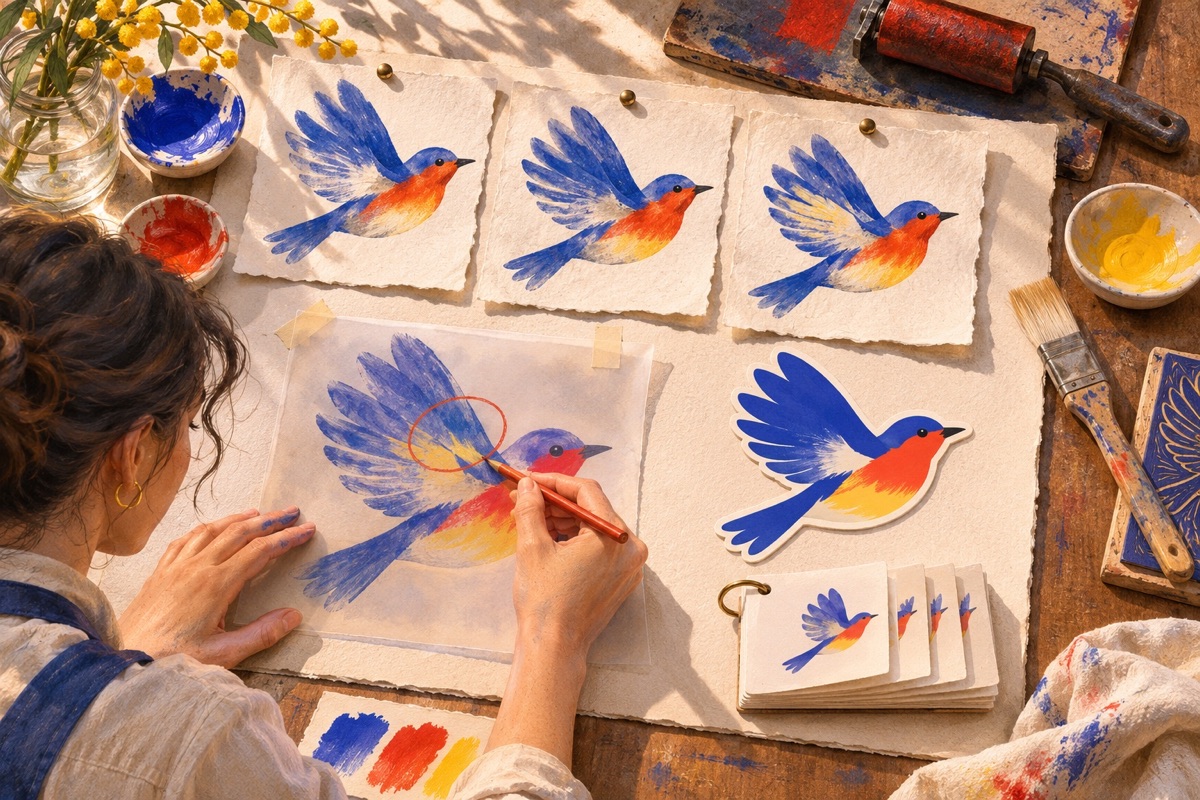
OpenAI describes several additions. Image markup lets a user indicate where a change should happen; a complexity parameter lets developers request less or more planning; SVG output supports vector-oriented work; and GIF generation can turn an idea or character into a short loop. The company says Images 2.6 is available in ChatGPT, Codex and its API, with API variants named Flare and Sunburst. Availability and interface details can vary by product surface. [1] [2] [3]
The distinction between complexity and image quality is practical. Complexity controls how much planning the model does; quality controls rendering detail. A focused background edit may benefit from a simpler request, while a dense layout or scene with many relationships may need more planning. OpenAI’s API guide warns that higher complexity can add latency and may introduce unwanted changes, so the setting is a trade-off rather than a quality dial that should always be turned up. [2]
Markup-guided editing also changes the interaction. Instead of describing a location only in prose, a creator can point to an area and specify the intended adjustment. That can make review more direct, especially when a team needs to preserve a chosen subject while revising its surroundings. But the editor still needs to inspect the full image. A marked region is guidance to a generative system, not a guarantee that unmarked pixels or brand details remain unchanged. [1] [2]
Useful output depends on the job
SVG export may help when artwork needs to move into a web, app or print workflow, while GIF generation can be useful for storyboards and simple animated assets. Each format has its own practical checks: SVGs need inspection for editable structure and rendering differences, and GIFs need review for smooth loops, frame consistency, file size and accessibility alternatives. An export option does not automatically make an image production-ready. [1] [2]
OpenAI reports that Images 2.6 is 50% faster than its prior model and emphasizes improved consistency across edits. These are vendor statements. The launch material does not provide an independent, task-diverse benchmark that lets a design team predict how much faster its own workflow will be or how consistently a particular product, person or illustration will survive a revision. The system card describes safety evaluations and limitations, but it is not an independent quality comparison across image tools. [1] [4]
Teams evaluating the feature should measure the full work cycle rather than generation time alone: how often a revision preserves approved details, how many edits are needed, whether reviewers can catch defects, and how outputs fit existing design and licensing review. Keeping source prompts, edit instructions, model versions and approved files can help teams retrace a creative decision. That record is a workflow choice; the model does not create a complete asset-management or provenance system for a team by itself.
The better question is what should stay fixed
Generative editing is most helpful when a creator can name what may change and what must remain stable. A product team may allow the setting to change but lock a logo, package dimensions and required text. An illustrator may vary a background while preserving a character silhouette. These constraints need final human review, especially where an incorrect visual could mislead customers or misrepresent a product. [2]
Images 2.6 makes iteration more explicit through localized markup, complexity choices and additional formats. Those controls may reduce friction for some kinds of work, but they do not remove judgment from the process. The value of the release will be measured in how reliably people can revise an image, catch mistakes and move a reviewed asset into the next stage—not in a generation timer alone. [1] [2]
Frequently asked questions
What is new in Images 2.6?
OpenAI says the release adds adjustable complexity, markup-guided edits in the API, SVG output and animated GIF generation. It also reports faster generation and improved consistency across edits; these performance statements come from the vendor.
Does markup-guided editing guarantee that only the selected part changes?
No. The feature gives a developer or creator a way to indicate an edit area, but generated output still needs review. A localized instruction does not guarantee that every unmarked element remains identical.
Sources & further reading
Keep reading
Gemini Omni 1.2 Makes Video Editing Conversational—and Raises a Consent Test
Google’s video model adds 15-second clips and conversational edits; its model card says speech-changing capability remains restricted.

Apple Opens Siri AI Actions to Developers
Apple’s developer preview lets apps expose actions to Siri through App Intents. Shipping, policy, age and regional limits still shape what teams can build.

Google Dreambeans Turns Connected Apps Into a Morning Story Feed
Dreambeans is an experimental Google Labs app that turns selected Google app data into daily stories. Its usefulness depends on what people connect.
/* Comments */
Comments are offline right now — we reconnect automatically, nothing is lost.