
What Salesforce Learned from 20,000 Enterprise Agent Deployments
Why enterprise agents stall after the demo: Salesforce Agentforce lessons on scope, guardrails, feedback loops, and the 90% post-launch effort inversion.
On this page
Building a flashy autonomous AI agent demo takes an engineer a weekend. Getting that agent certified, deployed, and trusted to execute real transactions across 20,000 enterprise organizations takes an entirely different engineering discipline.
Salesforce observed this gap directly across its Agentforce platform. Across thousands of enterprise customers, the vast majority of agent failures did not stem from model capabilities. They failed because engineering teams applied traditional software assumptions to non-deterministic systems.
In traditional software, 90% of engineering effort occurs pre-launch: writing code, unit testing, and shipping. In enterprise AI agents, this ratio completely inverts: 90% of the engineering work begins after the agent meets real customer traffic.
The Four-Tier Enterprise Agent Architecture
To prevent enterprise agents from becoming fragile one-off prototypes, Salesforce structured Agentforce into four decoupled layers wrapped by an omnipresent Trust Boundary:
+-----------------------------------------------------------------------+
|                Salesforce Agentforce Architecture                     |
+-----------------------------------------------------------------------+
|                                                                       |
|  [ 1. Engagement Layer ]                                              |
|  - Omnichannel Ingress: Slack, WhatsApp, Web Chat, Voice (Telephony)  |
|        |                                                              |
|        v                                                              |
|  [ 2. Autonomous Agent Brain (Atlas Reasoning Engine) ]              |
|  - Intent Decomposition, Action Selection, Loop Termination Guards    |
|        |                                                              |
|        v                                                              |
|  [ 3. System of Work (Action & Tool Execution) ]                  |
|  - Salesforce Flow, Apex Handlers, External REST / MuleSoft APIs      |
|        |                                                              |
|        v                                                              |
|  [ 4. Context Layer (Data Cloud) ]                                    |
|  - Unified CRM Objects, Vector Embeddings, Historical Cases           |
|                                                                       |
|  ==================== OMNIPRESENT TRUST LAYER ======================  |
|  - Real-time PII Masking, Prompt Injection Defense, Audit Logs        |
+-----------------------------------------------------------------------+
Layer 1: Engagement Layer
Users interact through diverse, noisy channels (SMS, voice telephony, customer support widgets). The engagement layer normalizes these inputs into clean, timestamped event payloads.
Layer 2: Atlas Reasoning Engine
The reasoning runtime decomposes high-level user goals into sequential actions. Crucially, it does not invent APIs; it operates strictly against registered, type-safe actions.
Layer 3: System of Work
Agents do not directly touch production databases. Instead, they invoke pre-existing business logic (Salesforce Flows, Apex code, or MuleSoft enterprise integrations) that already enforce business rules, validation constraints, and transactional rollbacks.
Layer 4: Context Layer (Data Cloud)
The grounding layer that hydrates the prompt with real-time customer data, order status, and semantic knowledge articles without exposing unredacted database tables.
The Omnipresent Trust Layer
Every inbound token and outbound action passes through the Trust Layer:
- Zero Data Retention: Enforces that LLM vendors do not train on customer data.
- PII Masking: Strips Social Security numbers, credit card tokens, and personal emails before prompt dispatch.
- Toxicity and Hallucination Guards: Intercepts out-of-bounds agent promises before they reach the user.
Three Deadly Anti-Patterns in Enterprise Deployments
Across 20,000 deployments, Salesforce identified three recurring patterns that destroy agent reliability:
Anti-Pattern 1: The “Everything Agent” (Scope Creep)
Teams attempt to build a single omniscient bot that handles billing disputes, technical troubleshooting, sales upsells, and account management.
- Why it fails: As tool definitions accumulate in the prompt, the model suffers tool confusion and context distraction.
- The Fix: Constrain each agent to a narrow, well-defined operational domain (e.g., “Tier 1 Password & MFA Reset Agent”).
Anti-Pattern 2: The Action Without Rollback
An agent executes a payment refund or modifies customer contact info via an irreversible API call. When the conversation later fails, the state is corrupted.
- Why it fails: In non-deterministic loops, actions must support two-phase commit or human-in-the-loop review for high-impact mutations.
- The Fix: Gate high-risk actions behind explicit human approval or read-only previews.
Anti-Pattern 3: The Black-Box Launch
Deploying an agent without structured telemetry, assuming silent logs mean healthy execution.
- Why it fails: Customers who receive nonsensical responses rarely file bug reports; they simply churn.
- The Fix: Implement continuous sentiment tracking, hallucination scoring, and an automated feedback flywheel.
The 90% Post-Launch Rule: The Telemetry Flywheel
Week 1 Launch -> Capture 10,000 Real Customer Interactions
      |
      v
Analyze Drift & Failure Clusters (Unrecognized intents, tool failures)
      |
      +---> 40% of issues: Missing documentation / context in Data Cloud
      +---> 35% of issues: Ambiguous tool descriptions in Action registry
      +---> 25% of issues: Prompt guardrail boundary refinements
      |
      v
Deploy Daily Iterations -> Accuracy scales from 78% to 96% in 60 Days
Successful teams treat day one of launch as the beginning of the engineering effort. The telemetry flywheel continually pulls real edge-case failures into regression datasets.
Key Engineering Takeaways
- Never let agents write raw database queries: Force agents to invoke existing, validated business workflows (Flows, APIs) with strict parameter validation.
- Enforce a hard perimeter Trust Layer: Strip PII, block prompt injection, and audit tool parameters at the perimeter before calling external models.
- Scope narrowly, then expand: A focused agent that resolves one task with 98% accuracy delivers far more enterprise value than an omniscient agent that fails 20% of the time.
Keep reading
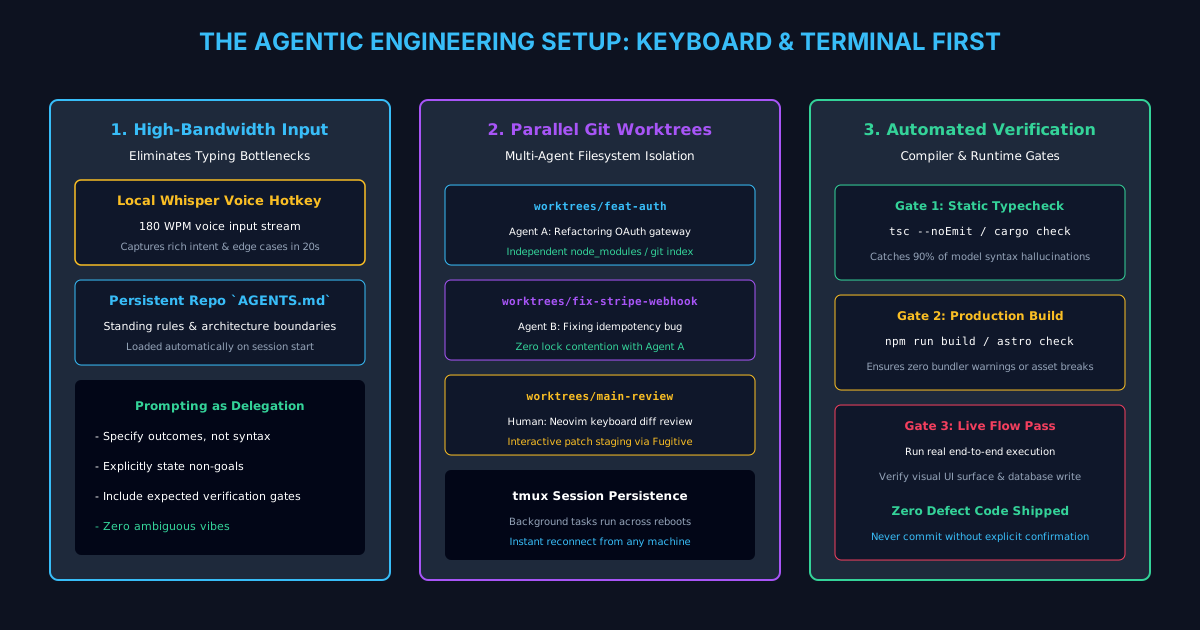
The Agentic Engineering Setup: Terminal, Voice, Worktrees, and Verification
Inside an Ex-Meta L8 engineer's keyboard-first agentic workflow: WezTerm, Neovim, local Whisper voice input, git worktrees, and automated compiler loops.
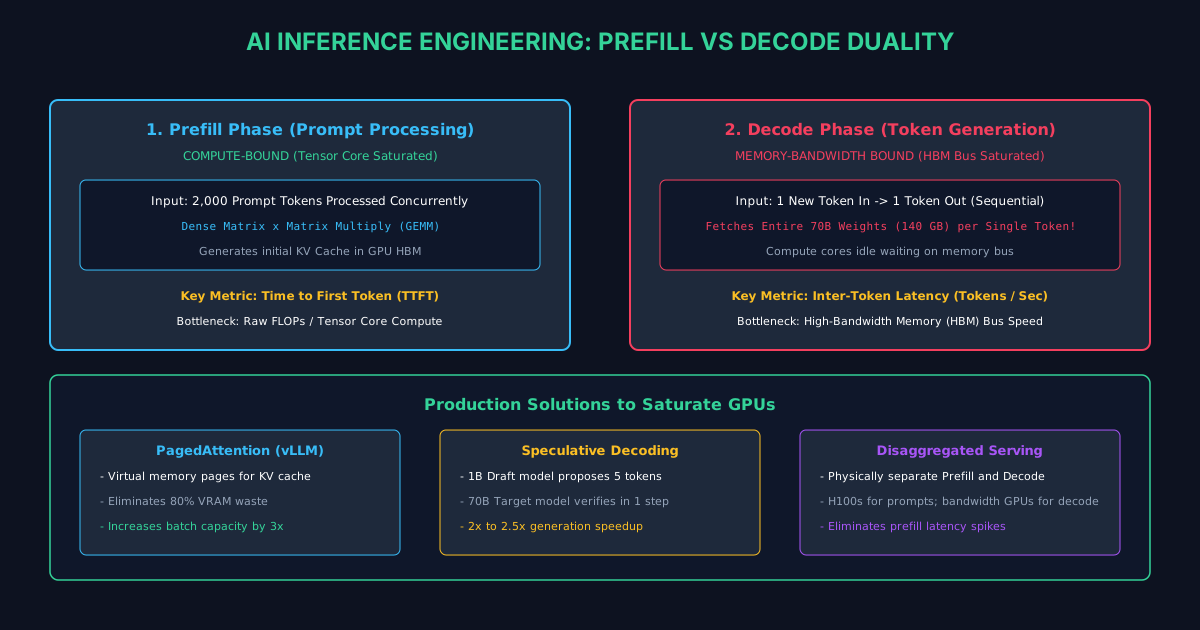
A Complete Guide to AI Inference Engineering: Prefill vs Decode
Why LLM inference splits into compute-bound prefill and memory-bound decode. Master PagedAttention, KV-caching, speculative decoding, and vLLM.
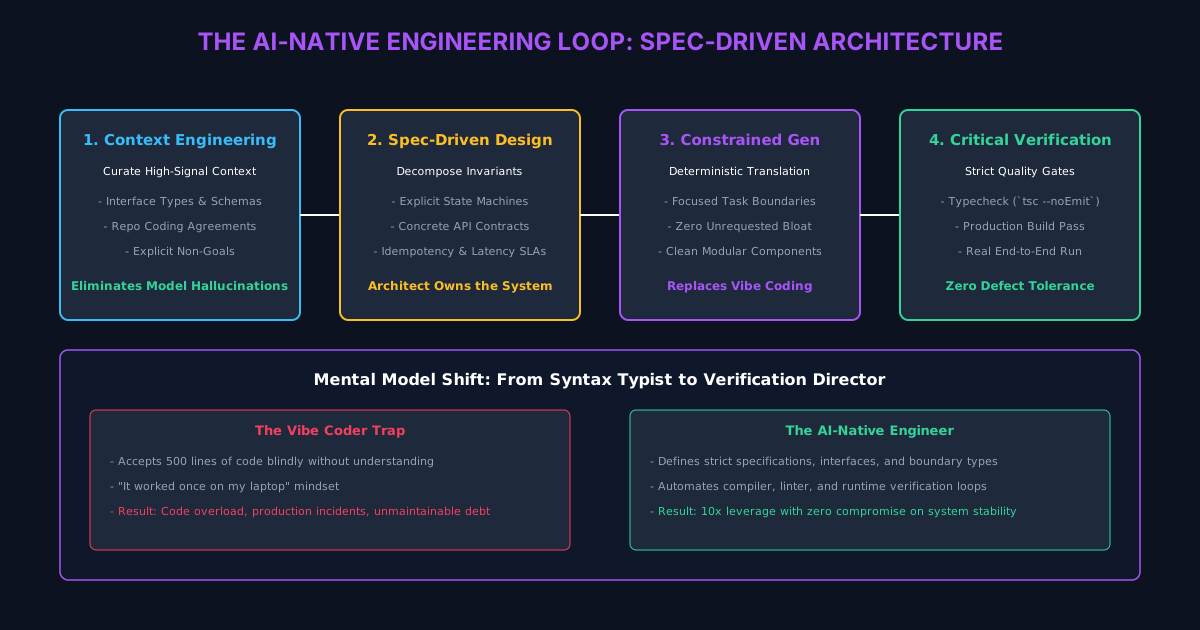
The AI-Native Engineer: Architectural Patterns to Avoid Code Overload
How high-leverage engineers shift from writing syntax to context engineering, specification-driven design, and rigorous automated verification.
/* Comments */
Comments are offline right now — we reconnect automatically, nothing is lost.