
topic: database-engineering
author: Crashtech Editorial
published: Aug 20, 2026 · read: 4 min
---
Schema Evolution Without Outages: Expand and Contract Migrations for Systems Running Mixed Versions
Why multiple schema versions run concurrently in production, and how five-phase expand-contract migrations prevent downtime.
On this page
A database schema migration often looks deceptively simple in code review. It might be as modest as renaming a column (user_name to username), adding a required foreign key, or deprecating an unused JSON field from an event stream.
The migration executes flawlessly in the staging environment.
Ten minutes after deploying to production, error alerts explode: services crash, database connection pools exhaust, and user checkouts fail.
When engineers investigate, they find that nothing was wrong with the SQL migration script itself. The failure occurred because the migration took effect while two different versions of the application were running against the database simultaneously, and only one version understood the modified schema.
In distributed systems, the assumption that an application and its database can be updated in a single atomic instant is a dangerous fantasy. Achieving true zero-downtime schema evolution requires mastering the Expand and Contract (Parallel Run) migration pattern.
+-------------------------------------------------------------+
|               THE VERSION OVERLAP REALITY                   |
|                                                             |
|  During Rolling Deploys:                                    |
|  - 50% of Kubernetes Pods run App Version 1 (Old Schema)    |
|  - 50% of Kubernetes Pods run App Version 2 (New Schema)    |
|                                                             |
|  Both hit the EXACT SAME production database table.         |
|  The database MUST satisfy both versions simultaneously.    |
+-------------------------------------------------------------+
Why Multiple Versions Are Always Live
Engineers often believe version overlap only occurs during the brief five-minute window of a Kubernetes rolling deployment.
In real-world architectures, multiple schema versions are permanently active across several boundaries:
- Queued Asynchronous Messages: An event sitting inside a Kafka topic or SQS queue was serialized 40 minutes ago by an older worker service. The new consumer reading it must understand the legacy payload.
- Historical Database Rows: Rows written three years ago contain
NULLvalues in fields that modern application code considers mandatory. - Mobile Client Laggards: Users do not update mobile apps immediately. Mobile app versions released eighteen months ago are still actively calling production API gateways from real smartphones.
Any schema change that breaks backward compatibility or forward compatibility guarantees a production incident.
Compatibility Definitions
Understanding compatibility requires defining the perspective:
- Backward Compatibility: New code can successfully read data written by old code. (e.g., adding an optional field with a default value).
- Forward Compatibility: Old code can successfully read data written by new code without crashing. (e.g., old code safely ignores unknown JSON keys).
Old Code Writes [v1] ---> New Code Reads [v1]  (Backward Compatible)
New Code Writes [v2] ---> Old Code Reads [v2]  (Forward Compatible)
The Five-Phase Expand and Contract Pattern
To rename a column, split a table, or change a data type without downtime, you must never execute a destructive SQL statement (ALTER TABLE users RENAME COLUMN ...) in a single step.
You must decompose the migration into five discrete, safe phases spread across multiple software releases:
[Phase 1: Expand]     -> Add NEW column alongside OLD (Nullable)
[Phase 2: Dual-Write] -> Application writes to BOTH columns; reads from OLD
[Phase 3: Backfill]   -> Background worker copies historical data to NEW
[Phase 4: Switch Read]-> Application switches reads to NEW column
[Phase 5: Contract]   -> Drop dual-write; remove OLD column safely
Phase 1: Expand (Additive Schema Change)
Add the new column to the database table without modifying or removing the existing column.
-- Safe, instant additive operation
ALTER TABLE users ADD COLUMN username VARCHAR(255);- The new column must be nullable or have a safe default value. If you add a
NOT NULLconstraint without a default, old application pods executingINSERTstatements will immediately crash. - Old application code continues reading and writing to
user_name, blissfully unaware thatusernameexists.
Phase 2: Dual-Write (Application Update 1)
Deploy a new version of the application code that writes to both columns simultaneously, but continues reading exclusively from the old column:
# Application logic during Phase 2
def update_user_profile(user_id, name):
    db.execute('''
        UPDATE users
        SET user_name = %s, username = %s
        WHERE id = %s
    ''', (name, name, user_id))
If this deployment encounters an unexpected bug and must be rolled back, the database remains 100% compatible with the previous application build.
Phase 3: The Background Backfill
While dual-writing keeps new and updated records in sync, historical rows still contain NULL in the new column.
- Execute an asynchronous background script to copy historical data from
user_nametousername. - Never run a massive single-transaction update:
UPDATE users SET username = user_name;will lock the entire table, exhaust undo logs, and take down production. - Process the backfill in throttled batches (e.g., 1,000 rows at a time, pausing 50 milliseconds between batches):
UPDATE users
SET username = user_name
WHERE id BETWEEN 1000 AND 2000 AND username IS NULL;
Phase 4: Switch Readers (Application Update 2)
Once verification scripts confirm that 100% of historical rows have been backfilled and dual-writing is active:
- Deploy Application Update 2, which switches the read path to the new column (
username). - At this point, the new column can be made
NOT NULLif desired.
Phase 5: Contract (Cleanup)
Wait several days or weeks until all old application pods, cached jobs, and queued events have cleared.
- Deploy Application Update 3, which stops dual-writing and references only
username. - Safely drop the legacy column from the database:
ALTER TABLE users DROP COLUMN user_name;Schema Registries in Event-Driven Systems
In microservice architectures communicating via Kafka or RabbitMQ, databases are not the only schemas that evolve. Message payloads evolve constantly.
To prevent broken consumers, teams enforce schema compatibility at build and deploy time using Schema Registries (Confluent Schema Registry, Apache Avro, Protocol Buffers):
- Before a producer publishes a message to a topic, the serializer queries the Schema Registry.
- The registry enforces a strict compatibility mode (e.g.,
FULL_COMPATIBILITY). - If a developer attempts to delete a required field or rename an enum without a default fallback, the registry rejects the schema registration, preventing the poison-pill message from ever hitting the broker.
Zero-downtime engineering requires accepting that software systems are never static points in time; they are continuous state transitions where past and future code must coexist peacefully.
Keep reading
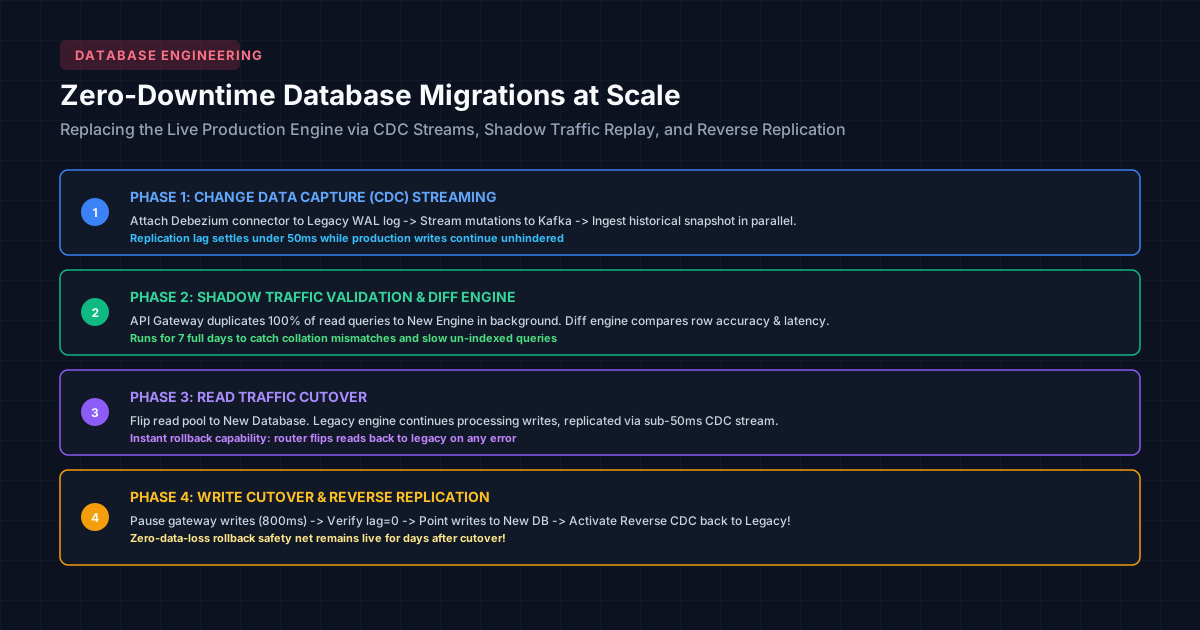
Migrations at Scale: Replacing a Production Database at 30,000 Feet Without Downtime
Upgrading high-throughput databases live: change data capture, dual-writing, shadow traffic validation, and zero-downtime cutover protocols.
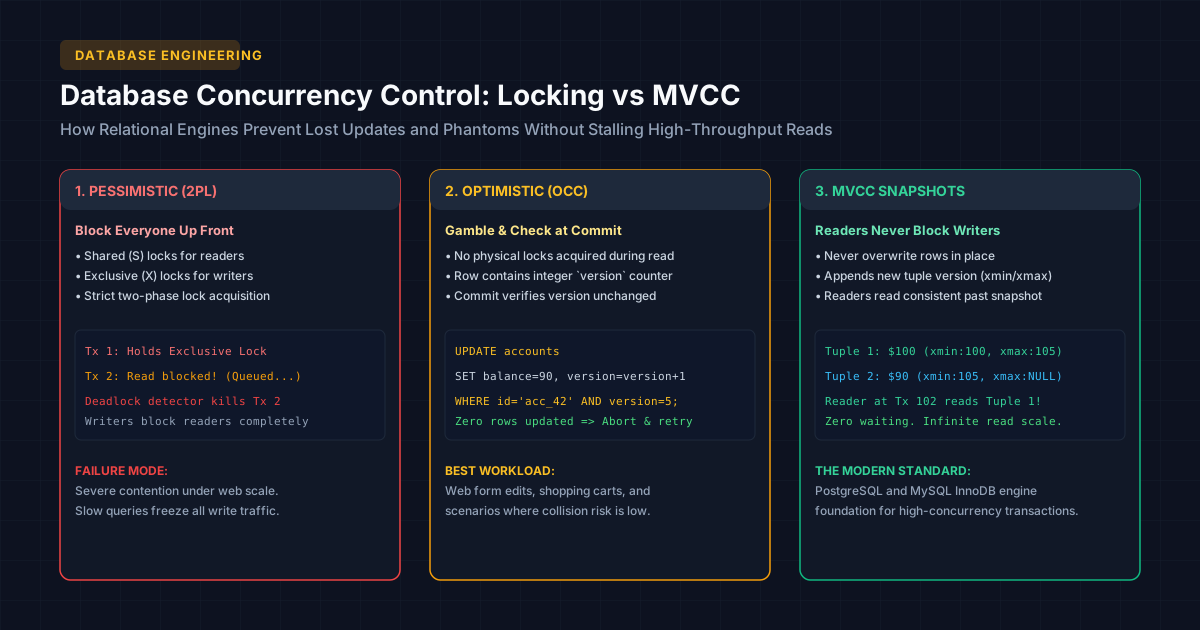
Concurrency Control in Databases: Lost Updates, Locking, and Isolation Levels Explained
How concurrent transactions corrupt state: dirty reads, non-repeatable reads, phantom reads, pessimistic locks, and MVCC snapshot isolation.
Cloud Armor’s CDN Edge Rules Can Filter Before Cached Content Is Served
A November Preview adds ASN, threat-intelligence and HTTP filtering to Cloud Armor edge policies for Cloud CDN. The cache boundary changes where policy applies.
/* Comments */
Comments are offline right now — we reconnect automatically, nothing is lost.