
Windows 11 Search Is Becoming an Action Surface, but Rollout Is Gradual
Windows 11's November 19 preview adds file previews and inline Search actions. Here's what users and IT admins should know about the phased rollout.
On this page
Search boxes usually return destinations: a file, a setting page, or a web result. Microsoft’s latest Windows 11 preview tries to collapse some of the next step into Search itself. A user can see a file preview or change a handful of settings directly from the results experience. The feature could save small interruptions through the day, but the update is being delivered gradually, which makes rollout awareness part of the story.
One list, with a few actions attached
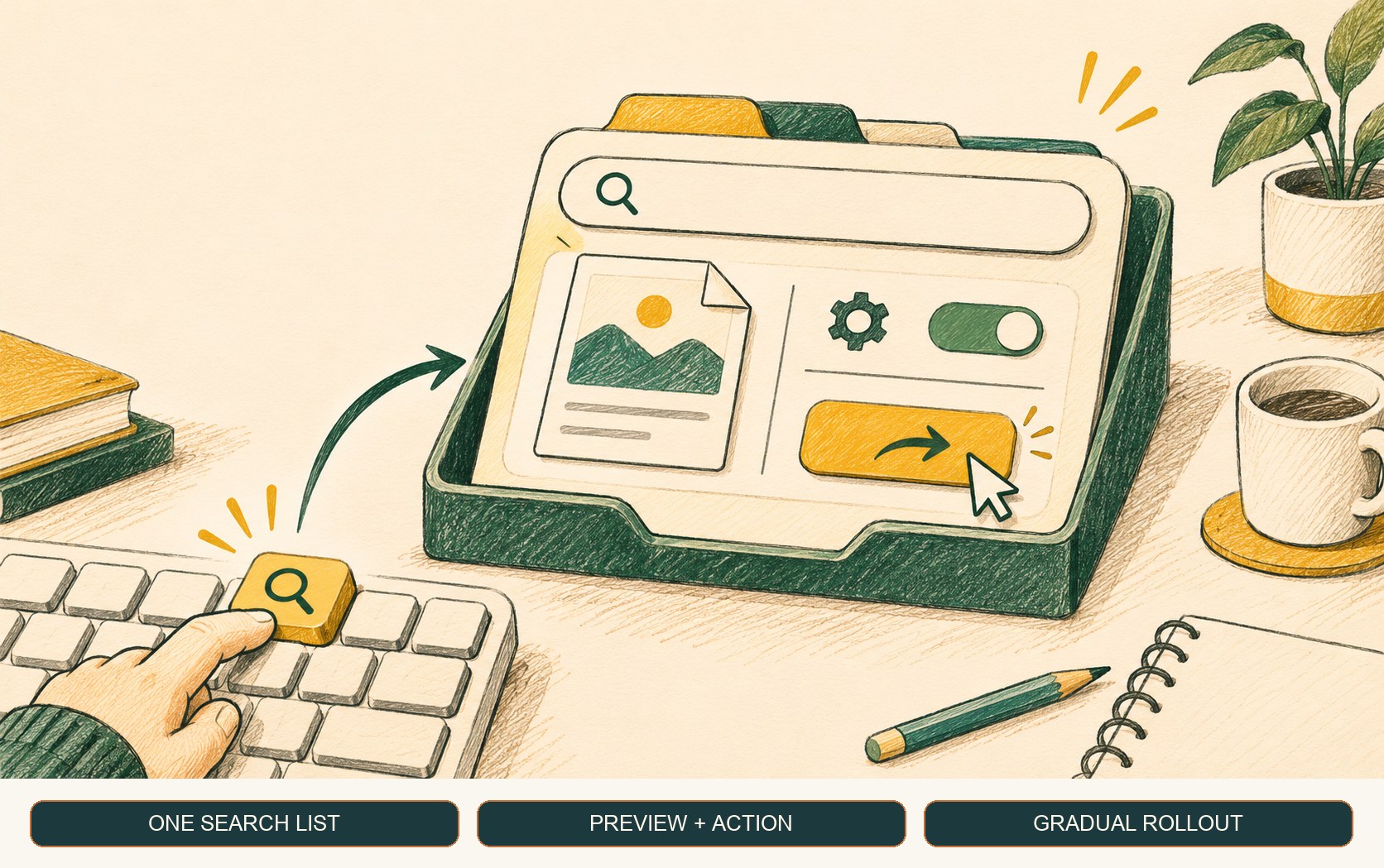
Microsoft’s November 19 KB5132057 preview note describes a streamlined Search design that puts results in a single list. It also describes file previews with details such as location, modification time and creator, plus inline actions for selected tasks such as switching dark mode or Bluetooth, changing brightness, muting the device, and arranging open windows. The note says the redesigned experience is initially available in English. Microsoft’s KB5132057 release note
This makes Search more like a command surface for a bounded set of common tasks. A person who searched because a screen looked too dim might adjust brightness without navigating into Settings. Someone looking for a document can inspect a preview and its location before opening it. These are convenience improvements, not a general-purpose command language: Microsoft’s release notes list examples and do not claim that any setting or action is available through Search.
The preview also includes other additions, including improved File Explorer search and optional changes to the Run dialog. Keeping those separate matters: the release is a cumulative preview bundle, while feature availability may vary between devices during the gradual phase.
Why rollout timing matters
Microsoft distinguishes gradual rollout from normal rollout in the update note. During the gradual phase, features arrive on eligible devices over time; a device can have the cumulative update without showing every newly described experience yet. A help desk should therefore capture Windows version, build and update state before diagnosing a missing Search control as a local configuration defect. Windows release information
That detail also affects employee communication. A screenshot from one device may not match another device on the same broad version. Avoid telling a fleet that an inline control is universally available until the rollout phase and organization update policy support that expectation.
Windows version and update scope are already a practical troubleshooting concern for organizations; our October update incident guide shows why identifying the exact OS build matters when a change affects only a subset of devices.
How to evaluate the change
- Check the supported versions. KB5132057 applies to Windows 11 versions 25H2 and 26H2. Confirm build information rather than relying on the device name alone.
- Separate installation from feature availability. Microsoft’s phased rollout means the feature may not appear immediately after the update is installed.
- Pilot common tasks. Ask users to find a file, inspect its preview and try the supported inline settings actions on representative hardware and policy configurations.
- Check language and management constraints. The release note says the new Search experience initially rolls out in English; enterprise policy and device configuration may affect the observed experience.
- Update support instructions only after seeing it. Use screenshots and steps that match the rollout state your users actually have.
What to expect next
The change’s value will depend on whether users can predict which tasks Search handles and whether results remain easy to scan. If the unified list makes ordinary queries faster without obscuring source files or settings, it could reduce navigation for frequent actions. The release note does not yet provide independent usage data or promise that every task becomes faster.
For now, treat KB5132057 as a preview with a phased UI feature, verify the experience on your devices, and keep fallback navigation instructions available while rollout continues.
Frequently asked questions
Does every Windows 11 user get the new Search experience immediately?
No. Microsoft's November 19 update describes the feature as a gradual rollout, so availability varies by device. The update applies to Windows 11 versions 25H2 and 26H2; check the device's build and current Windows Update status before assuming the experience is missing or broken.
Can the new Windows Search change settings without opening Settings?
Microsoft says the preview can surface inline actions for common tasks such as Bluetooth, dark mode, brightness and mute. Availability is tied to the gradual rollout and supported experience; it is not evidence that arbitrary settings can be changed from Search.
Sources & further reading
Keep reading

Windows 11’s 8 GB Tune-Up Is About Idle Memory, Not Magic
Windows 11 updates reduce memory use on 8 GB PCs, improving everyday multitasking while leaving demanding workloads limited by capacity.
GitHub Copilot Evals Turns Agent Changes Into Repeatable Checks
GitHub's Copilot Evals preview replays realistic tasks against skills, agents and MCP tools. Treat it as a regression aid, not a universal quality score.
Dependabot Dismissal Requests Now Stay Open for a Year
GitHub extended delegated Dependabot dismissal requests from one week to one year. The extra time helps review coverage but does not approve or fix alerts.
/* Comments */
Comments are offline right now — we reconnect automatically, nothing is lost.