
GitHub Copilot Evals Turns Agent Changes Into Repeatable Checks
GitHub's Copilot Evals preview replays realistic tasks against skills, agents and MCP tools. Treat it as a regression aid, not a universal quality score.
On this page
An agent that succeeds once may have been lucky. A prompt, model, tool or skill change can shift behavior, and a single polished answer does not tell a team whether the workflow still meets its needs. GitHub’s new Copilot Evals preview tries to make that change visible by rerunning defined tasks and comparing the observed behavior.
A repeatable task, with an explicit bar
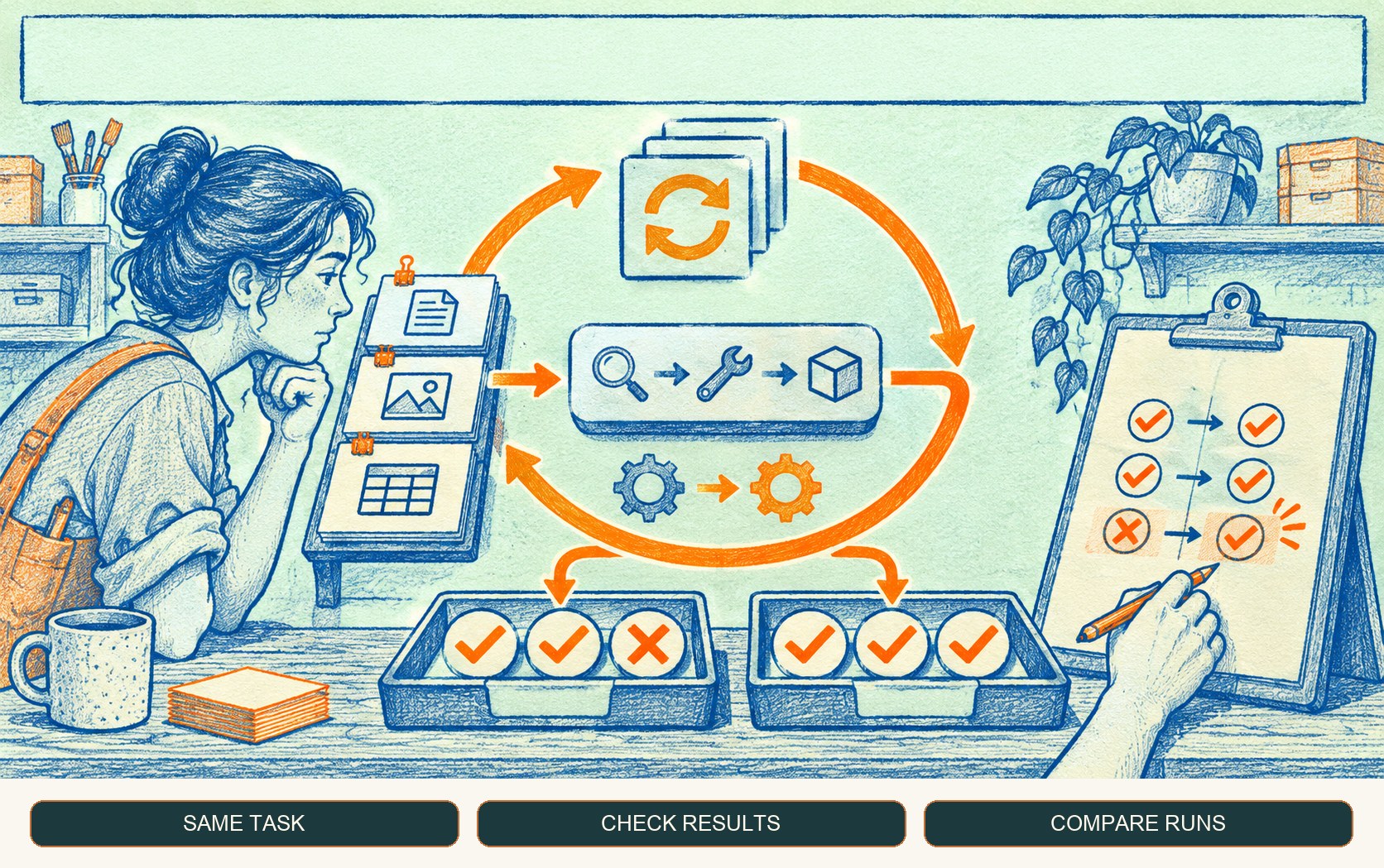
GitHub describes an eval as a repeatable test for AI behavior: give an agent a realistic task, describe what good looks like, and check both the result and how the agent got there. The new preview targets skills, custom agents and MCP tools in a Copilot setup. Users can ask Copilot in natural language or use /eval, inspect which checks passed or failed, investigate failures, and compare runs around a customization change. Each run requires approval before it starts. GitHub’s announcement
That framing matters. An eval is not simply a benchmark score handed down by a vendor. It is a small, maintained specification of the work a team cares about. If the task is “update this dependency and explain compatibility risks,” the evaluation should include representative repositories, a definition of acceptable evidence, and a check for unsupported claims. If the eval only checks that a file changed, it can miss whether the change is right.
GitHub says Copilot Evals uses Vally, an extensible local evaluation tool, as its engine. The preview is offered for Copilot Individual, Business and Enterprise plans, with entry points in VS Code, Copilot CLI and the Copilot app. The exact installation and behavior should be checked in the current Copilot Evals documentation.
What makes an eval useful
Start with tasks that resemble real work rather than trivia. Include ordinary cases, incomplete input, ambiguous requests and the failure modes that would create costly review. Then describe observable criteria: required files, prohibited actions, evidence that must be cited, or whether the tool should ask a clarifying question rather than guess.
Keep the task set stable while changing one customization at a time. If the prompt, model, tool permissions and repository all change between runs, a difference in outcome is hard to explain. Record the environment and review failed examples instead of treating a single aggregate percentage as the answer. Our guide to source-aware verification for agents covers another important dimension: a plausible response needs traceable support, not just fluent wording.
The evaluation harness also has limits. Model outputs can vary, and a check can be too strict, too vague or easy to satisfy without doing the intended work. A passing run means only that the configured checks passed on that run. It says nothing about tasks that were never tested, permissions that were never exercised, or behavior under different data and tool conditions.
A practical adoption path
- Pick a workflow with a real regression cost. Start with one bounded skill, agent or MCP tool that your team already reviews.
- Write realistic tasks. Use safe representative inputs and define the expected outcome and acceptable process.
- Include a negative case. Check that the agent refuses or requests approval where policy requires it.
- Approve and inspect each run. Review the trace and failed checks; do not silently equate an automated run with human acceptance.
- Compare one change at a time. Keep the task and environment steady so a difference has interpretable causes.
- Expand only after maintenance is clear. Stale tasks can become misleading if tools, policies or repositories change.
A testing loop, not a safety certificate
The useful promise is modest: teams can make selected agent behaviors more repeatable to inspect. That is a practical improvement as workflows evolve. It does not remove code review, permission design, security testing or human ownership. Treat eval results as one layer in a broader quality process, and keep the underlying task definitions and evidence available for reviewers.
Frequently asked questions
What does GitHub Copilot Evals test?
GitHub says the preview can create repeatable evaluations for a skill, custom agent, or MCP tool in a project. You define a realistic task and what a good result looks like, then review checks and compare runs after a customization changes.
Does a passing Copilot eval prove an agent is safe or correct?
No. An evaluation only provides evidence about the tasks, criteria, environment and runs you designed. It can catch regressions in those scenarios, but it cannot establish universal correctness, security, or safe behavior outside the evaluated cases.
Sources & further reading
Keep reading
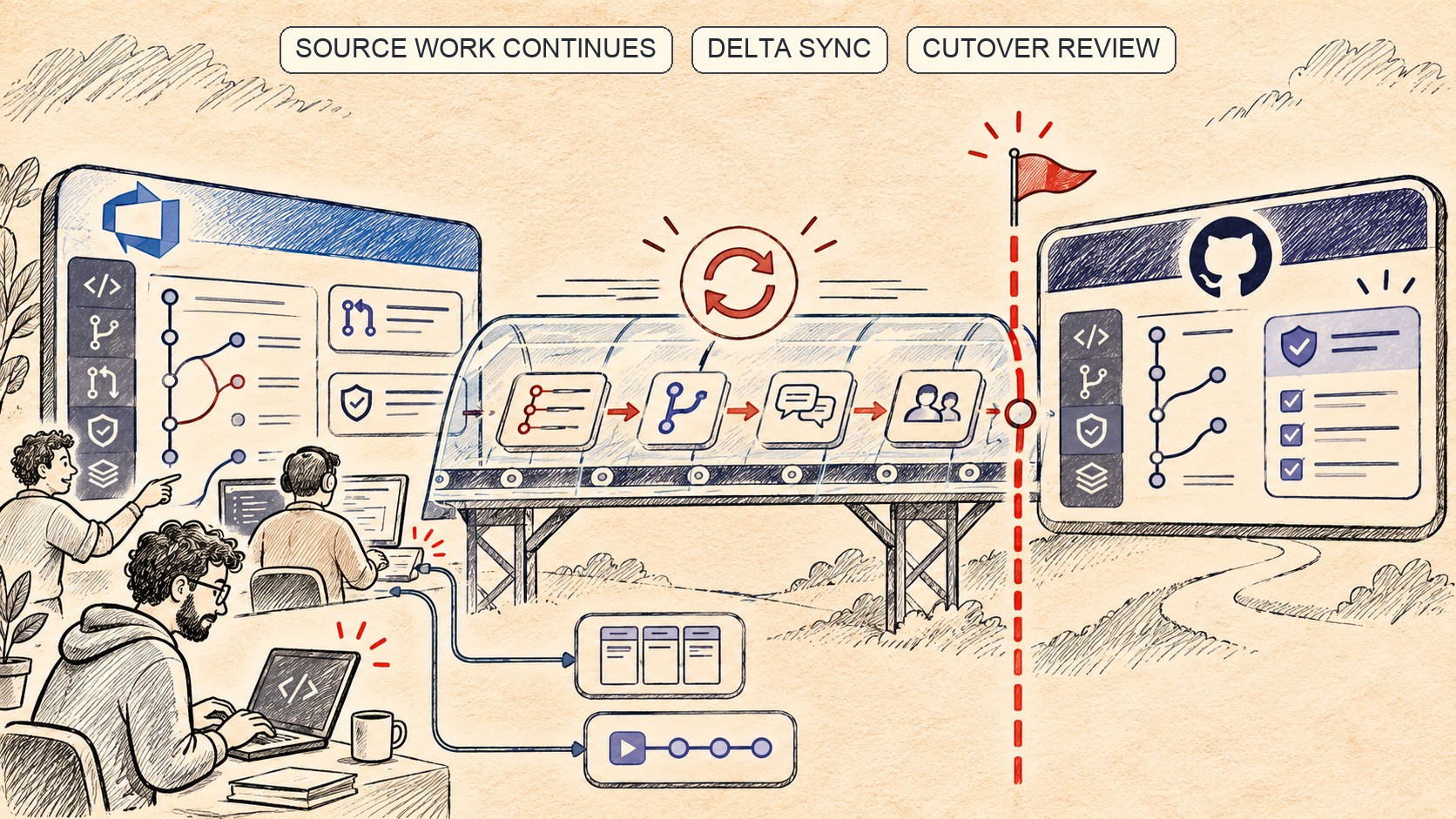
GitHub’s Live Azure DevOps Migration Keeps Syncing Until Cutover
Enterprise Live Migrations move Azure DevOps repositories to GitHub while teams keep working. The important boundary is what does not migrate.
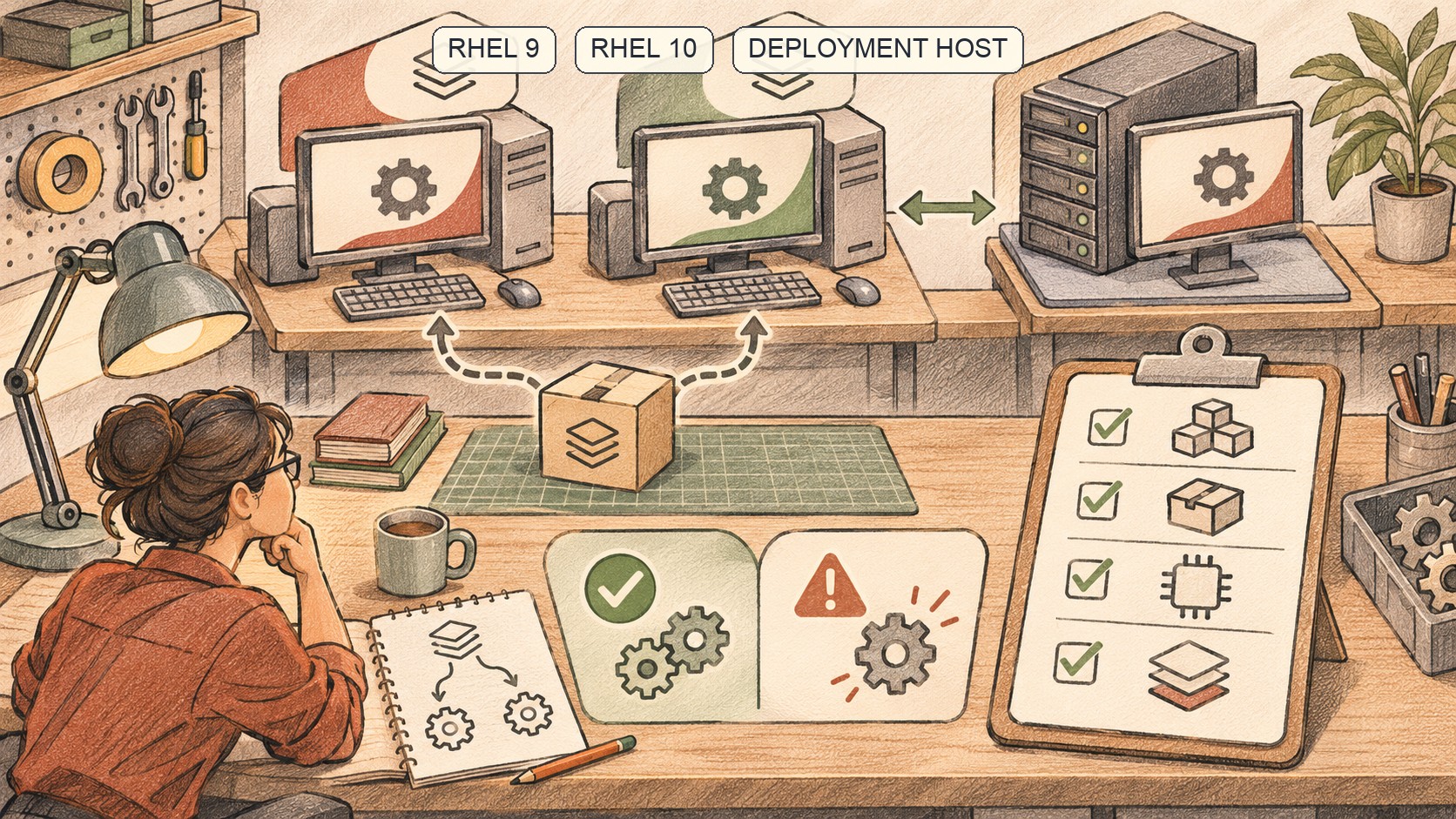
GitHub Actions’ RHEL Images Bring the Build OS Closer to Production
RHEL 9 and 10 are now GA on GitHub-hosted larger runners. OS fidelity helps, but image, access and runner-group choices still matter.

GitHub’s Bulk AI Scan Makes Fleet Triage Easier, but Preview Is Not Coverage
GitHub now lets organizations start AI Scans across up to 20 repositories at once. Teams still need to scope, review and track the resulting backlog.
/* Comments */
Comments are offline right now — we reconnect automatically, nothing is lost.