
GitHub’s Live Azure DevOps Migration Keeps Syncing Until Cutover
Enterprise Live Migrations move Azure DevOps repositories to GitHub while teams keep working. The important boundary is what does not migrate.
On this page
A repository migration used to force an awkward choice: freeze changes early and risk a long outage, or accept a messy last-minute delta. Enterprise Live Migrations keeps the source and destination synchronized until a team chooses cutover. That reduces scheduling pressure, but does not make a development-platform migration a single button press. It transfers selected repository records; teams still need to map the systems around them. [1]
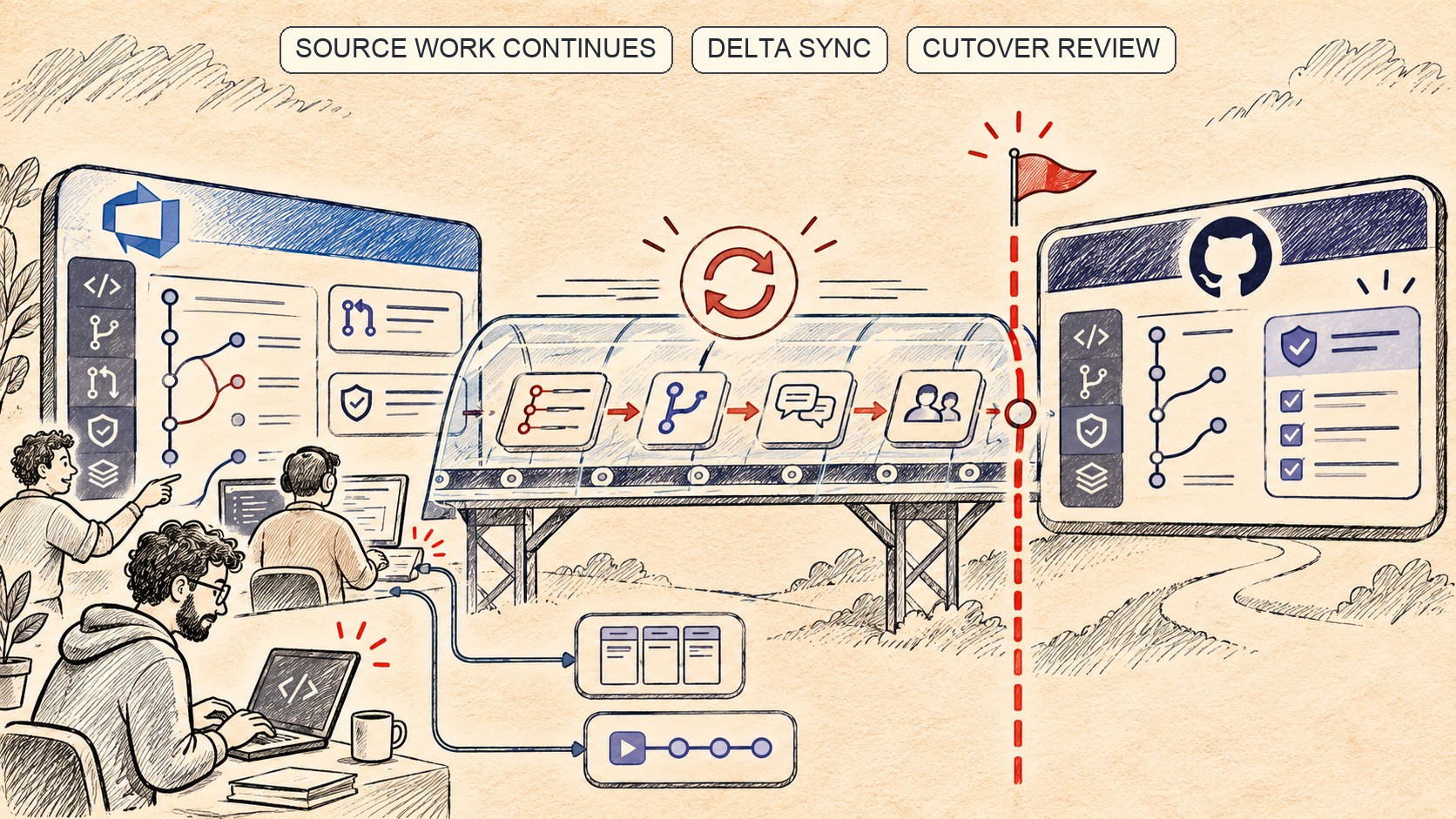
Continuous sync narrows the freeze window
ELM supports Azure DevOps Services as source and GitHub Enterprise Cloud with data residency as destination. Azure DevOps Server is not a direct source; Microsoft says it must first move to Azure DevOps Services. The workflow covers validation, synchronization, monitoring and cutover, operated through the Azure DevOps CLI with one-time portal setup. [2]
Developers can keep committing to Azure DevOps during synchronization. GitHub describes incremental sync until the team chooses to finish. Microsoft adds an important qualifier: cutover includes a read-only window, typically under 30 minutes for most repositories. That is an expectation, not a guarantee for every size or repository state. ELM handles one repository at a time, so estate plans must account for sequencing. [1] [2]
The documented migration includes Git history, branches, tags, Git LFS objects and pull-request information such as titles, descriptions, comments and user history. Branch policies are translated into GitHub rulesets. Preserving review context matters, but the ruleset’s existence does not prove identical enforcement. Inspect translated protections after the move. [1] [2]
“Keep using Azure Boards” is not “move Azure Boards”
ELM can create an Azure Boards connection and rewire Azure Pipelines to the migrated repository. Work items and pipeline definitions remain in Azure DevOps. Releases, wikis, test plans, results and Azure Artifacts are also outside the migrated repository data. A source-control cutover can leave a split toolchain. [1] [2]
Inventory more than repositories: pipeline triggers, deployment scripts, webhooks, status checks, package publishing, badges and documents that still point to old URLs. Record which services remain in Azure DevOps and who verifies each integration. Microsoft calls out updating hard-coded repository URLs and configuring users and teams in GitHub. [2]
There is a security handoff. Microsoft documents a GitHub personal access token stored in an Azure DevOps service connection and a self-hosted Linux agent. It recommends limiting token scopes and access, setting a short expiration, and rotating or revoking it after migration. The agent must stay online during the process. Treat these as temporary production privileges, not disposable setup. [2]
Validate before scheduling cutover
Microsoft lists validation limits: a historical file over 400 MB, a push pack over 2 GB, or a branch/tag reference longer than 255 bytes can block migration. A validate-only result must be followed by full migration within 24 hours. After initial sync starts, cutover must happen or be canceled within 21 days; this is not an indefinite mirror. [2]
Inspect repository size and refs, then validate one representative repo with LFS, active reviews and branch rules. At cutover, compare branches, tags, histories, review threads and users; inspect rulesets; test the Azure Boards link and pipeline rewiring; run a release from the new repository. “Validation passed” does not prove the delivery path is correct.
For the cutover window itself, the same discipline used in zero-downtime shard migrations helps clarify the sequence and rollback checkpoint. ELM makes repository cutover less disruptive. It does not move every related record or guarantee the toolchain behaves exactly as before. Separate the plan into what ELM moves, what it reconnects and what stays behind. Assign an owner and acceptance check to each item before choosing the cutover window. [2] [3]
Pilot the operating model, not just the copy
A useful pilot should test a repository with real collaboration patterns, but low enough impact that the team can pause if validation finds a problem. Assign a migration operator, Azure DevOps project administrator, agent-pool owner and GitHub enterprise administrator before starting; Microsoft’s guide separates those responsibilities because the migration crosses both identity and build systems. Keep the service connection limited to the operator, and ensure the self-hosted agent has capacity without starving ordinary build jobs. [2]
Record a baseline before the first sync: default branch, active and merged pull requests, branch policies, LFS objects, users, checks and links to dependent systems. After cutover, compare that baseline against the GitHub target, then ask a small set of developers to exercise review, permissions and the release path. Define a go/no-go owner and a clear point when the source stops accepting writes. The source remaining active during sync is useful only if teams avoid ambiguous dual-write behavior at the final boundary.
A rollback plan should be specific about what “rollback” means. Before cutover, Azure DevOps remains the working source. After teams begin pushing to GitHub, switching back requires reconciling new commits and communicating which system owns the repository. Document how to preserve the post-cutover delta before the first production release. The product provides migration states and sync; organizational authority over the canonical repository is still a human decision.
Frequently asked questions
Does ELM move Azure Boards and Pipelines?
No. It can reconnect Azure Boards and rewire Azure Pipelines, but work items and pipeline definitions remain in Azure DevOps.
Can developers keep committing during migration?
Yes. The source and destination synchronize until cutover. Teams still need a planned read-only window and must validate the target.
Sources & further reading
Keep reading
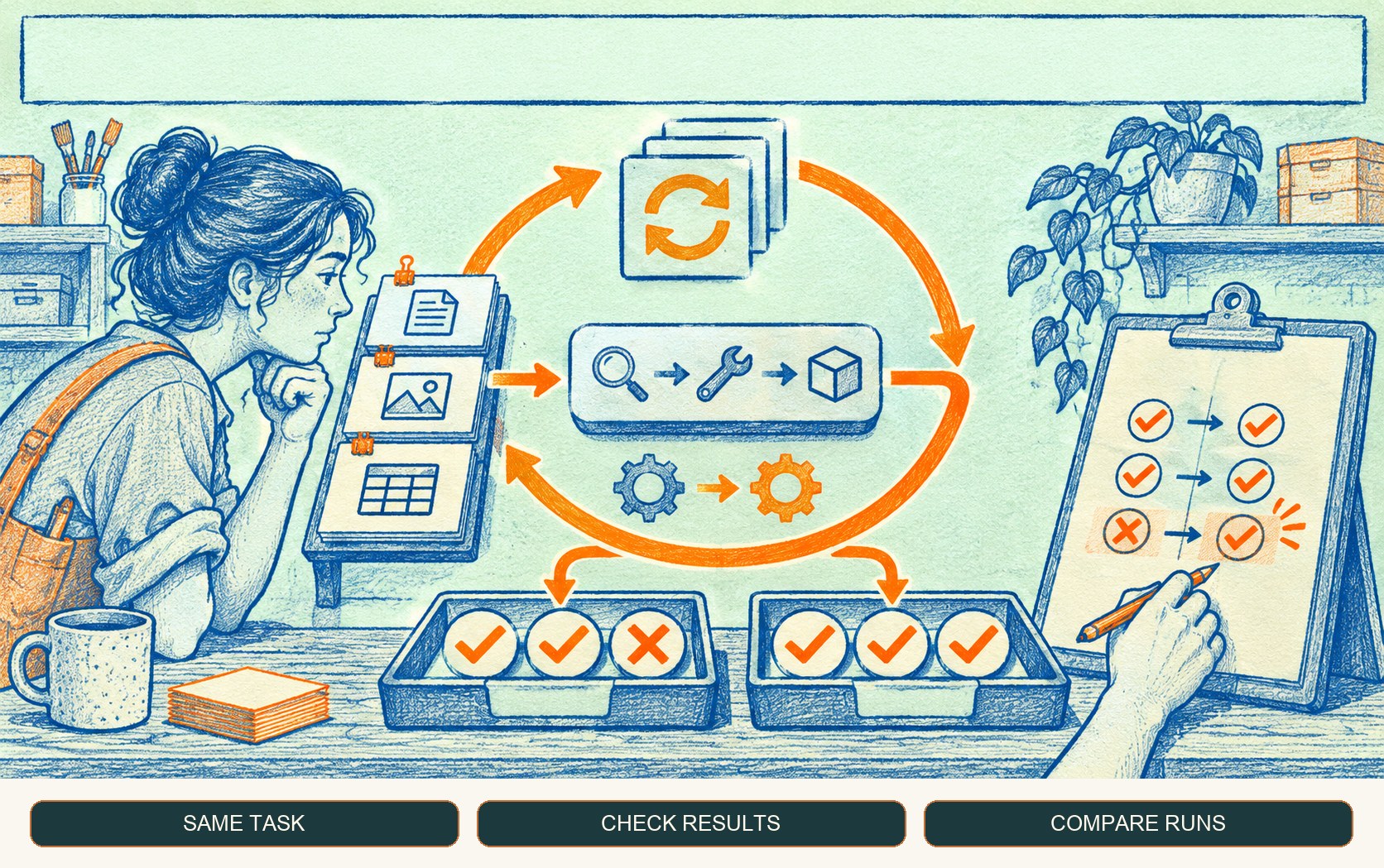
GitHub Copilot Evals Turns Agent Changes Into Repeatable Checks
GitHub's Copilot Evals preview replays realistic tasks against skills, agents and MCP tools. Treat it as a regression aid, not a universal quality score.
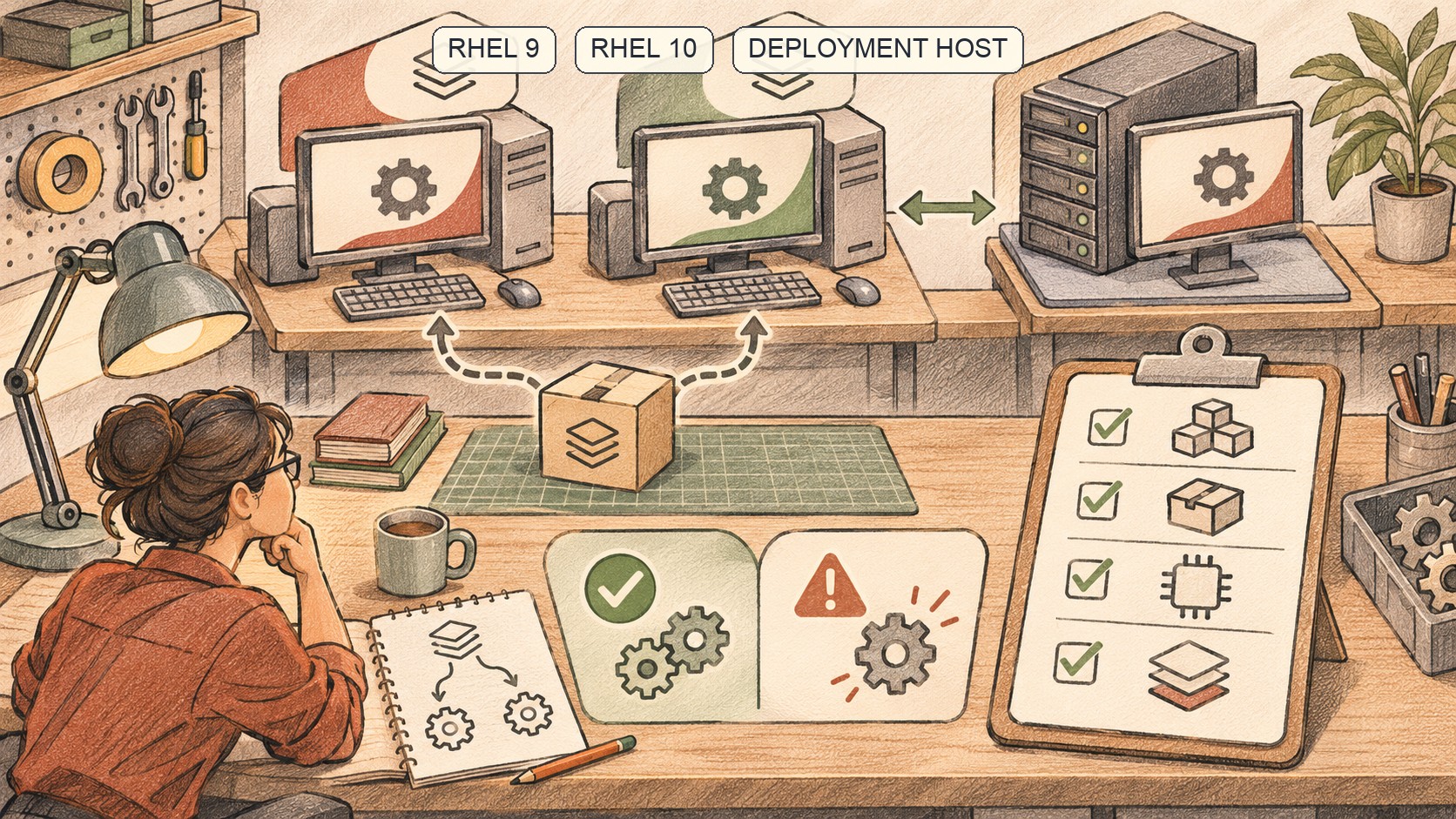
GitHub Actions’ RHEL Images Bring the Build OS Closer to Production
RHEL 9 and 10 are now GA on GitHub-hosted larger runners. OS fidelity helps, but image, access and runner-group choices still matter.
GitHub’s Bulk AI Scan Makes Fleet Triage Easier, but Preview Is Not Coverage
GitHub now lets organizations start AI Scans across up to 20 repositories at once. Teams still need to scope, review and track the resulting backlog.
/* Comments */
Comments are offline right now — we reconnect automatically, nothing is lost.