Chrome’s Patch Gap Is Now a Restart Problem
Chrome is piloting two security releases weekly, but patches still wait for browser restart. See how rollout and relaunch affect the patch gap.
On this page
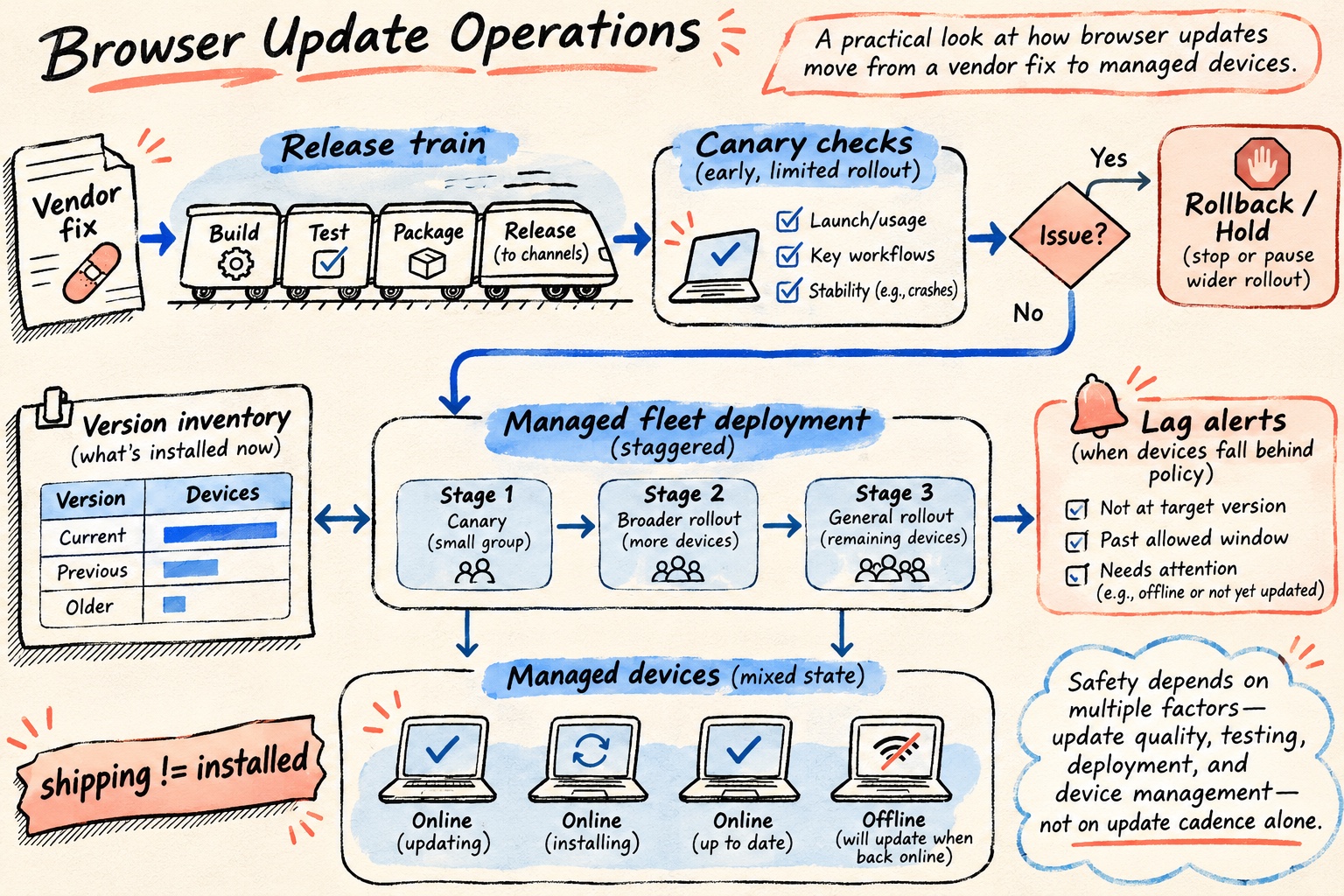
Browser security is a distributed systems problem. A patch can be ready upstream while laptops are offline, pinned by policy or waiting on a compatibility hold. A faster release train shortens one part of the path; it does not remove the fleet-management work.
A concrete November update
Google’s November 23 Stable desktop note lists version 158.0.8127.88/.89 for Windows and Mac and .88 for Linux, with one security fix and a staged rollout over the coming days or weeks. The modest count is a useful reminder that a security release can be important without being a large batch. [2]
Google’s security engineering post distinguishes the cadence of major milestones from security updates: it says the company is transitioning to two-week milestones with weekly security updates, and is piloting two security releases per week. These are described as a rollout strategy and pilot, not proof that every fix lands on a specific schedule. [1]
Shorter intervals change the operations calendar
For endpoint teams, more frequent releases mean security review and deployment become routine rather than occasional projects. A team that waits for a quarterly change window may accumulate versions faster than it can assess them. Browser updates can carry security fixes, platform changes and policy behavior, so the task is to automate safe adoption while retaining observability.
A practical rollout has four parts:
- Inventory versions. Track the installed browser channel and version by device group, not just the enterprise’s nominal target.
- Stage deployment. Use a canary group that represents common extensions, identity flows and line-of-business applications.
- Measure health. Watch crash rates, sign-in errors, update failures and support volume during the rollout.
- Close the loop. Alert on devices that remain behind the approved minimum and document why a hold is in place.
Chrome Enterprise provides managed-browser policy and release information for organizations. Administrators should verify the controls available in their own management setup and avoid assuming that a consumer browser’s automatic update behavior applies unchanged to every managed endpoint. [3]
The hard part is lag detection
An update dashboard that reports “deployment started” does not establish compliance. Devices may be powered off, disconnected, pinned to an older release, or unable to update because of disk and permission problems. A policy can also defer updates longer than intended if its exception process is not visible.
Make the delay measurable. Define a target age for critical browser updates, segment devices by reason for lag and assign an owner to each exception. Keep the minimum supported version in endpoint compliance checks. For offline devices, trigger a follow-up at next check-in rather than treating the initial rollout command as success.
Security advisories may withhold technical details while patches spread. That supports coordinated defense, but it increases the value of version monitoring: teams need not wait for public exploit details to install a security update the vendor recommends. Keep internal communications factual about the affected product and rollout status; avoid speculating about exploitability from a fix count alone.
Smaller releases can simplify diagnosis
When changes arrive more often, each release may contain a narrower set of changes than a long-delayed bundle. That can make a regression easier to associate with a version. But diagnosis still depends on accurate device inventories, reproducible application checks and a known rollback or policy hold mechanism. More frequent updates can create more operational events even as they reduce the size of each event.
Teams should test critical browser workflows continuously rather than treat each browser update as a surprise. Include SSO, document editing, extensions, downloads, WebAuthn and internal web applications as applicable. Keep a fast escalation channel with application owners; a browser compatibility issue should result in a bounded exception, not an indefinite fleet-wide freeze.
Treat cadence as a delivery input
A faster vendor cadence creates an opportunity for defenders to reduce patch lag. Whether that opportunity becomes lower exposure depends on the organization’s deployment pipeline. For the November Chrome update, the defensible facts are specific: a stated stable version, a stated set of 83 fixes and a staged rollout window. Enterprise teams should measure their own installation time and exception rate rather than infer protection from the announcement date.
Frequently asked questions
What security release pace is Chrome piloting?
Google says it is piloting two security releases per week. That is distinct from its two-week major milestone cadence and weekly security updates described as its current transition plan.
Does a fast Chrome release guarantee every device is patched quickly?
No. A release cadence shortens the interval in which fixes can ship, but devices may update later because of staged rollout, policy settings, offline use or compatibility holds. Administrators still need to monitor versions and update compliance.
Sources & further reading
Keep reading
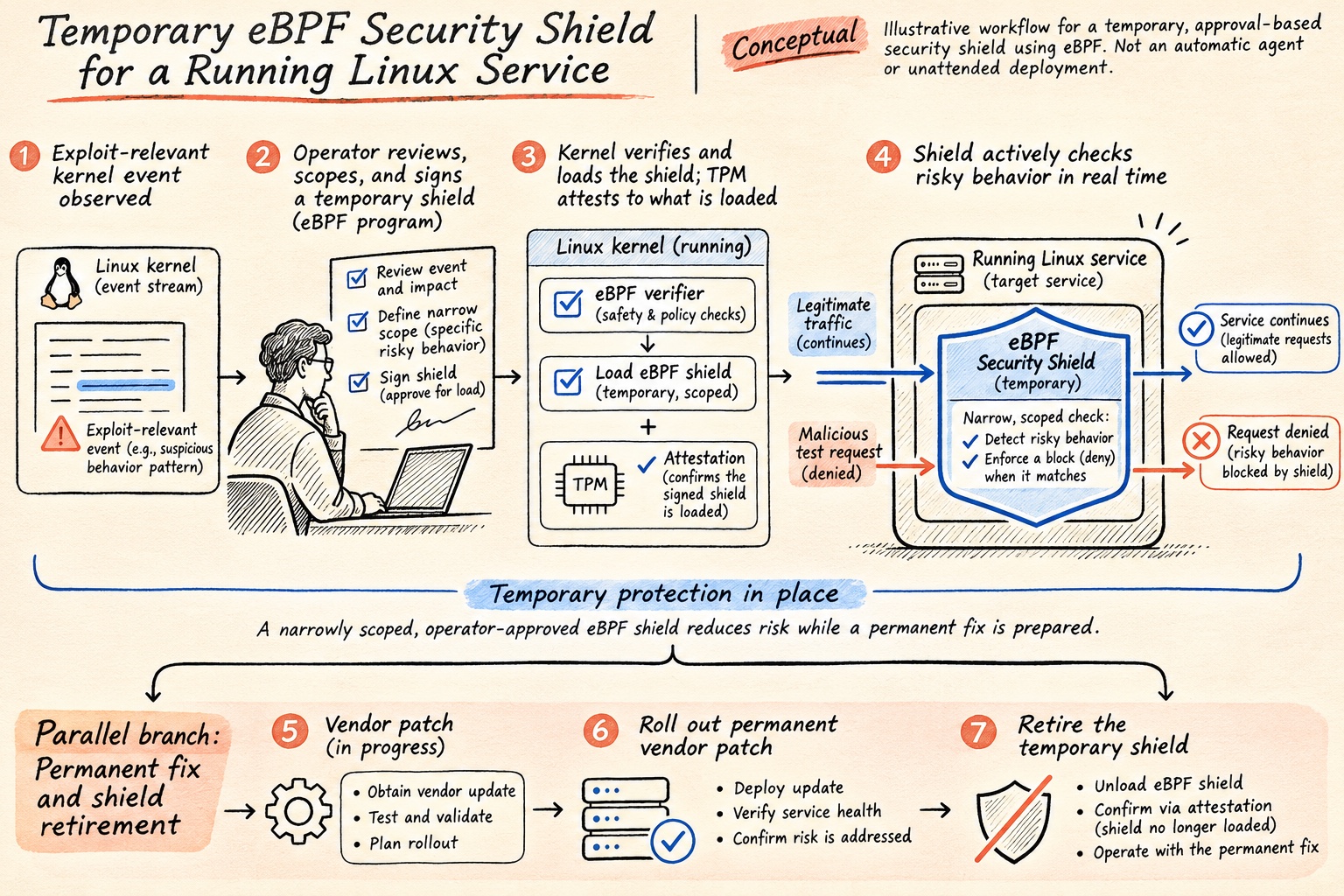
Shirudo’s Live Linux Shields Are a Pre-release, Not a Patch Replacement
OpenAI and Cisco’s Shirudo offers temporary eBPF shields, but its pre-release status and custom kernel requirements limit where it fits today.
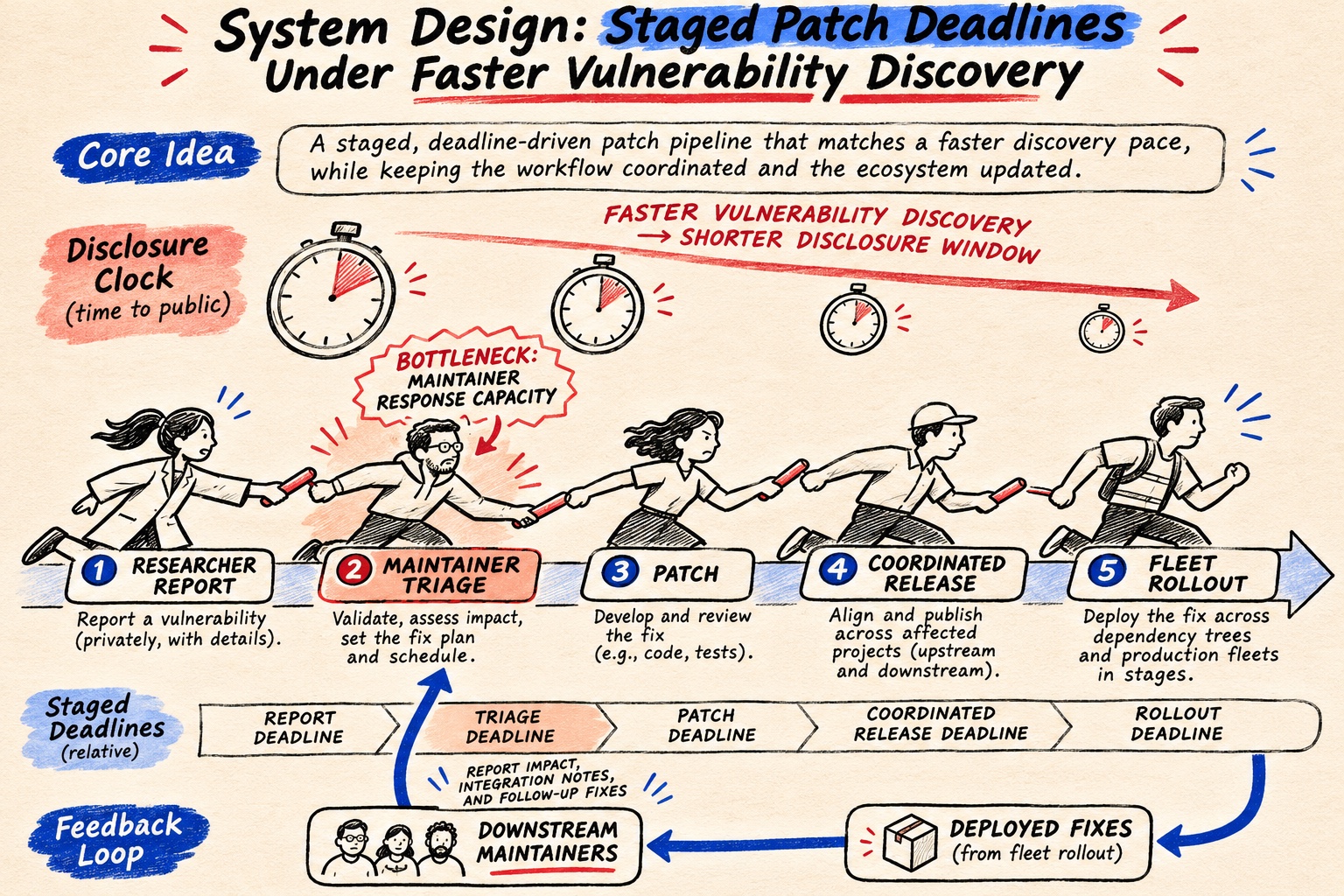
Shorter Vulnerability Deadlines Shift the Bottleneck to Maintainers
Anthropic’s revised disclosure targets begin in 2027. Learn what the change means for maintainer triage and downstream patch rollout.
GitHub Copilot Evals Turns Agent Changes Into Repeatable Checks
GitHub's Copilot Evals preview replays realistic tasks against skills, agents and MCP tools. Treat it as a regression aid, not a universal quality score.
/* Comments */
Comments are offline right now — we reconnect automatically, nothing is lost.