Google Agent Retrieval Can Build the File Pipeline, but You Still Choose the Segments
Managed ingestion now indexes documents and video for cited search, with region, file-type, and segmentation limits developers should plan around.
On this page

The expensive part of a retrieval feature is often not the query. It is the pipeline before the query: extracting text, choosing chunk boundaries, generating embeddings, maintaining a collection, and reconnecting each result to the original page. Google’s Agent Retrieval managed ingestion now takes over much of that setup for files in Cloud Storage. Its new SearchDocuments call can return a matching segment with the source file and page range—or, for video, a time range. Both capabilities are in public preview. [1] [2]
This is a meaningful reduction in application code, but it does not remove the system design decisions. A team still chooses which files enter the data store, which metadata can narrow a query, and whether each result should represent a page or a smaller text chunk. For video, it chooses segment duration and whether audio should contribute to retrieval. Those choices determine how much context an answer sees and how precisely a reader can verify it. [1] [2]
The pipeline Google now manages
The documented path is intentionally short: stage documents or video in Cloud Storage, create a matching data store, import the files, wait for the long-running import operation to finish, and search the store. Managed ingestion creates the backing Collection and handles parsing, segmentation, embedding and indexing. A document search result contains a segment and its source URI; depending on segmentation, it can include page information. SearchDocuments combines semantic and full-text retrieval for documents, while optional reranking can reorder a broader candidate set. [1] [2] [3]
The launch post’s examples show why source location matters. A PDF answer can point to a page range, while video results can point to a timestamp. With video audio embedding enabled, a query can match spoken dialogue as well as imagery. Google reports its own latency and sample-corpus results in the launch article; those measurements are vendor-reported demonstrations, not a performance guarantee for another corpus or workload. [1]
There is a useful escape hatch: the managed Collection is still a regular Agent Retrieval Collection. Teams that need lower-level access can use the underlying Collection APIs. But the documentation warns against changing the managed Collection’s schema because the ingestion pipeline writes against it. That is a product boundary worth respecting when deciding whether the managed path fits a system. [2]
The constraints that shape a pilot
The preview currently supports only one file class per data store: documents or video, not both together. The documentation lists supported extensions and codecs and imposes ingestion caps—for example, up to 100,000 documents or 100 videos per import, with document and video size/duration exclusions. It currently limits managed-ingestion data stores to us-east4 and europe-west4, and fixes the embedding model to Gemini Embedding 2 with 768 dimensions. Preview APIs and behavior can change. Check the live documentation before designing around these limits. [2]
Segmentation is an application decision. Page segmentation keeps a page-sized result useful for document readers and citations. Chunk segmentation makes results more focused for a generated answer but can split context across segments. The managed-ingestion docs set chunk sizes between 300 and 500 tokens; for video, a shorter segment can produce a more precise timestamp while a longer one carries more context and creates fewer segments. Changing a video segment duration requires re-importing the data. [2]
Before connecting real knowledge, verify bucket access, data residency, import progress and the way metadata filters work. Poll the returned long-running operation instead of launching overlapping imports; the API can reject a second import while one is still queued or running. Re-imports skip unchanged files, while renamed or moved files can appear as duplicates unless old records are purged. For a general explanation of retrieval and ranking tradeoffs, see our hybrid-search guide and enterprise RAG access-boundary guide.
When a managed path is the right path
This preview is a strong fit for a team that wants to test grounded search over a bounded Cloud Storage corpus without first owning every parser and embedding job. It is less compelling if the project needs a region outside the current supported set, specialized extraction, custom embedding models, a unified document-and-video store, or careful control over every preprocessing stage. The right comparison is not “managed versus no work”; it is the operational code Google removes versus the control and portability the team gives up.
Start with a small representative set that includes awkward tables, long reports, repeated terms and videos where the spoken words and visible scene diverge. Measure retrieval relevance and citation quality separately. A result that finds the right topic but points to an unhelpful page or broad time window still leaves verification work for the reader. Managed ingestion makes the first pipeline faster to build; useful citations still depend on the corpus and configuration. [1] [2]
Frequently asked questions
What does managed ingestion in Agent Retrieval automate?
It imports supported files from Cloud Storage and handles parsing, segmentation, embedding, and indexing, then exposes them through a data store and SearchDocuments. Developers still choose document versus video stores and the segmentation settings that determine result granularity.
Can Agent Retrieval return citations to source locations?
Yes. Search results can carry the source file URI and either a document page range or a video time range. For video, audio-aware retrieval is optional and must be enabled when configuring ingestion.
Sources & further reading
Keep reading

AMD’s Ray 2.59 Beta Brings vLLM 0.29 to Instinct GPUs
ROCm 10.1 and Ray’s AMD beta preserve familiar distributed APIs, but the supported stack is tightly versioned and still needs workload testing.
A Model Can Pass the Test and Still Fail the Task
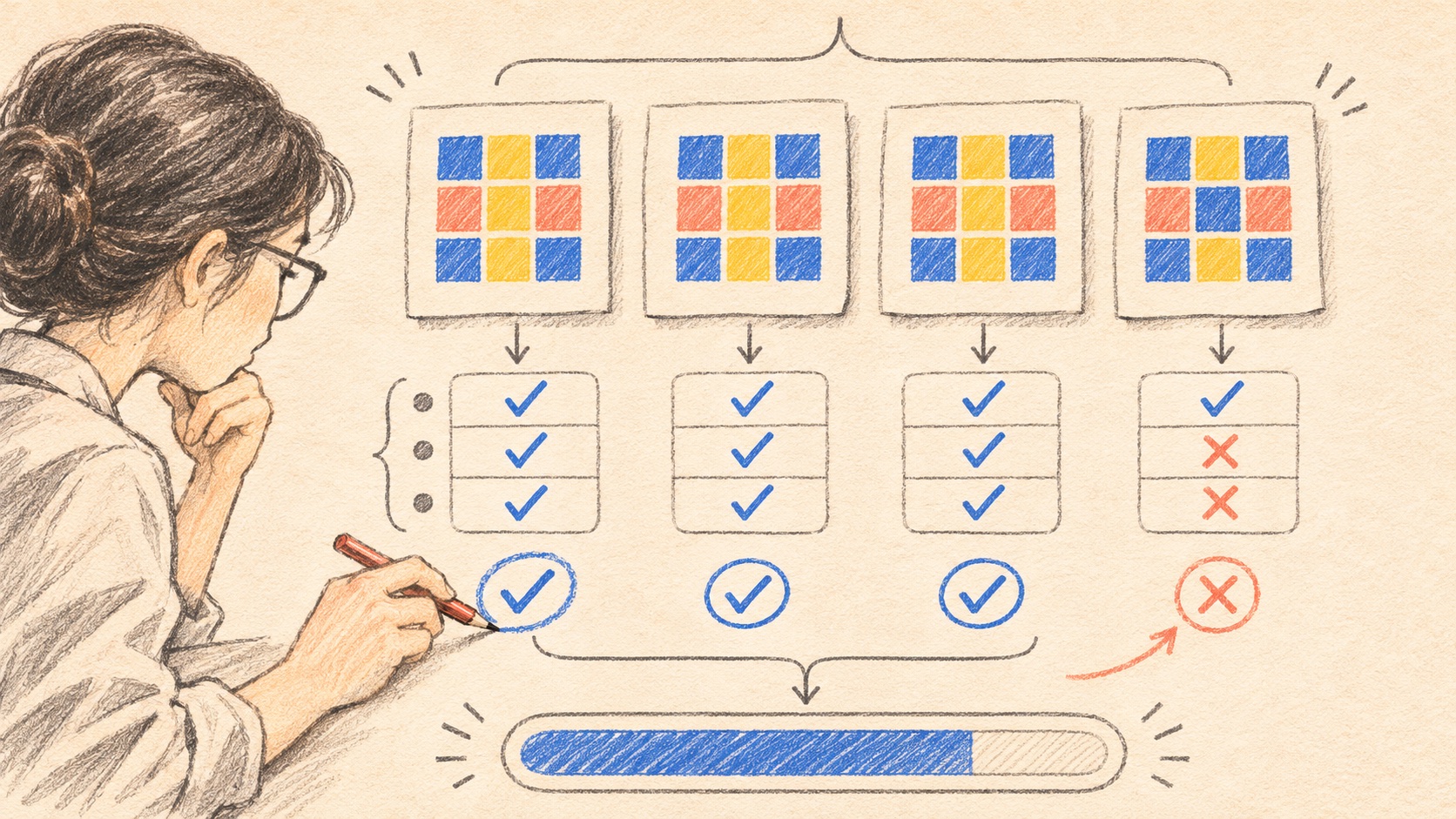
Google DeepMind’s Humanity’s First Exam tests repeatability on ordinary tasks, revealing why one-shot benchmark scores can hide operational inconsistency.

MCP Tasks Let Agent Jobs Pause, Resume, and Ask for Input
Anthropic’s MCP update makes long-running jobs and user prompts practical, while client support and action permissions remain explicit responsibilities.
/* Comments */
Comments are offline right now — we reconnect automatically, nothing is lost.