
Huntress’ 180-Day Identity Lookback Finds What Predates Onboarding
Huntress says its Managed ITDR Lookback reviews up to 180 days of Microsoft 365 sign-ins for new tenants; historical visibility still depends on available logs.
On this page
A managed security service installed today cannot normally inspect what it was never allowed to collect yesterday. Huntress says its Managed ITDR Lookback feature addresses that gap for newly onboarded Microsoft 365 tenants by reviewing up to 180 days of prior login history for signs of credential theft, token theft, suspicious browsers, adversary-in-the-middle attacks, and data-center logins. The announcement makes the feature sound simple; the operational question is whether the tenant’s historical data is actually available and how the responder handles a suspected active session.

Why the period before onboarding matters
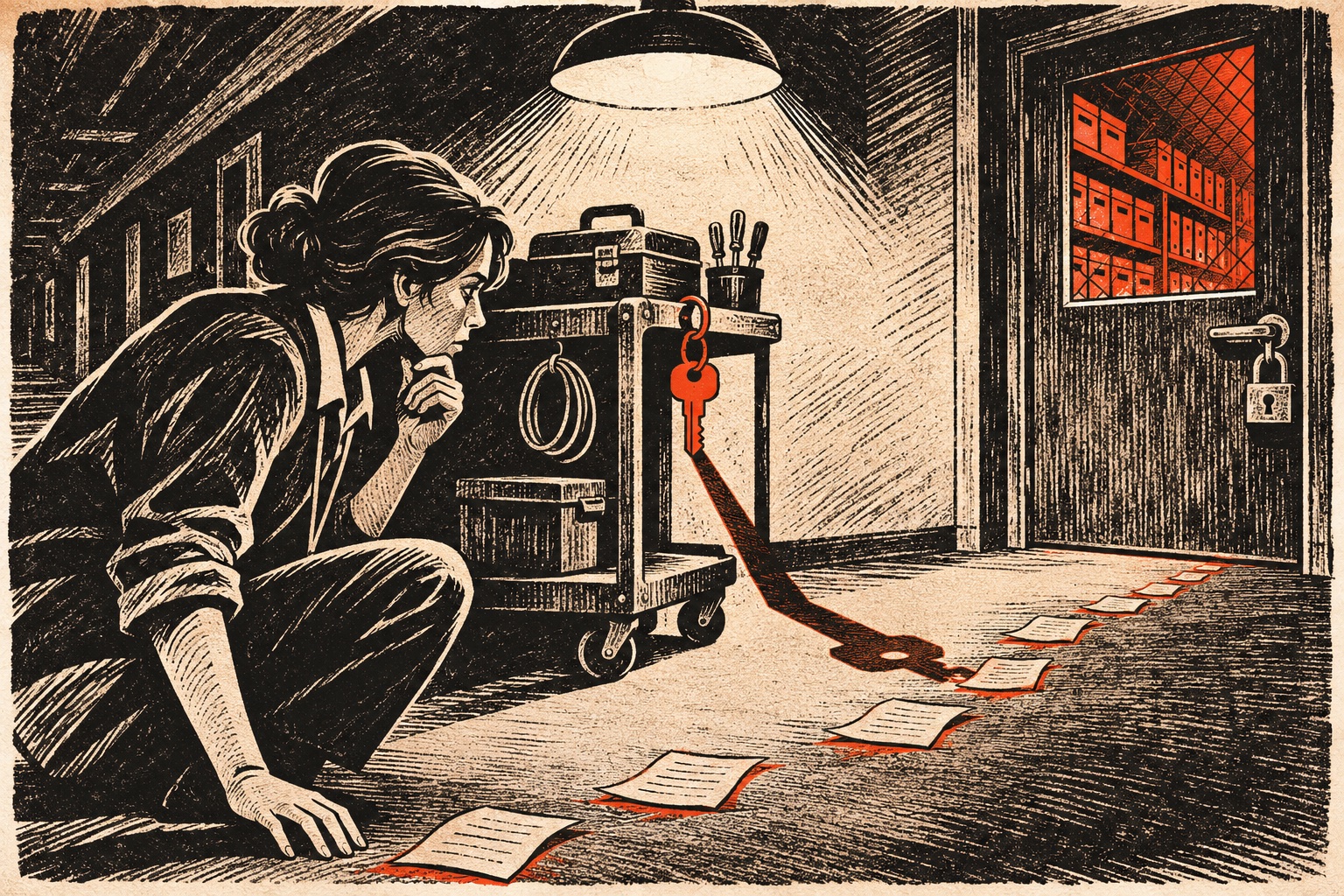
When an organization starts working with a new managed security provider, the onboarding date is not necessarily the start of a compromise. A stolen credential may have been used days or weeks earlier, or an attacker may have established persistence that continues after monitoring begins. Looking backward can help teams connect a new alert to earlier sign-ins instead of treating each event as isolated.
Huntress says Lookback runs for newly onboarded Microsoft 365 tenants. If it finds an active compromise, the company says its responders investigate and revoke affected identities’ active sessions. Huntress also describes an early-access case in which an MSP identified suspicious activity predating onboarding and intervened on a wire transfer. That is a vendor-reported anecdote, not an independently verified performance result.
“Up to 180 days” is not a universal retention promise
Historical coverage depends on what Microsoft and the tenant retain, the applicable licenses and configuration, and when the required telemetry became available. Microsoft’s Entra documentation describes different retention windows for sign-in and audit logs, including options to route logs to other storage. A product’s lookback period should therefore be read as the maximum it can analyze when eligible data exists, not a promise that every tenant has six months of searchable history.
Before onboarding, ask which log sources are included, how far back the service can actually query your tenant, whether older data must be exported to a separate store, and what permissions the product needs. Confirm whether an analyst will inspect findings before sessions are revoked, how exceptions are handled, and what evidence is returned to the organization.
The announcement contains features at different stages
Huntress’ November 5 release covers more than Lookback. The company says suspicious service-principal detection is available now for tenants with Microsoft Entra ID P1 or higher. Its Brute Force Sentry feature for Managed SIEM has a stated general-availability date of November 18, while remote ransomware disruption is scheduled for November 30. EDR-triggered security-awareness training is described as rolling out to EDR customers.
That staging matters. Product announcements often group current capabilities with planned releases. Teams should verify availability in their own tenant rather than assume every item in one announcement is enabled today.
A practical onboarding checklist
Export or verify existing audit and sign-in retention before changing providers. Preserve a copy of relevant logs according to your incident-response policy. Ask the provider to demonstrate how a historical finding is surfaced, what actions are automatic, and what the tenant administrator can reverse. Agree on an escalation path for suspicious service-principal activity and token revocation, since revoking access can interrupt legitimate workloads as well as an attacker.
Lookback can narrow the blind spot between an incident’s start and a provider’s arrival. It cannot restore logs that were never retained, prove that an account is clean, or replace an organization’s own access reviews. Pair it with least-privilege controls and a tested incident process. For a related defensive layer, see our coverage of GitHub’s expanded secret scanning and the AI-assisted Linux vulnerability pipeline.
Frequently asked questions
What does Huntress Lookback do?
Huntress says Lookback reviews up to 180 days of login history for newly onboarded Microsoft 365 tenants using Managed ITDR, looking for indicators such as credential or token theft and suspicious sign-ins.
Does Lookback guarantee 180 days of Microsoft 365 history?
No. Huntress describes a review of up to 180 days, but the data available to a monitoring service depends on tenant configuration, licensing, retention, and which logs were collected.
Which features in Huntress’ November 5 announcement are available now?
Huntress says suspicious service-principal detection is available for tenants with Microsoft Entra ID P1 or higher, and Lookback is for newly onboarded tenants. Other items in the announcement have later general-availability dates.
Sources & further reading
Keep reading

OpenSSH 10.6p2 Fixes a Rare Authentication Path; Check the Build, Not Just the Version
OpenSSH 10.6p2 carries a critical workaround for some Linux builds using musl without PAM. Here is how operators should scope and verify exposure.

RSA’s Compliance Advisor Promises a Daily View. The Evidence Still Needs Owners
RSA maps identity controls to five regulations and tracks posture, but automated mappings still require validation and accountable control owners.
When Attackers Use Approved Software, a Green Signer Is Not a Clean Bill of Health
Elastic’s November threat report describes trusted tools used in intrusions; defenders need behavior and identity context, not signer-only allowlists.
/* Comments */
Comments are offline right now — we reconnect automatically, nothing is lost.