Microsoft Execution Containers Put Policy Between Agents and the Host
MXC offers one SDK over platform-specific sandboxes, sessions, and virtualized backends. Its policy boundary still needs explicit design and testing.
On this page
An AI agent that can write a shell command has turned a text-generation feature into a code-execution feature. The security question is no longer only whether the model’s answer is accurate; it is what that command can read, change, or contact when the host application runs it. Microsoft Execution Containers, or MXC, is an open-source SDK intended to put a policy boundary around such workloads. The important implementation detail is that MXC standardizes the request model while relying on platform-specific containment backends underneath. [1] [2]
That design can save an application from implementing every operating system’s sandbox API itself. But the abstraction does not make isolation uniform. Microsoft says a workload may run in an OS process sandbox, a separate session, or a virtualized environment, and that supported restrictions vary with the backend, release and host. A team should therefore choose its backend by threat model and validate the actual controls it needs, rather than treating the word “container” as synonymous with a virtual machine. [3]
The host stays responsible for the policy
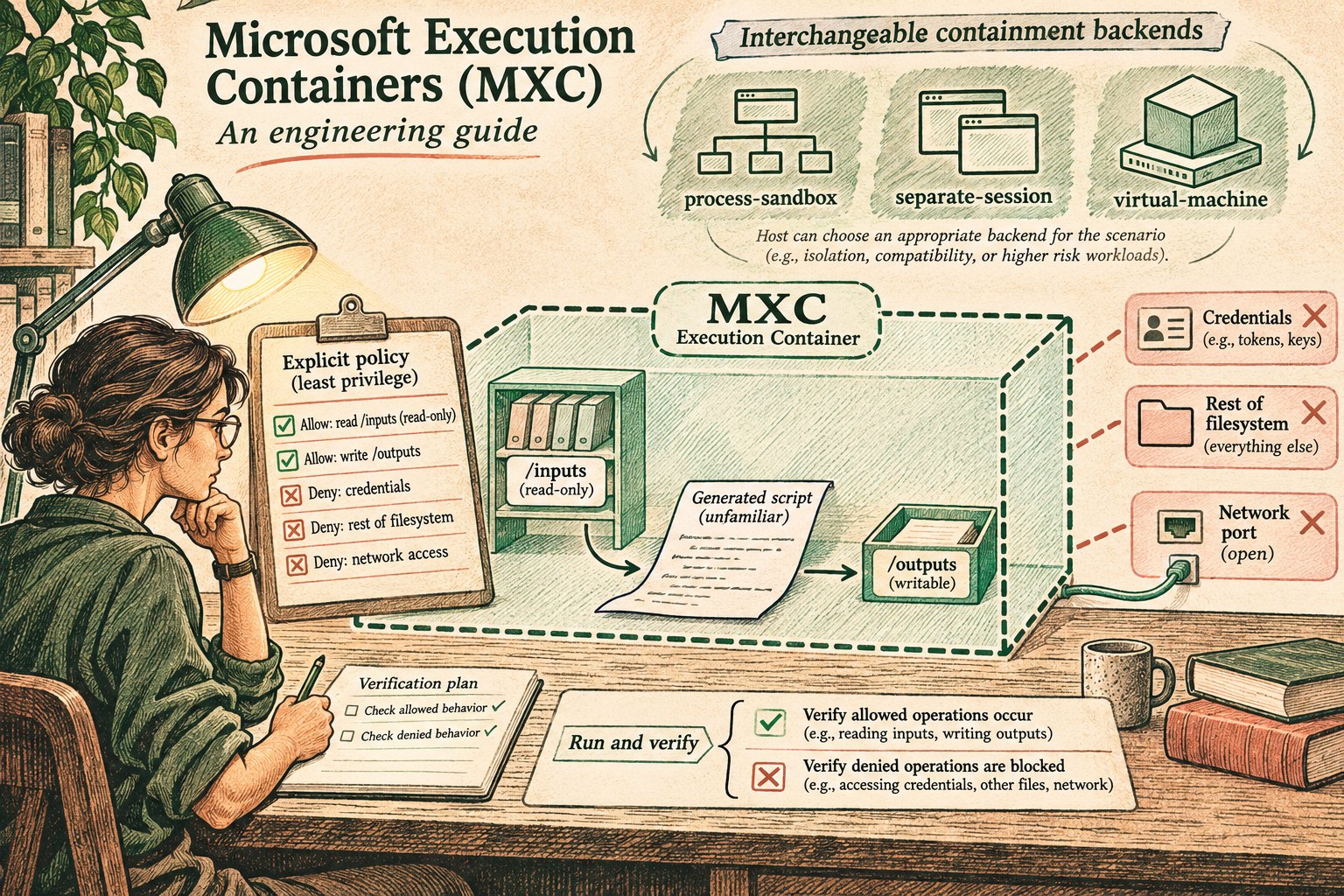
Microsoft’s documentation separates the trusted host application from the workload it launches. The host selects the command, defines allowed resources, starts execution through an SDK, and then handles output, status and cleanup. A policy can describe readable inputs, a writable output folder, network access, and—in supported backends—UI, clipboard or display permissions. The goal is to give a process only what that task needs instead of inheriting all of the host application’s access. [1]
That separation is useful for code assistants, plugin runners, build tools and services that execute user-provided scripts. For example, a repository analysis task may need read-only access to source files and write access to a temporary report directory. It likely does not need signing keys, unrelated workspaces or arbitrary outbound network access. A package-installing build has a different need: it may need network access to a trusted package registry and a larger set of toolchain files. MXC’s policy model lets the application express those tasks separately; the host still has to decide which policy belongs to which command.
The repository lists backends such as Windows process containment, Windows Sandbox, WSL Container, micro-VM and Hyperlight options, plus Linux Bubblewrap/LXC/Hyperlight and macOS Seatbelt. Several are marked experimental or require particular host support. The .NET, Node/TypeScript and Rust SDKs also package or compile different native components. Teams should consult the current compatibility table and release notes before assuming a particular SDK/backend pairing exists on a target device. [2]
Containment does not make a result safe to trust
A sandbox can limit what a workload does inside its boundary; it cannot decide whether the result should trigger an action in the host application. A generated script may still produce a misleading report, a crafted file, or an output that requests a privileged follow-up. The trusted host should validate outputs against a schema, keep authorization checks outside the generated command, and require explicit approval before any operation that affects users or production data.
Microsoft’s guidance makes the same point: containment does not make generated instructions, outputs or permitted actions trustworthy. It recommends testing both permitted and denied operations. A sound validation suite should show that a task can read the intended inputs and write the intended outputs, while attempts to read credentials, modify unrelated files or reach a forbidden network destination fail. “It completed” is not a security test; the denial path is part of the product contract. [1]
MXC also provides a Learning Mode for certain Windows ProcessContainer workflows to help discover which resources a workload tries to use. That can help policy authors identify missing permissions, but it should not be interpreted as evidence that every observed access deserves approval. Review each attempted capability and grant only what the task requires. The repository specifically warns that audit mode disables sandbox security for the workload being analyzed; it must not be used to run untrusted code. [2]
The backend determines the actual boundary
A cross-platform SDK can hide API differences; it cannot eliminate them. Filesystem rules, outbound network controls, desktop access, virtualized isolation and process identity may be supported differently across platforms. Microsoft’s overview says the selected environment must be checked against required controls and that both allowed and denied behavior should be tested. Operationally, maintain a support matrix for OS build, CPU architecture, SDK package version, selected backend and policy features. [3]
Also account for data flows outside the workload’s filesystem. The MXC repository documents Required diagnostic telemetry for eligible Windows builds and describes different behavior for local open-source debug builds and non-Windows platforms. Teams deploying workloads in sensitive settings should read that telemetry policy, verify which build they ship, and include the behavior in their privacy and threat review. It is a specific MXC implementation fact, not a general rule about every backend. [2]
A practical adoption sequence is:
- List the files, network destinations and devices a workload actually needs.
- Select an MXC backend supported on the target OS and confirm which controls it enforces.
- Create separate policies for read-only inspection, builds, and other higher-access jobs.
- Test expected access and deliberate denial attempts on every supported platform.
- Validate output in trusted host code, and gate consequential operations on normal application authorization.
- Review diagnostics and telemetry before distributing the SDK in privacy-sensitive environments.
For background on the broader challenge, see our guide to keeping tools and credentials away from AI-generated commands. The central idea is simple: put a small, auditable interface between a capable host and a risky workload. MXC may provide useful building blocks for that interface, but the security guarantee comes from the policy you choose, the backend that enforces it, and the evidence you collect that the boundary works.
Frequently asked questions
What are Microsoft Execution Containers?
MXC is an open-source execution SDK that gives an application a policy and API for launching workloads with limited resource access. It uses different containment backends on Windows, Linux, and macOS.
Does MXC mean every workload runs in a virtual machine?
No. Microsoft's documentation says a workload may run in an OS process sandbox, a separate session, or a virtualized environment. Available restrictions differ by backend and host.
Does sandboxing make an AI agent's output trustworthy?
No. Containment limits workload access, but the host application must still validate outputs and decide which actions are permitted. MXC's docs say to test both allowed and denied operations.
Sources & further reading
Keep reading
Snowflake Adds a Log-First Mode for Prompt-Injection Guardrails
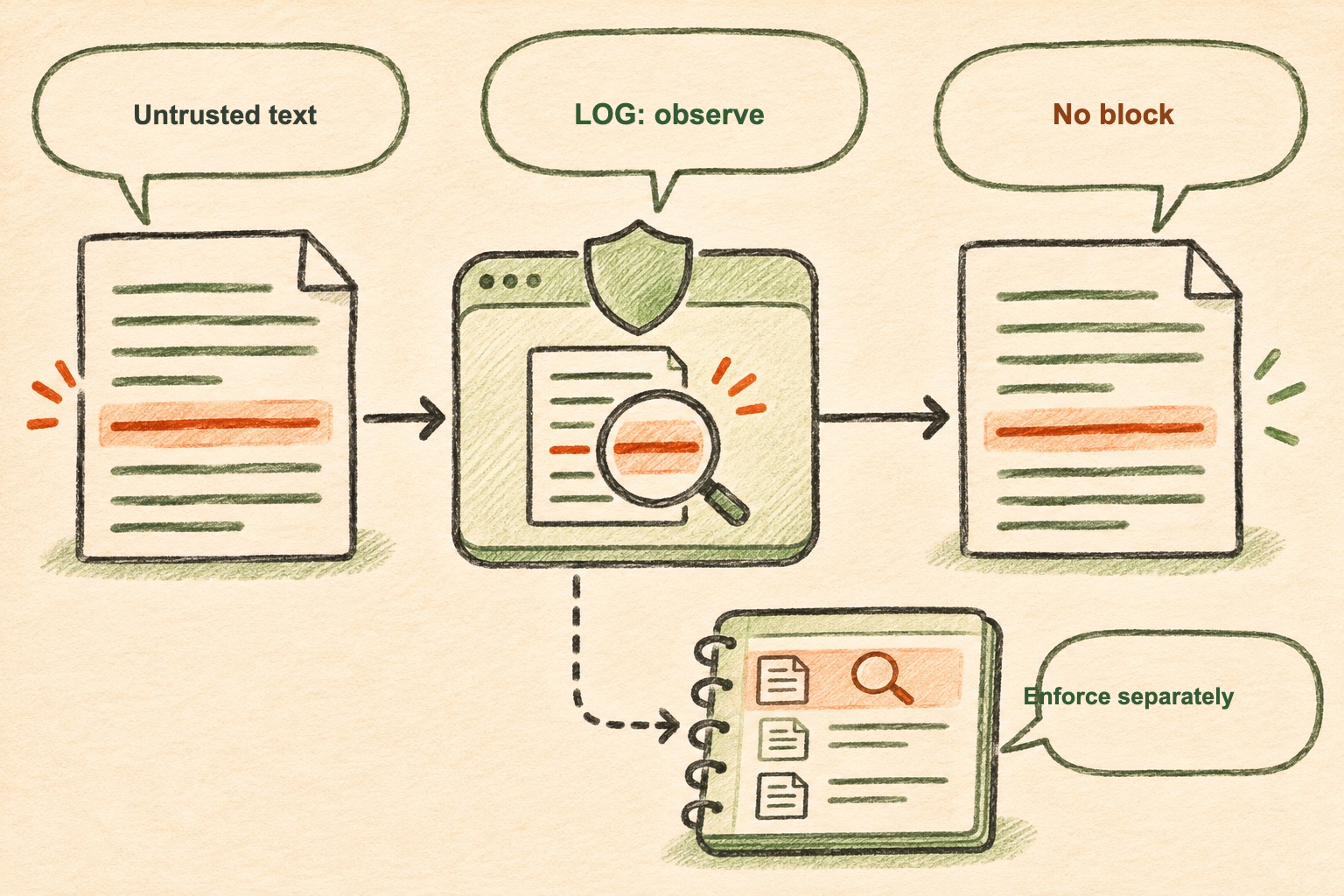
A new LOG option records suspected prompt injections without changing responses, giving teams a way to inspect detections before enabling blocking.
AI Agent Transparency Needs Evidence Outside the Agent's Own Story
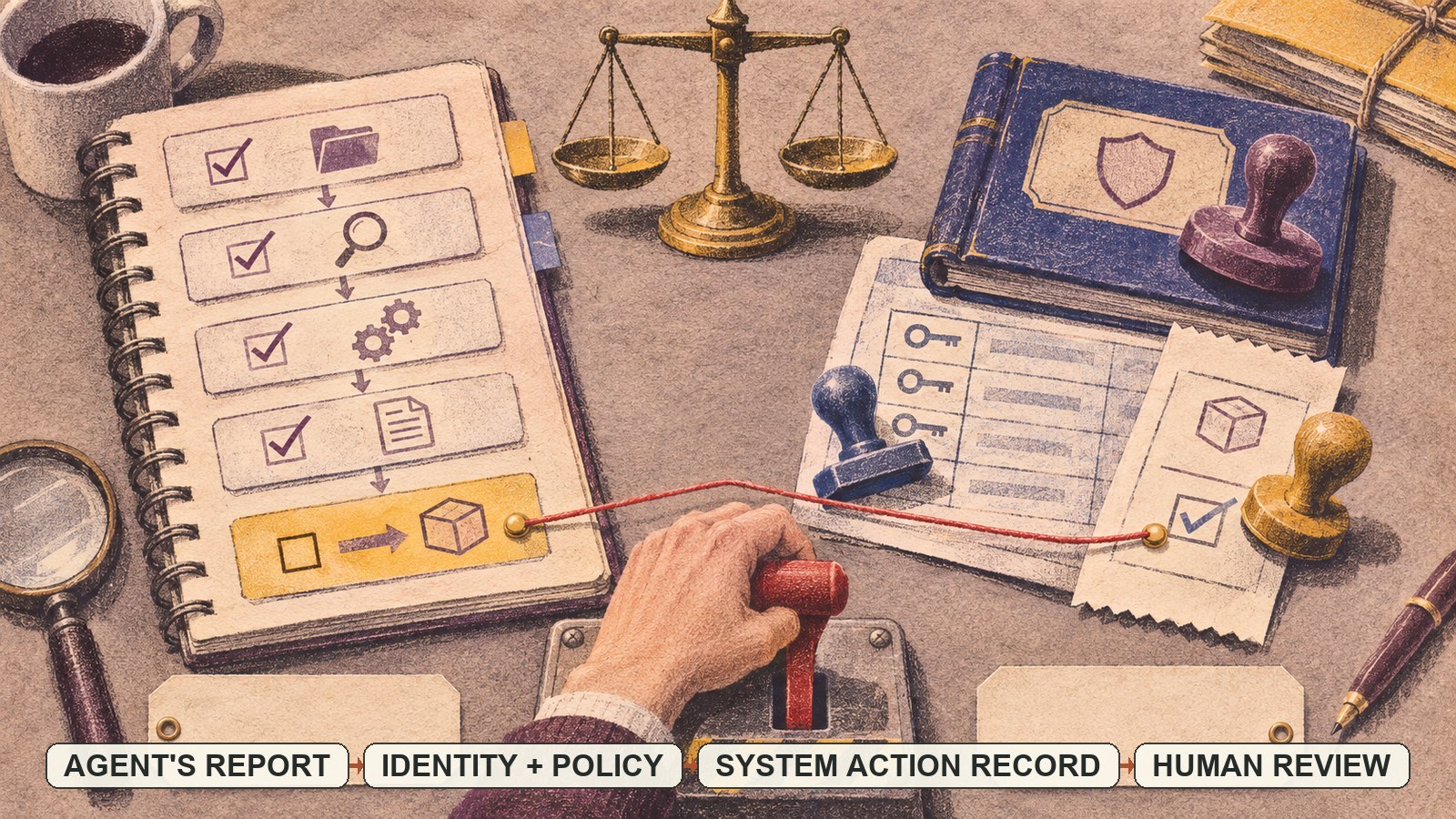
Microsoft's new initiative highlights an operational rule for agent oversight: reconstruct identity, authority and actions from independent records.

Persistent AI Agents Need a Trusted Control Plane and a Small Work Box
OpenAI's OpenClaw deployment shows why persistent agents need separate control services, sandboxed work, brokered secrets and auditable identity.
/* Comments */
Comments are offline right now — we reconnect automatically, nothing is lost.