
Google Workspace MCP Clients Face a November Agent-Use Gate
Google will require an agent-use OAuth client marker for Workspace MCP beginning November 11. Ordinary Workspace REST API integrations are unaffected.
On this page
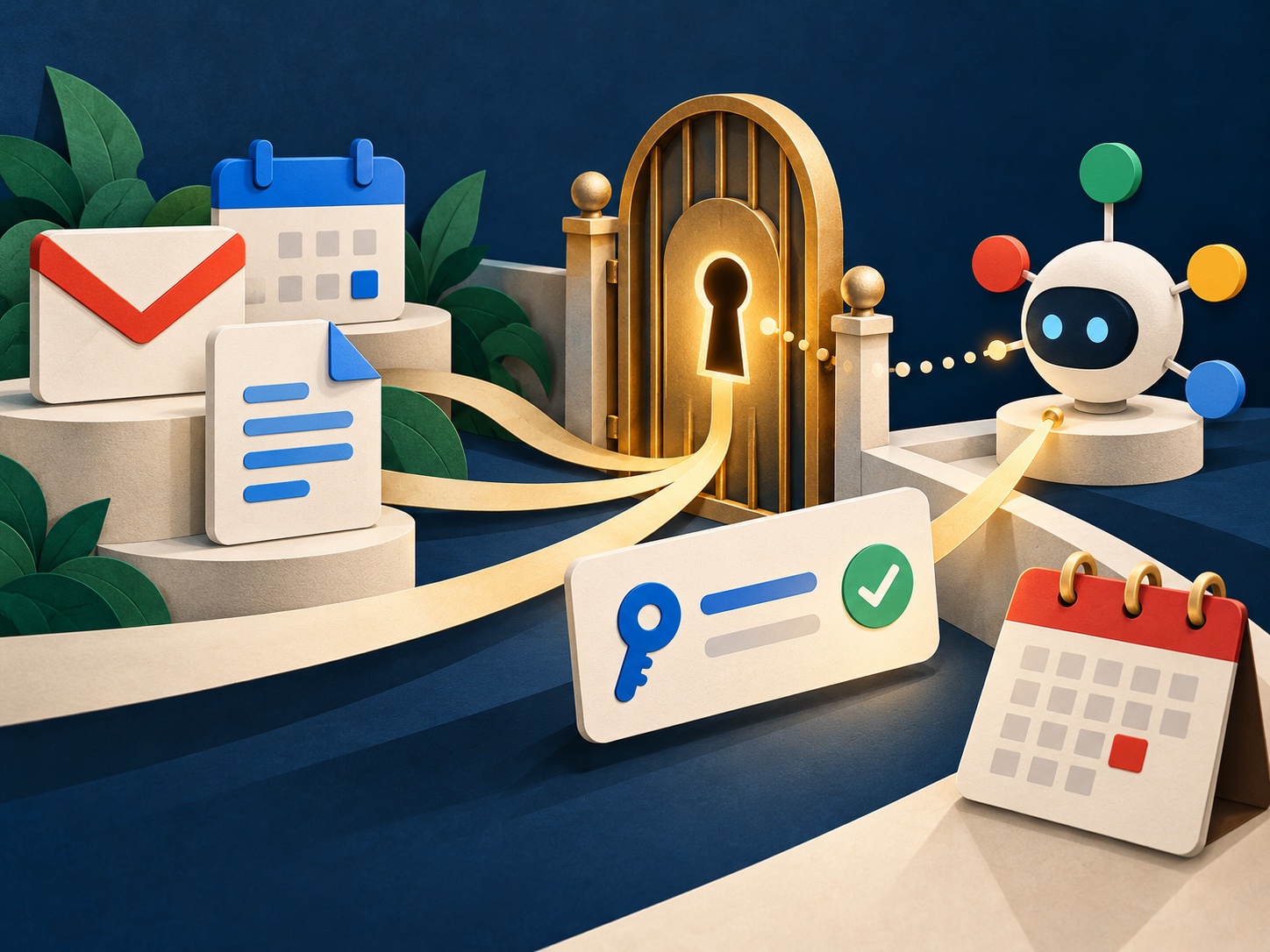
A calendar entry is easy to miss when a product is still labeled preview. Google’s October 12 Workspace release note says that after November 10, Workspace MCP servers will reject clients that lack a specific OAuth consent-screen setting: “Use this client for an AI-powered agent.” That is a narrow compatibility change with a broad operational lesson: an MCP connection is being treated as a distinct agent-use path, not as just another call to a Workspace API.
What changes on November 11
Google’s release note says administrators creating or editing an OAuth client must turn on the agent-use checkbox if the client will connect to a Workspace MCP server. Beginning November 11, the MCP servers will reject requests from clients without that marker. Google’s configuration guide describes setting up the OAuth client and configuring the Workspace MCP server URLs. Both pages identify MCP support as a Developer Preview. [1] [2]
The distinction between MCP and the REST APIs matters. Google says the new restriction does not affect a client that uses regular Workspace APIs without connecting to the MCP servers. A team should therefore not infer that its ordinary Gmail API, Calendar API, or Drive API integration needs a new agent marker simply because it uses the same Google Cloud project. The affected object is the OAuth client used for the MCP route. [1]
This also means the right inventory is more specific than “which teams use AI?” It is: which deployed OAuth client IDs are configured in an MCP host, which Workspace MCP server does each reach, and which application registration owns that client? A developer’s local test client can pass while a production secret points to an older unmarked client. The server-side rejection will follow the credential actually presented, not the architecture diagram.
Why separate the agent client?
OAuth clients are often reused because reuse is convenient: one app registration, fewer secrets, one admin review. But an agent that can read or act across Gmail, Calendar, Docs, Drive, Sheets, or Slides creates a different review question from a conventional application making a fixed set of API calls. A dedicated client gives a security reviewer a clearer place to assess the agent’s purpose, scopes, owner, deployment and revocation path.
Google’s release note specifically recommends a separate OAuth client for an AI-powered agent when the same application also contains non-agent functions. That recommendation is useful even where there is no technical need to split the application binary. The split is an identity boundary: it can let an organization enable the MCP marker on the agent-facing client without changing the registration used by a non-agent workflow. [1]
That does not make the client itself a complete policy system. The Workspace API safety page distinguishes API access tiers and explains that restricted services can have additional requirements. An enabled checkbox should not be read as a blanket approval of an agent’s data access, nor does an OAuth client registration replace consent, least privilege, Workspace administrator controls, or a review of what the agent does with returned data. [3]
A practical migration checklist
Start by finding every MCP server configuration in developer machines, hosted agent runtimes and automation environments. For each, record the server URL, OAuth client ID, owning project, business owner and the secrets manager entry where the client credential is stored. Do not paste secret values into an inventory or ticket.
Then compare the client ID in each running configuration with the OAuth client in Google Cloud. If the application serves both agent and non-agent functions, decide whether the agent should use a dedicated client. Google recommends that separation for mixed applications. Turn on the marker for the client that actually connects to MCP; changing a similarly named but unused registration will not help. [1] [2]
Before the enforcement date, test with the same client and scopes used in production. Verify both a successful authorized request and the failure path after revocation or a missing permission. Check logs for the client ID, server endpoint and error class, while avoiding the logging of access tokens or document contents. Keep a rollback option that removes MCP access or returns the agent to a known non-MCP path; do not assume an older unmarked client will continue working against MCP after the deadline.
Finally, confirm the preview terms and supported surface with the current Google documentation. Preview behavior can change, and a successful test today does not promise that every Workspace service or production configuration is supported. Our MCP architecture explainer can help teams frame the implementation review. For a broader view of product identity boundaries, see Flocci’s shared identity approach.
The boundary is the news
This is not a general ban on agents, and it is not an API-wide date. It is a deliberate marker attached to the OAuth client that asks Google Workspace MCP servers to act for an agent. For admins, the best response is a short, evidence-based migration: identify the client actually in use, separate it if it mixes agent and non-agent duties, then test before November 11.
The deeper design signal is that agent access is becoming an explicit identity category in enterprise systems. That can make review more legible, but only if organizations treat the marker as the beginning of governance rather than its completion.
Frequently asked questions
When does Google Workspace begin enforcing the MCP OAuth client marker?
Google's release notes say Workspace MCP servers will reject OAuth clients without the agent-use marker beginning November 11, 2026. The separate MCP service remains in Developer Preview.
Will this change break regular Google Workspace REST API integrations?
Google says the requirement is specific to Workspace MCP servers. Existing clients that use ordinary Workspace REST APIs are not affected by this MCP eligibility change.
What should a team do if one OAuth client serves agents and regular integrations?
Google recommends using a separate OAuth client for AI-powered agent access when the same application also has non-agent functions, so the MCP permission boundary is explicit.
Sources & further reading
Keep reading

NVIDIA Dory Makes Inference Compute a Knob. What Does That Buy?
NVIDIA Dory 1.0 reuses transformer layers at inference. Its adjustable loop count trades more computation for task performance, not free capability.

Organoids Classified Braille Patterns in a Small Experiment. They Did Not Learn to Read
A Bristol team encoded Braille patterns into stimulation for brain organoids. Its classifier result shows no learning or language comprehension.

Meta’s New Feed Controls Make a Promise. The Ranking System Still Decides.
Facebook’s natural-language feed controls make preference editing easier, but the platform still translates each request into ranking signals.
/* Comments */
Comments are offline right now — we reconnect automatically, nothing is lost.