
AWS Emulator Gives Agents a Safe Test Loop—with a Fidelity Score to Check
AWS Emulator runs supported APIs locally without a cloud account; unsupported operations and measured fidelity define its limits.
On this page
A coding agent that can create cloud resources can also create an unexpected bill or modify the wrong environment. AWS Emulator offers a different path: let the CLI, SDK or agent talk to a local endpoint that behaves like selected AWS APIs, so a developer can iterate before deploying. The key question is not whether the emulator exists; it is which behaviors it reproduces well enough for your tests.

A local endpoint, not a second cloud
AWS announced Emulator on November 11 as a way to build and test applications on a computer or in a CI environment without an AWS account or deployment. Existing AWS CLI and SDK calls can point to the local endpoint. AWS says the emulator creates credentials and local resource state, and that each instance keeps its resources in memory until it stops. The service has no separate fee; cloud resources are charged when teams deploy to AWS. [1] [2]
The important distinction is between API compatibility and service equivalence. An emulator can respond to a supported request with the shape and error behavior expected by an application, but it does not reproduce every cloud property. Real IAM policy evaluation, regional control planes, quotas, network paths, service integrations and failure modes may matter in production even if a local unit test passes.
AWS’s documentation describes the current strongest match as control-plane operations that create, describe, update and delete resources. If an operation is implemented, the emulator aims to reject invalid calls with the same errors as AWS. An unimplemented operation returns 501 Not Implemented; this is an explicit boundary that tests should surface rather than mock away. [2]
AWS says service support is generated from the API models it publishes and then completed and verified release by release. The company publishes an evaluation suite and fidelity scores so teams can see how responses compare with AWS. That makes fidelity a practical input to test design: the score for a service and operation matters more than a broad claim that the emulator supports AWS. [2] [3] [4]
Where it can help first
The clearest first use is application code that makes routine resource-management calls. A test can create a local table, bucket or queue, exercise the code path that configures it, and verify expected state without provisioning those resources in a shared account. Developers can repeat the test quickly and give a coding agent a bounded environment where common API mistakes are visible.
Separate emulator instances also create a useful isolation boundary for parallel tests or agent sessions. Since each instance gets its own port, credentials and in-memory state, one run should not see another run’s resources. Teams should still ensure their test configuration cannot silently fall back to real AWS credentials or a production endpoint; an environment variable typo can turn a local test into a real cloud action.
The emulator is also useful for testing failure handling when its supported behavior matches the application’s expectations. A predictable local API can help test retries, resource lifecycle logic and validation before a cloud integration test. For agent-driven operations, compare this local loop with our guide to exposing bounded workflows as agent tools, which explains where deterministic execution and explicit approvals fit. It does not replace testing of network timeouts, eventual consistency or service-specific behavior that the emulator does not implement.
Read fidelity before trusting a green check
Treat the fidelity report as part of the test fixture. Before choosing an API for an automated test, look up the exact operation and compare the emulator’s behavior with the real service. Record the emulator release used in CI and revisit the report when upgrading. If your application depends on an operation that is missing or has known mismatches, keep a separate test in AWS or use a narrower mock with an explicit reason.
A passing local test establishes that the application behaved as expected against the emulator’s modeled behavior. It does not establish that the same operation will succeed under a real account’s IAM policies, regional availability or quotas. Put those checks in deployment preflight or a small, isolated cloud integration suite. Keep destructive tests away from shared accounts, and use least-privilege credentials for any cloud-backed verification.
This split can improve the feedback loop without pretending that one environment does everything. Run fast emulator tests on every change; run targeted cloud tests where real service semantics matter; and keep a deployment check for configuration and permissions. For a different example of speeding feedback without trusting a shallow pass, see our legacy test-migration pipeline review. That is more useful than treating “local” as a synonym for “identical.”
What the agent-written code story does—and does not—prove
AWS says the emulator was written by autonomous agents and that its team did not write or review the code. Its account describes guardrails and automated gates for generated changes. That is an interesting way to build a test tool, but the origin story is separate from the tool’s fidelity. A development team should evaluate the emulator against its published behavioral evidence and its own test needs, not assume code generation makes it either safer or riskier by itself. [1] [4]
For teams experimenting with coding agents, a local emulator also reduces the need to expose cloud credentials during early development. That is a useful reduction in blast radius, not a complete security sandbox. The agent can still alter local files, consume CPU or make outbound network calls if the rest of its environment permits them. Keep filesystem and network permissions scoped, and avoid putting real secrets in test fixtures.
A better place to start than production
AWS Emulator gives builders a practical place to test a subset of cloud-facing code before deployment. Its strongest case is faster feedback on supported API calls, especially in CI or agent-assisted development. Its limit is equally clear: it is only as representative as its current fidelity and supported operations.
Pick one high-volume resource workflow, check the matching fidelity evidence, and add an emulator-backed test. Then retain a small cloud integration test for the behavior local emulation cannot establish. That way, a local green check means something precise—and the real cloud still gets its own final say.
Frequently asked questions
Does AWS Emulator run real AWS services on my computer?
No. It emulates supported AWS API operations locally. It can help test application behavior without deploying those operations to AWS, but it does not provide the full cloud service or its complete operational environment.
What happens if the emulator does not support an API operation?
AWS documentation says unsupported operations return 501 Not Implemented. Check the current fidelity report and release notes for the services and operations your application uses.
Can passing emulator tests prove my application will work in AWS?
No. An emulator is one layer of testing. Use its published fidelity information, then validate deployment, permissions, networking, limits and real service behavior in an appropriately isolated AWS environment.
Sources & further reading
Keep reading
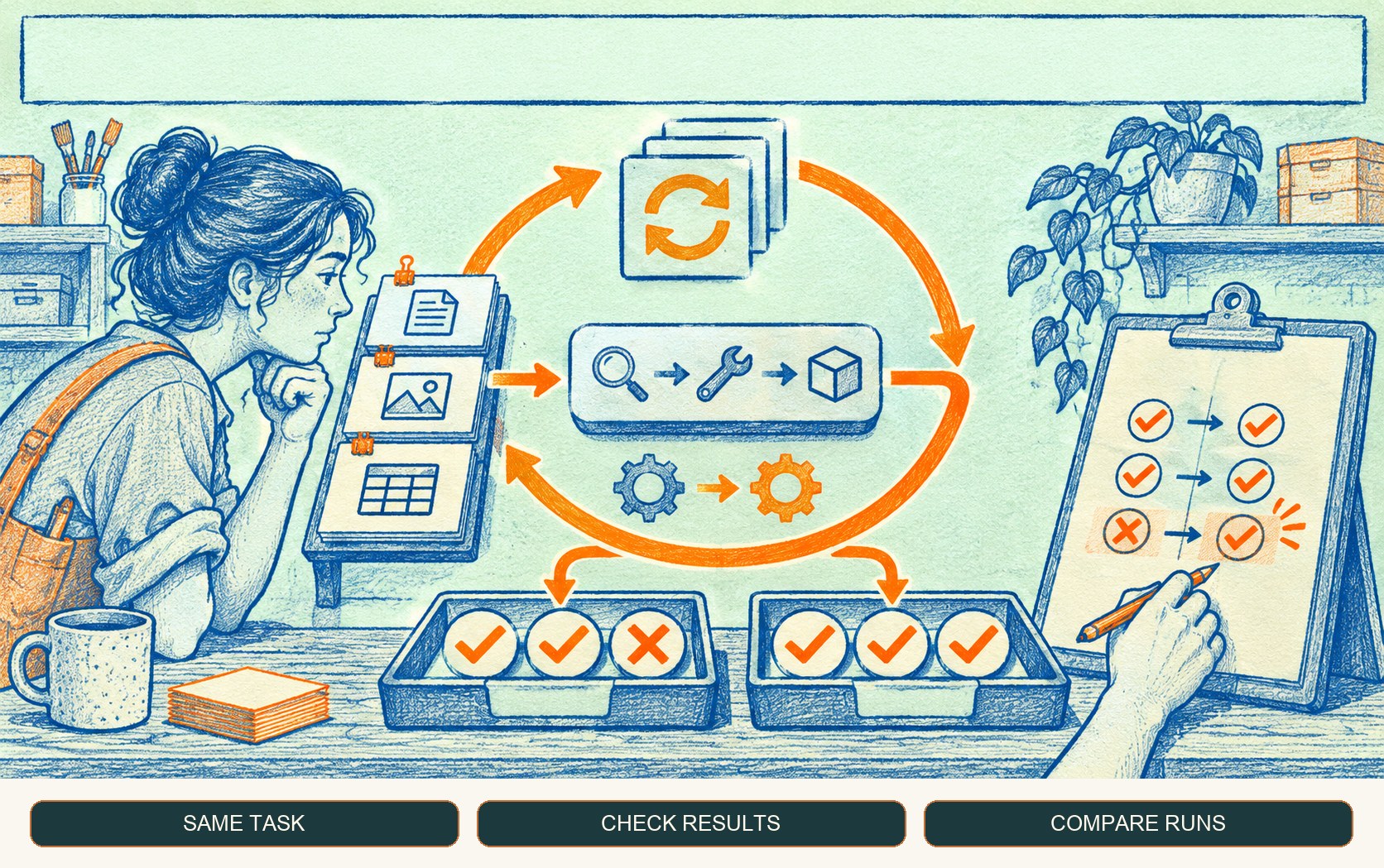
GitHub Copilot Evals Turns Agent Changes Into Repeatable Checks
GitHub's Copilot Evals preview replays realistic tasks against skills, agents and MCP tools. Treat it as a regression aid, not a universal quality score.
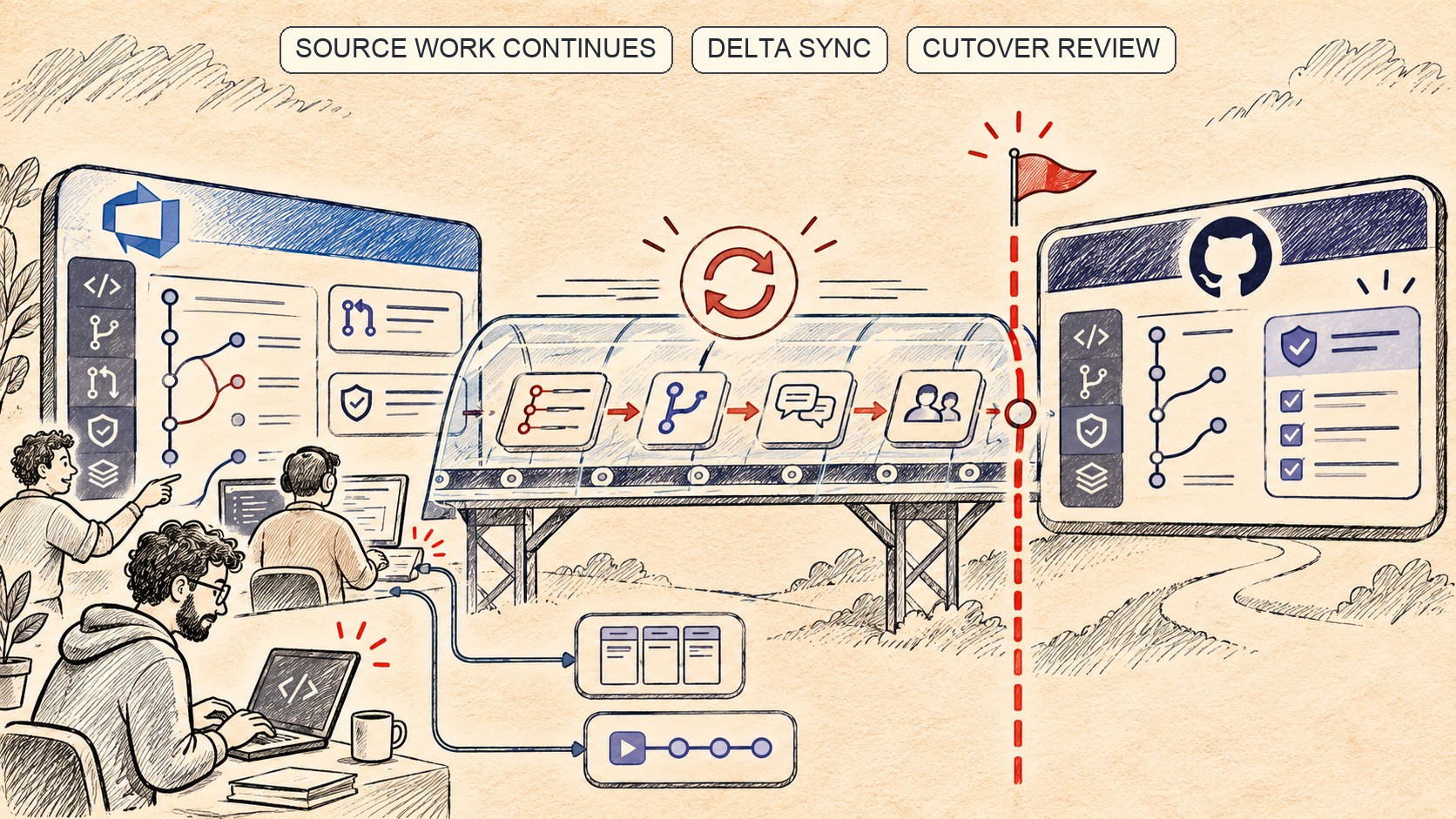
GitHub’s Live Azure DevOps Migration Keeps Syncing Until Cutover
Enterprise Live Migrations move Azure DevOps repositories to GitHub while teams keep working. The important boundary is what does not migrate.
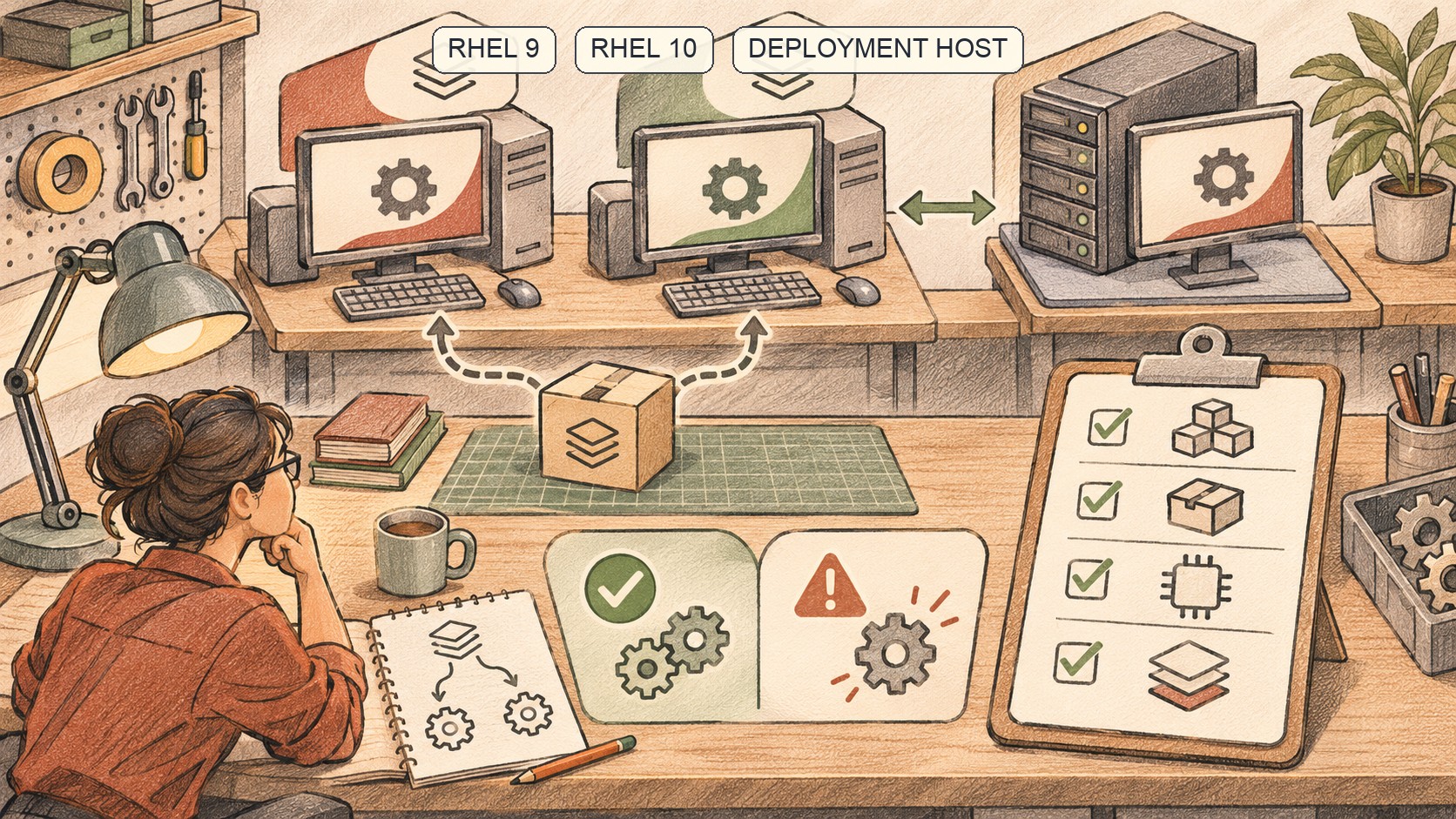
GitHub Actions’ RHEL Images Bring the Build OS Closer to Production
RHEL 9 and 10 are now GA on GitHub-hosted larger runners. OS fidelity helps, but image, access and runner-group choices still matter.
/* Comments */
Comments are offline right now — we reconnect automatically, nothing is lost.