
GitHub Copilot’s New App Identity Moves Agent Billing to the Organization
GitHub’s Copilot SDK preview separates service identity from a person’s login, shifting agent access, policy and usage accountability to the organization.
On this page
An automated coding service should not need to pretend to be an employee. GitHub’s October 27 public preview gives services built with its Copilot SDK a separate, organization-owned identity through an installed GitHub App. The practical change is less about removing a login prompt and more about making the agent’s permissions, spending and shutdown path belong to the organization that operates it.
What the preview changes
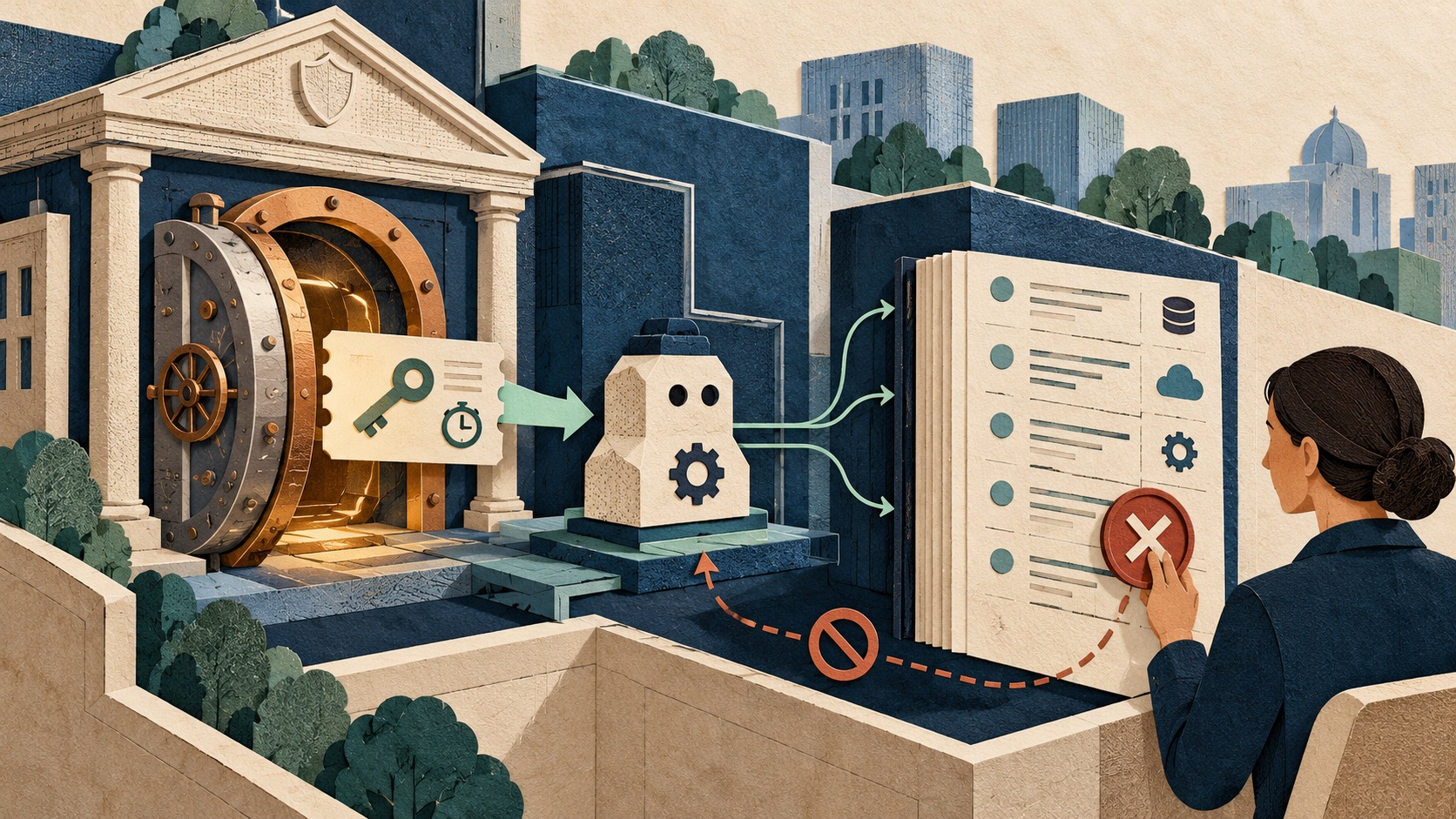
GitHub says an organization can grant a GitHub App the read-only Copilot Requests organization permission, install it, then pass a short-lived installation access token to the Copilot SDK. The service can make requests without relying on a signed-in user’s credentials. Requests are attributed and billed to the organization that owns the installation; that organization’s model policies, budgets and spending controls apply. An owner can identify app-attributed usage through app_client_id in AI usage CSV reports and suspend or uninstall the app to stop access. [1] [2]
This creates a clearer principal for unattended work. A human session is a poor identity for a scheduled worker: it can expire, inherit an employee’s broad permissions, and make usage attribution ambiguous. A GitHub App instead represents a service that an organization explicitly installs and can manage. The preview is currently described by GitHub as public preview, so teams should confirm availability and terms in their own organization before depending on it.
Identity is only one part of the boundary
A service credential proves which workload is calling. It does not by itself decide whether a proposed command, repository, model or data path is appropriate. GitHub’s separate app permission is described as read-only and Copilot-specific; administrators should still examine the app’s installation scope and the capabilities of the automation behind it. A token with a short lifetime limits exposure after leakage, but the issuing identity and refresh path still need protection.
The OAuth security best-current-practice document treats credential theft, privilege escalation and token misuse as design threats, and recommends controls such as sender-constrained or rotated refresh tokens in applicable flows. Those protocol recommendations are not an audit of GitHub’s implementation, but they reinforce the operational point: a workload identity needs a lifecycle, not just an issuance step. [3]
A useful first deployment is deliberately narrow: install one app on a bounded set of repositories, use a dedicated service identity, and make the task read-only or otherwise minimally privileged where possible. Then review the usage export and the resulting changes before widening its reach. Where the agent can write code or initiate workflows, keep those capabilities separately gated and auditable.
A better unit for cost and incident response
Organization attribution makes two previously blurred questions easier to answer: which automated service generated the usage, and which owner can stop it? GitHub says its CSV report includes the app client ID, while access can be stopped by suspending or uninstalling the app. Those controls are valuable only if someone monitors the report and knows which internal service maps to each app ID. [1] [4]
Teams should record an owner, purpose, installation scope, token handling path, expected usage and retirement procedure for each service app. Alert on unexpected usage, and ensure suspension is an operationally tested action rather than an undocumented emergency option. Don’t treat the app’s display name as sufficient provenance; keep an internal registry that maps the immutable app identifier to the service and accountable team.
What to evaluate before adopting it
The preview is most useful when a service genuinely needs Copilot SDK access without a person present. It is less compelling if the automation runs only during a person’s interactive session or if the organization has no process for managing GitHub Apps. Before adopting it, answer three questions: can the service’s access be limited to the needed organization scope; can its usage be recognized and reviewed; and can an owner quickly suspend it without disabling unrelated developer access?
Those are ordinary service-account questions, applied to an AI workload. The design direction is sensible because accountability follows the organization that owns the automation instead of an employee whose credentials happen to be available. Security still depends on least privilege, protected tokens, clear attribution and a dependable revocation path. For related context, see our guide to tool permission boundaries for coding agents.
Frequently asked questions
What changed with GitHub Copilot server-to-server authentication?
GitHub's public preview lets a GitHub App installed on an organization use a short-lived installation token with the Copilot SDK, so a service can act without a signed-in user's credentials. Usage is attributed to the organization and subject to its model policies and budgets.
Does an organization-owned agent identity remove the need for access controls?
No. It changes who owns and can audit the identity. Organizations still need narrow permissions, token lifecycle controls, policy review, usage monitoring, and a way to suspend or uninstall an app when its access should end.
Sources & further reading
Keep reading

Google’s Flu Forecast Win Shows Why Public-Health AI Needs Calibration
CDC ranked a Google model first on one flu forecast score. Here is what that result says about accuracy, uncertainty and public-health planning.

AI Blind-Sweep Ultrasound Matches Experts in Two Clinics. What the Study Proves
A prospective study tested AI gestational-age estimates from scans by novice operators in Chicago and Nairobi, with important limits on generalization.

Meta’s PrivacyLib Puts Agent Data Rules at the Point of Access
Meta’s latest infrastructure account shows how shared privacy checks can follow internal AI-agent requests across connected data systems.
/* Comments */
Comments are offline right now — we reconnect automatically, nothing is lost.