
GitHub Team’s Automatic Risk Assessments Surface Work, Not Fixes
GitHub Team now runs organization security risk assessments automatically. Understand the findings and turn them into owned remediation.
On this page
Security work often stalls before someone answers, “Who fixes this?” Findings are spread across repositories and tools, while leaders lack an organization-level view of what to prioritize. GitHub’s automatic risk assessments on Team aim to provide a starting point. The announcement promises automatic assessments and reviewable findings; it does not remove the engineering work that follows. [1]
What the assessment helps answer
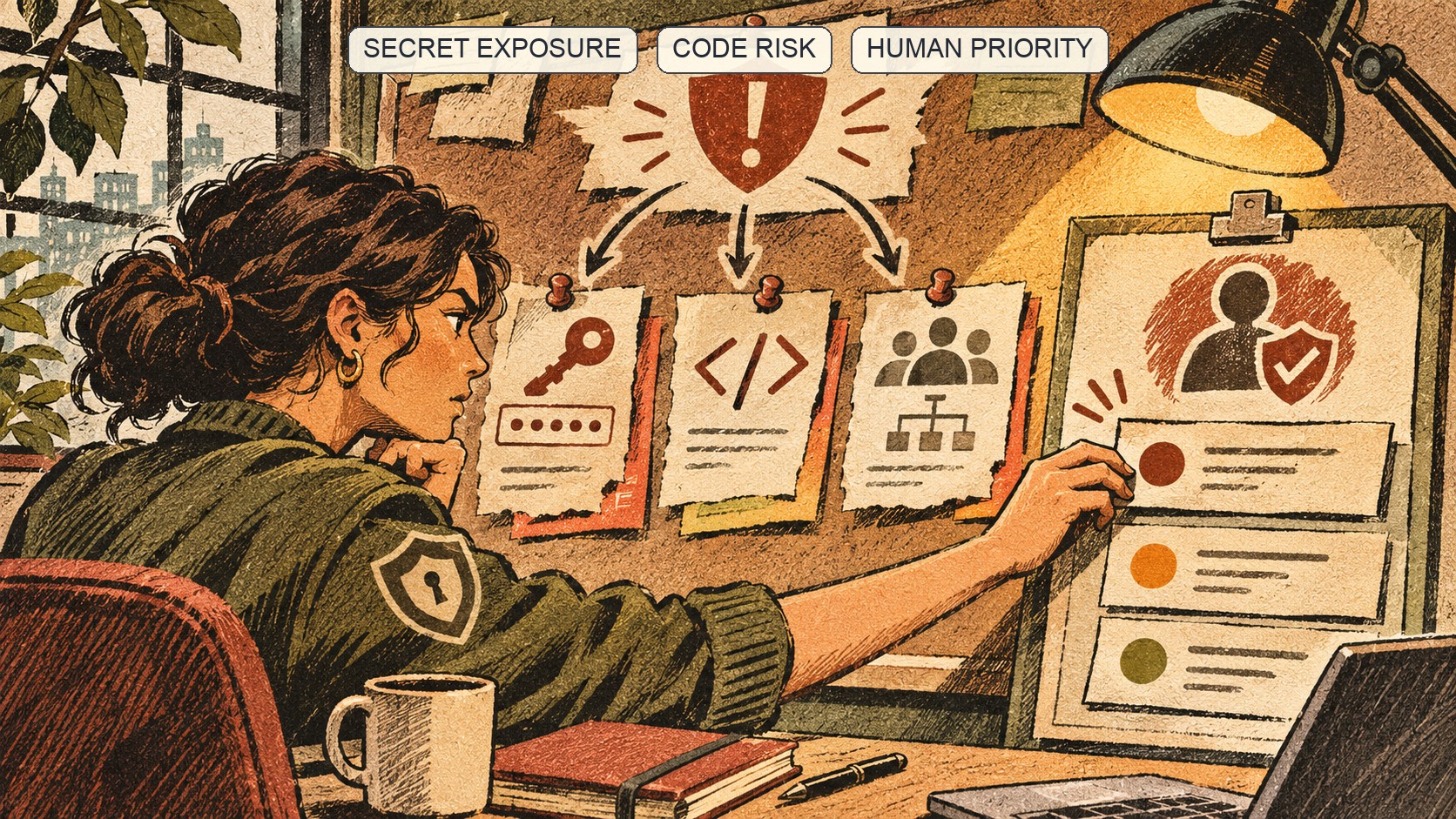
GitHub points to code-security and secret-risk assessments. The code assessment helps an organization understand its code-scanning posture and identify repositories that may need security features or configuration attention. The secret assessment helps evaluate exposure risk and scanning posture. These views can make “where should we look first?” easier to answer. [2] [3]
That is a discovery aid, not a complete risk model. A secret’s impact depends on whether it is genuine and active, what permissions it has, where it was exposed and whether it was revoked. A code finding’s urgency depends on reachability, deployment and compensating controls. The assessment surfaces a signal; the team supplies context.
GitHub calls the assessments free and says admins and security managers can review findings. The announcement does not promise universal repository coverage or automatic code changes. Treat the result as a starting point, not a certification that an organization is secure. [1]
Turn findings into a queue engineers can close
For a secret, establish whether the value is genuine and active, identify the issuing system, and confirm rotation or revocation. Teams can also compare this triage with the existing secret-detection review workflow. GitHub’s secret-scanning documentation describes the alert workflow; an organization summary should lead responders to that detail, not replace it. [4]
For code scanning, confirm repository, branch and alert, then identify an owner to assess the affected path. Do not treat a high-level indicator as proof of exploitability. Conversely, a quiet assessment does not prove absence of risk if scanning is disabled, a language or path is unsupported, or relevant code is out of scope.
Make confirmed findings actionable with an owner, validation status, business impact, due date, remediation link and closure evidence. For credentials exposed in build output, see the related GitHub Actions workflow-log scanning coverage. Group duplicate root causes, but preserve the affected-repository list. Assign someone to verify that the fix or credential rotation took effect.
Automatic does not mean complete
The short announcement does not specify every trigger, cadence, coverage rule or export option. Check current assessment documentation and UI before setting expectations. Verify which repositories are included, what permissions are needed, when results refresh and who can view them. “Automatic” alone does not answer those questions. [1] [2] [3]
Compare the assessment with existing controls: are production repositories represented, are scanners configured where policy requires them, do alerts reach a queue with an owner, and is there a process for secrets found in public history or build logs? The assessment can expose gaps; the scanners and playbooks still need configuration.
Organization findings can contain sensitive code or credential exposure details. Limit access and decide where evidence or follow-up tickets live. A broader view makes risk easier to see, which makes access policy relevant.
Measure closure, not dashboard activity. Track unassigned finding age, time from validation to mitigation, recurrence and whether scanning remains enabled after the fix. These are operational recommendations, not metrics GitHub says the feature supplies. A faster inventory helps; completed remediation is the outcome that matters. [2] [3]
Read the scope before reading the score
GitHub’s current code-assessment documentation gives the report a concrete boundary: it scans up to 20 organization repositories, preselecting private and internal repositories based on commit activity during the previous 90 days. An administrator can change that selection before the scan. A repository must contain at least one language supported by code scanning to be selected; the scan has a one-hour timeout, and a repository with no successfully scanned language is counted as failed. Results can be rerun every 90 days. [2]
Those details make this a useful first-look assessment, not a census of every repository. If an organization has more than 20 active repositories, decide which ones to include and document the selection rationale. A quiet or failed repository should not disappear from the risk register; identify another way to assess it. Keep the report date and selected repositories with any executive summary so readers do not treat a bounded sample as full coverage.
The secret and code assessments run independently and appear in separate tabs. The documentation also describes an initial secret assessment as initiating a code assessment if one has not previously run. Verify the current UI flow before creating a recurring procedure, because permissions and assessment behavior can evolve. The 90-day cadence also means this report is not a substitute for continuous alerting from code and secret scanning. [2] [3]
Frequently asked questions
Do assessments automatically fix vulnerabilities?
No. They surface findings and help prioritize next steps. Teams still validate, assign owners, remediate and verify closure.
Do they replace code and secret scanning?
No. The organizational assessment complements supported security signals; it does not replace the underlying tools or response process.
Sources & further reading
Keep reading
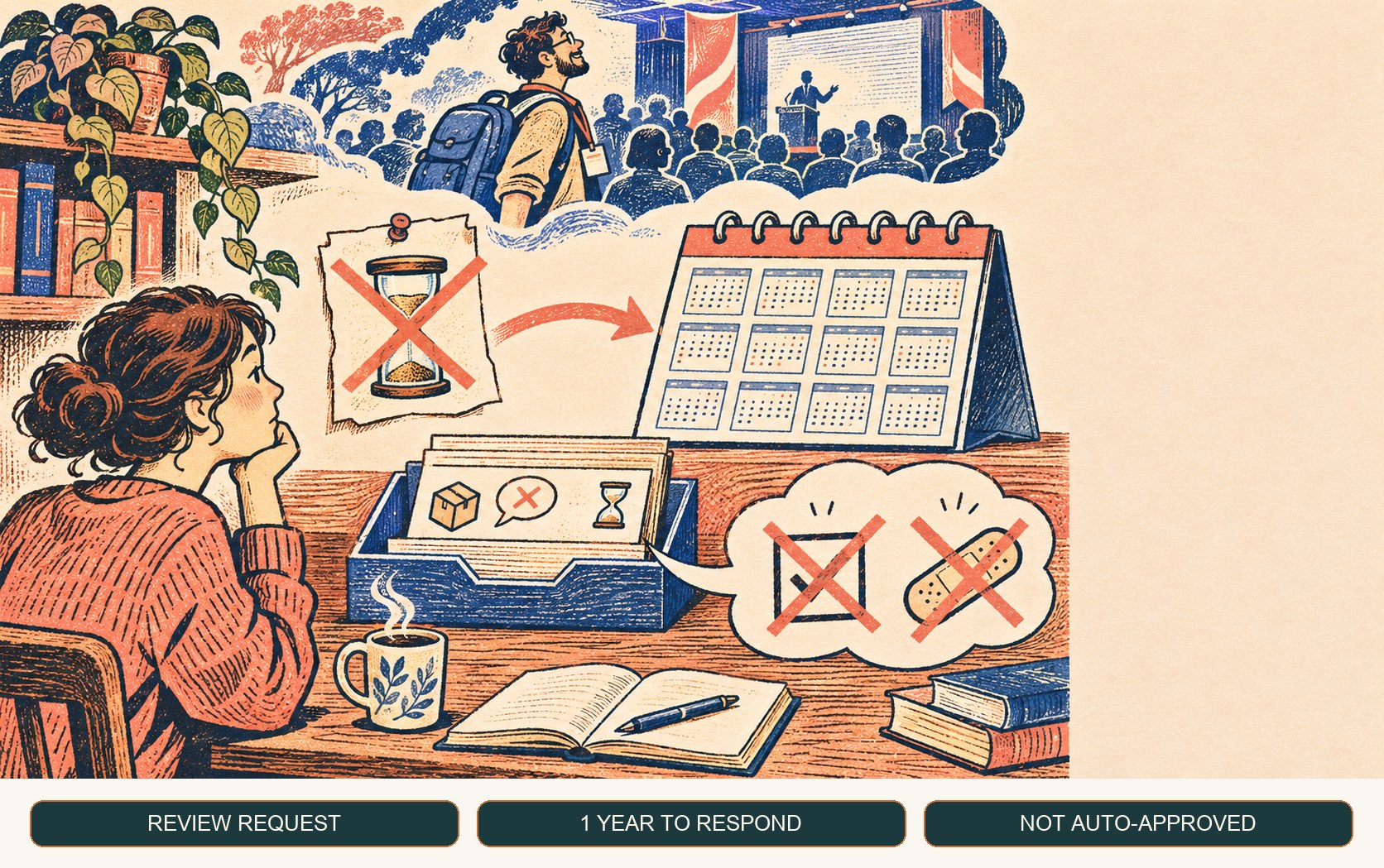
Dependabot Dismissal Requests Now Stay Open for a Year
GitHub extended delegated Dependabot dismissal requests from one week to one year. The extra time helps review coverage but does not approve or fix alerts.
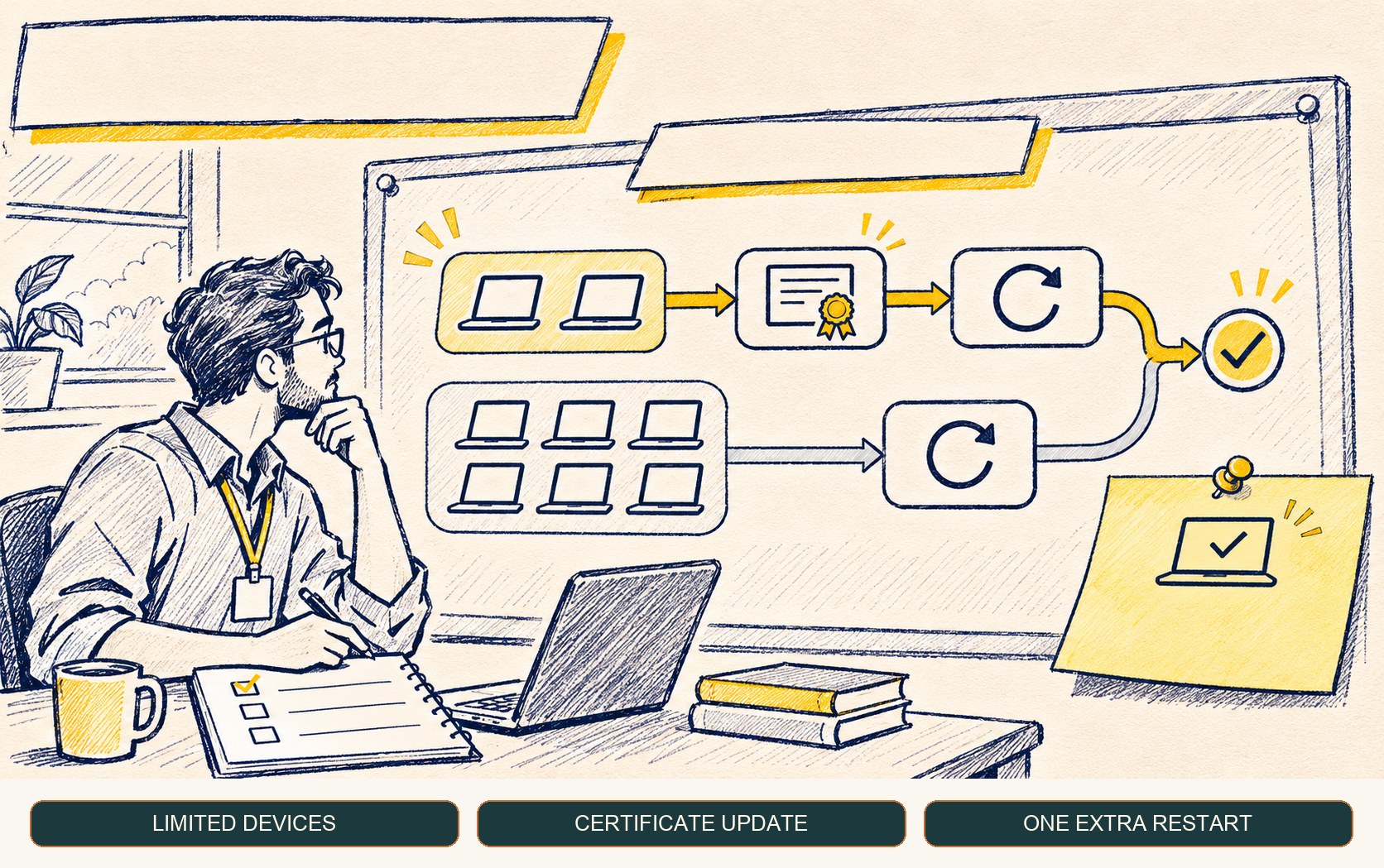
Windows Warns Some Secure Boot Updates May Add One Restart
Microsoft says a limited number of devices may restart once more during Secure Boot updates. Plan without mistaking the extra restart for a failure.
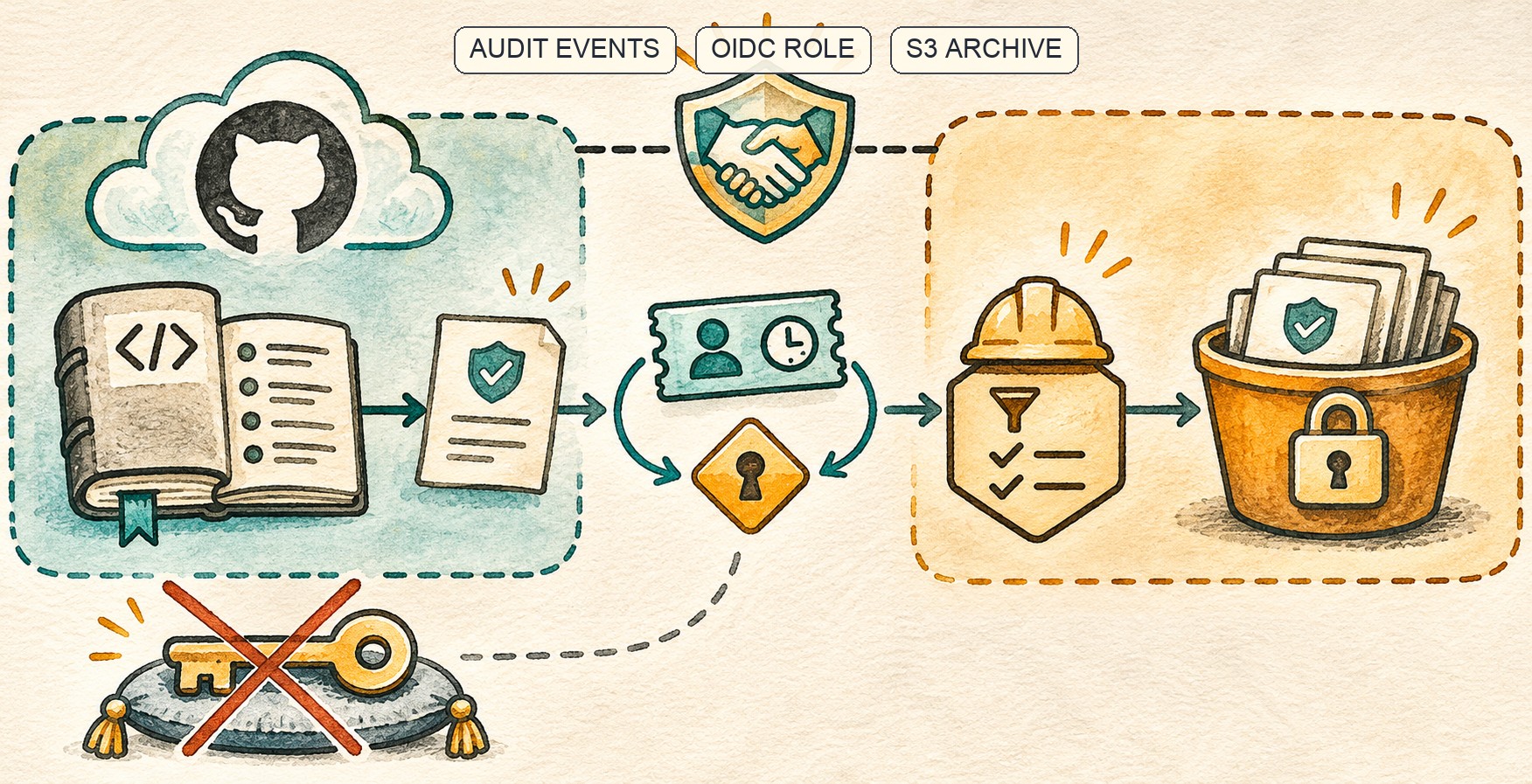
GitHub Audit Logs Reach GHE.com’s S3 Stream Through OIDC
GitHub extended OIDC-based S3 audit-log streaming to GHE.com. Short-lived role access removes stored AWS keys, but trust and retention still need care.
/* Comments */
Comments are offline right now — we reconnect automatically, nothing is lost.