
Windows Warns Some Secure Boot Updates May Add One Restart
Microsoft says a limited number of devices may restart once more during Secure Boot updates. Plan without mistaking the extra restart for a failure.
On this page
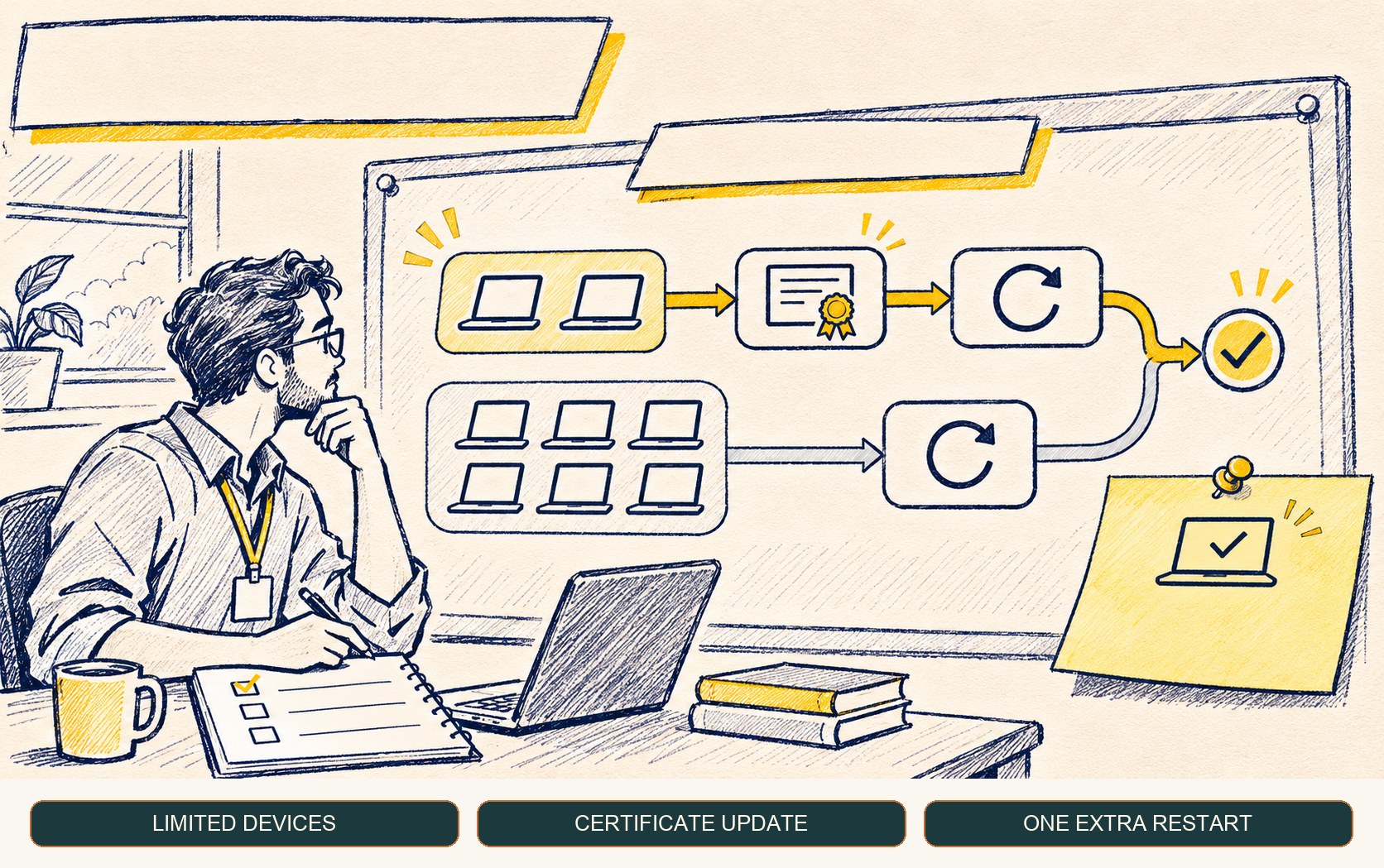
A restart message during update installation can interrupt a user’s work or an administrator’s maintenance window. Microsoft has warned that a limited number of Windows devices may see one additional restart while a Secure Boot certificate update is applied. The detail to plan for is the possibility of an extra reboot on some devices, not a broad failure state.
What Microsoft said
In its November 19 message-center update, Microsoft said that a limited number of consumer and business devices might experience one additional restart over the coming months. The restart occurs after a Secure Boot certificate update is applied as part of the certificate update process. The notice links to the broader Secure Boot update guidance but does not identify a universal device list or say that every update installs the certificates. Windows message center
Microsoft’s Windows 11 preview update page adds an important status note: devices that have not received newer certificates continue to start and operate normally, and standard Windows updates continue to install. Microsoft says the newer certificates will continue to be delivered through Windows Update in the coming months. KB5132057
Secure Boot helps a device verify boot components before handing control to the operating system. Certificates used by many Windows devices began expiring in 2026, so the update work is part of renewing the trust chain ahead of those expirations. The exact certificate readiness and deployment path depends on the device and its management state; administrators should follow Microsoft’s current Secure Boot certificate guidance.
How to plan for a possible extra reboot
For managed fleets, the immediate operational step is to leave enough time in update windows for a restart sequence that can take an additional cycle on some devices. Do not build a rigid assumption that every endpoint will restart twice; Microsoft’s wording is explicitly limited to a subset. Instead, watch actual update completion and restart telemetry for the device groups in the rollout.
This is also a communication issue. Users who see another restart should know it can be part of certificate servicing, while service desks should have a way to distinguish a completed update from a device that is genuinely stuck or failing to boot. Avoid asking users to interrupt power or roll back security updates based solely on the second restart.
Other November Windows changes are also arriving in phases. Our guide to the Windows Search redesign preview explains why an installed update and a visible feature do not always appear at the same time.
A concise readiness checklist
- Confirm current Secure Boot guidance. Check the latest Microsoft certificate status and update instructions for the device class you manage.
- Allow for restart variance. Schedule maintenance windows with enough margin for the additional restart that may occur on a limited number of devices.
- Observe device completion. Use existing management and update telemetry to confirm installation and restart state rather than guessing from one notification.
- Keep recovery steps current. Make sure support staff know how to handle a real boot or update failure and can separate it from the documented extra-restart behavior.
- Avoid broad workarounds. The notice does not recommend disabling Secure Boot or pausing updates; follow the vendor’s documented deployment path.
What remains uncertain
Microsoft’s notice does not quantify what “limited number” means or provide a per-device prediction in the message center. Organizations should rely on their own device telemetry and the official certificate readiness tools and guidance as rollout continues. The extra restart is a possibility to accommodate, not proof of a device problem.
Frequently asked questions
Will every Windows device restart twice during an update?
Microsoft says a limited number of consumer and business devices might experience one additional restart during installation when a Secure Boot certificate update is applied. The notice does not say every device will restart twice.
Will a device stop working if it has not received the new Secure Boot certificates?
Microsoft says devices that have not yet received the newer certificates continue to start and operate normally, and standard Windows updates continue to install. Updated certificates are being delivered through Windows Update to eligible devices.
Sources & further reading
Keep reading
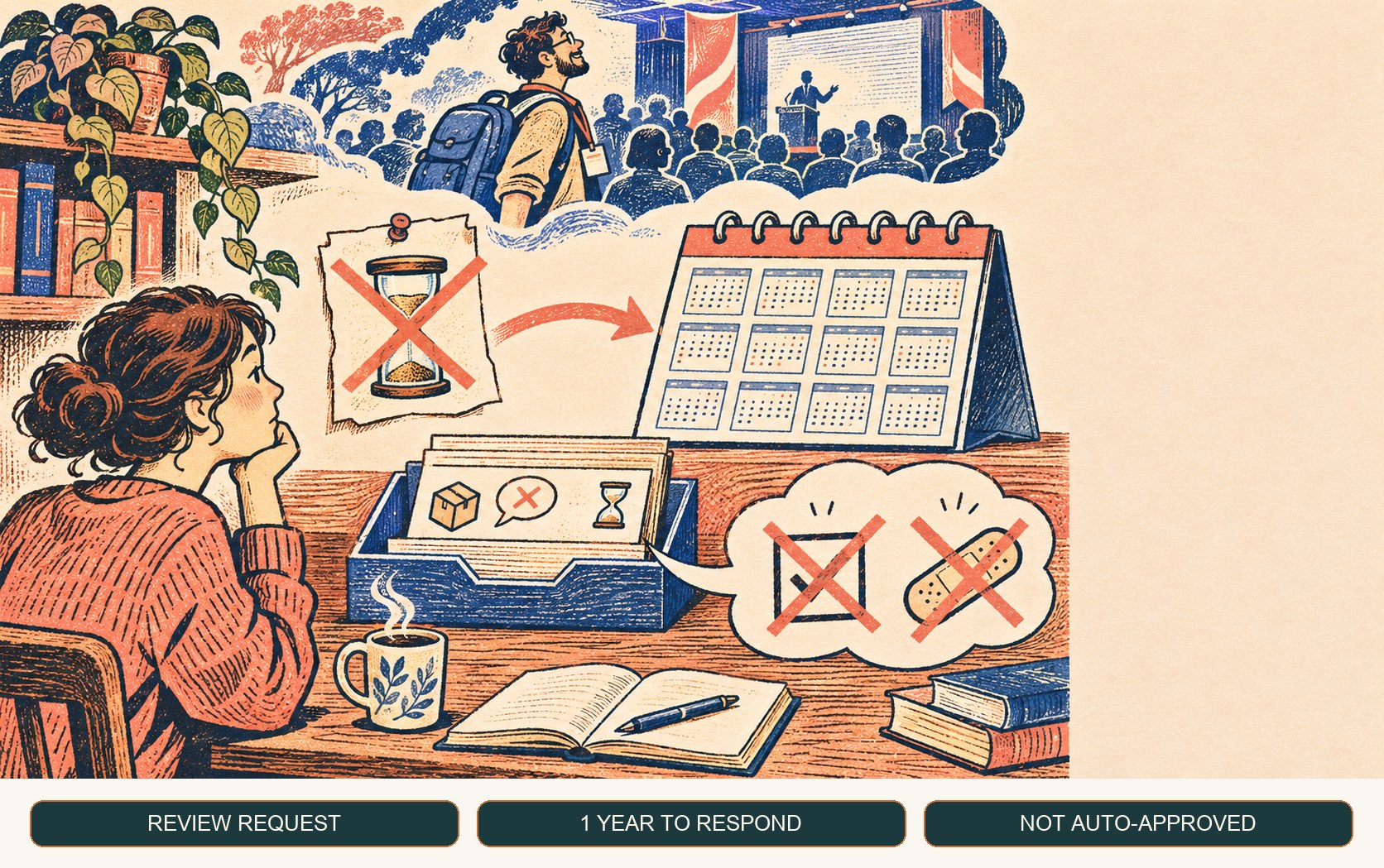
Dependabot Dismissal Requests Now Stay Open for a Year
GitHub extended delegated Dependabot dismissal requests from one week to one year. The extra time helps review coverage but does not approve or fix alerts.
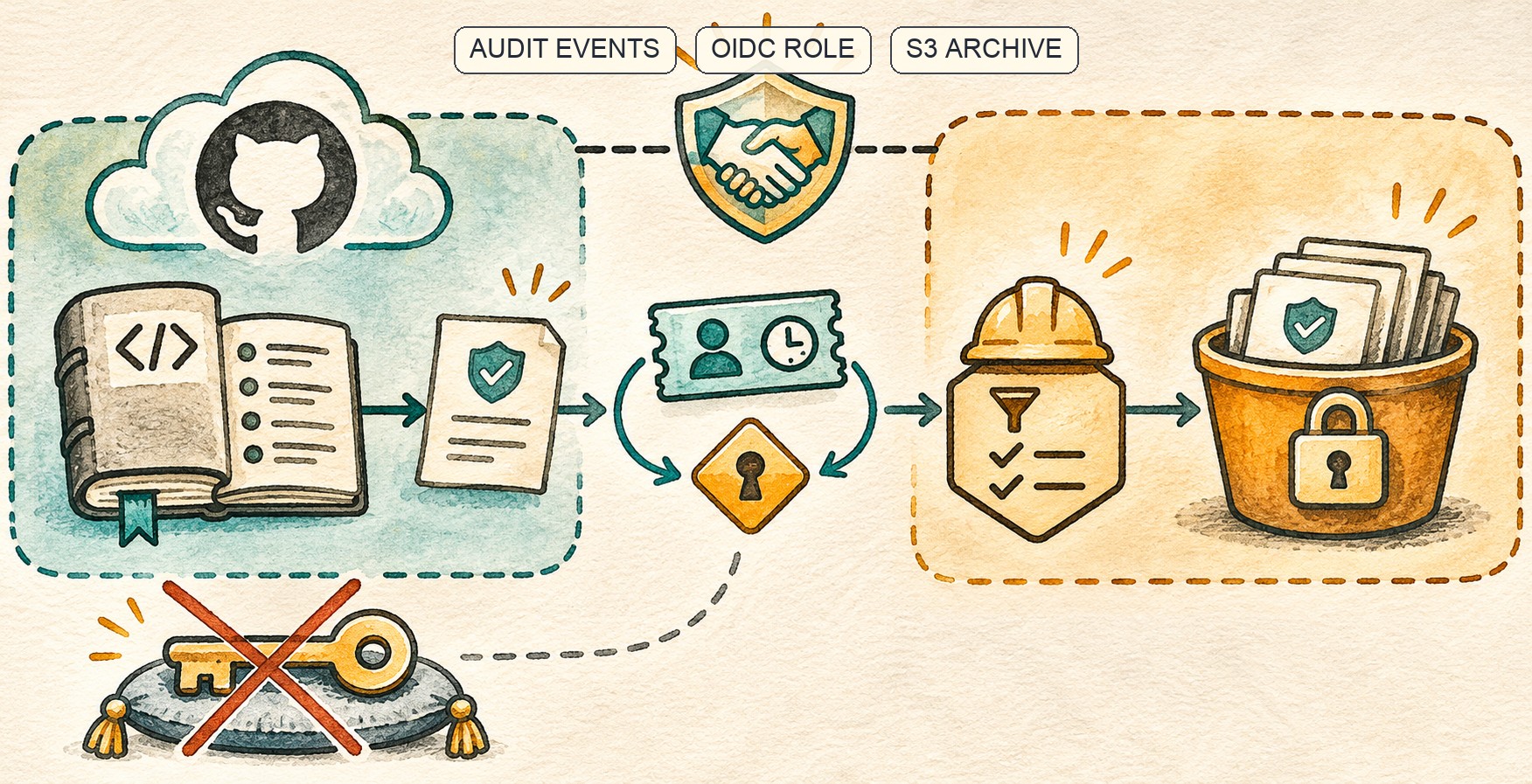
GitHub Audit Logs Reach GHE.com’s S3 Stream Through OIDC
GitHub extended OIDC-based S3 audit-log streaming to GHE.com. Short-lived role access removes stored AWS keys, but trust and retention still need care.
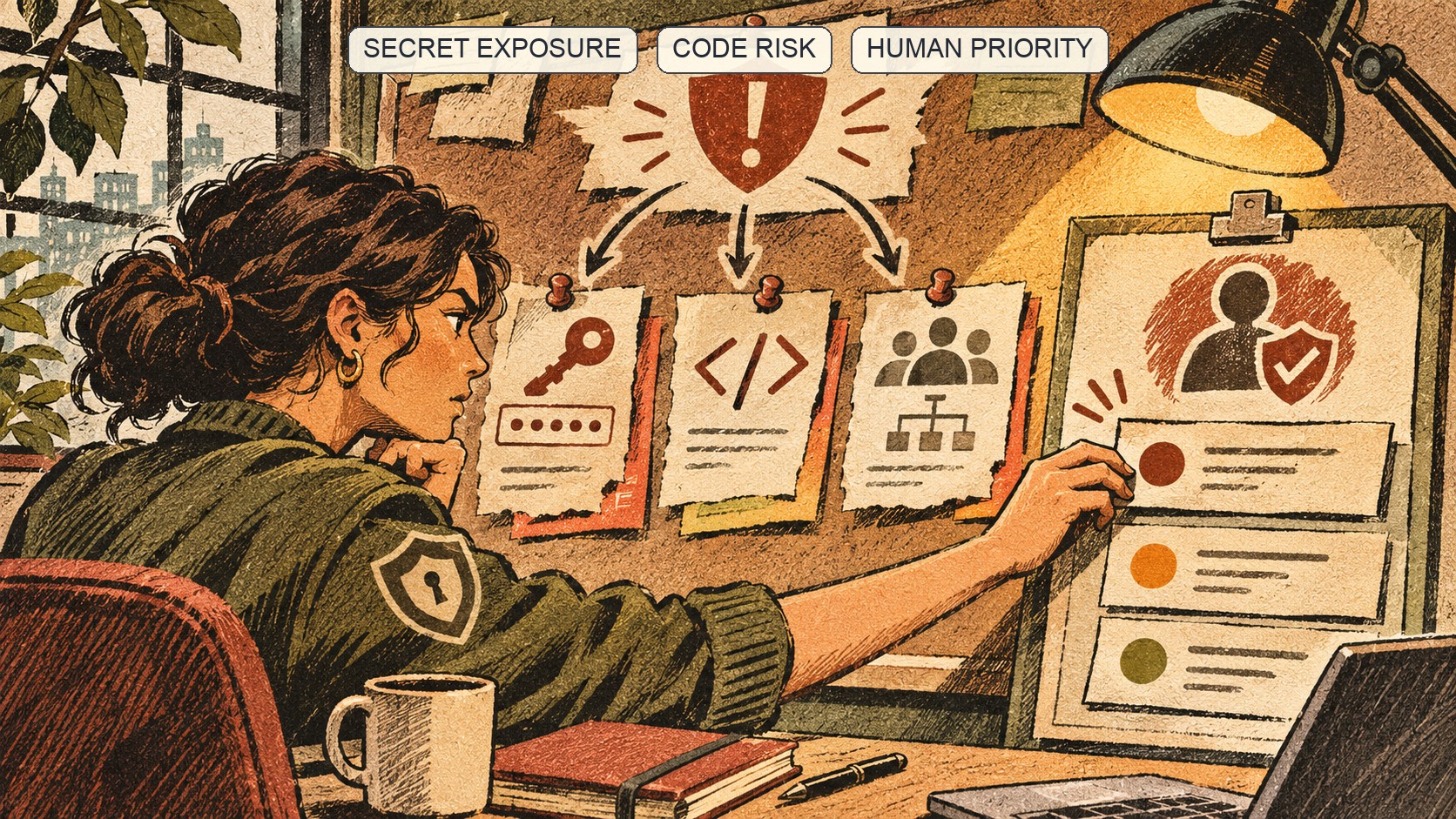
GitHub Team’s Automatic Risk Assessments Surface Work, Not Fixes
GitHub Team now runs organization security risk assessments automatically. Understand the findings and turn them into owned remediation.
/* Comments */
Comments are offline right now — we reconnect automatically, nothing is lost.